How to Add Narration to Your Slides with Zendeck's PPT-to-Video
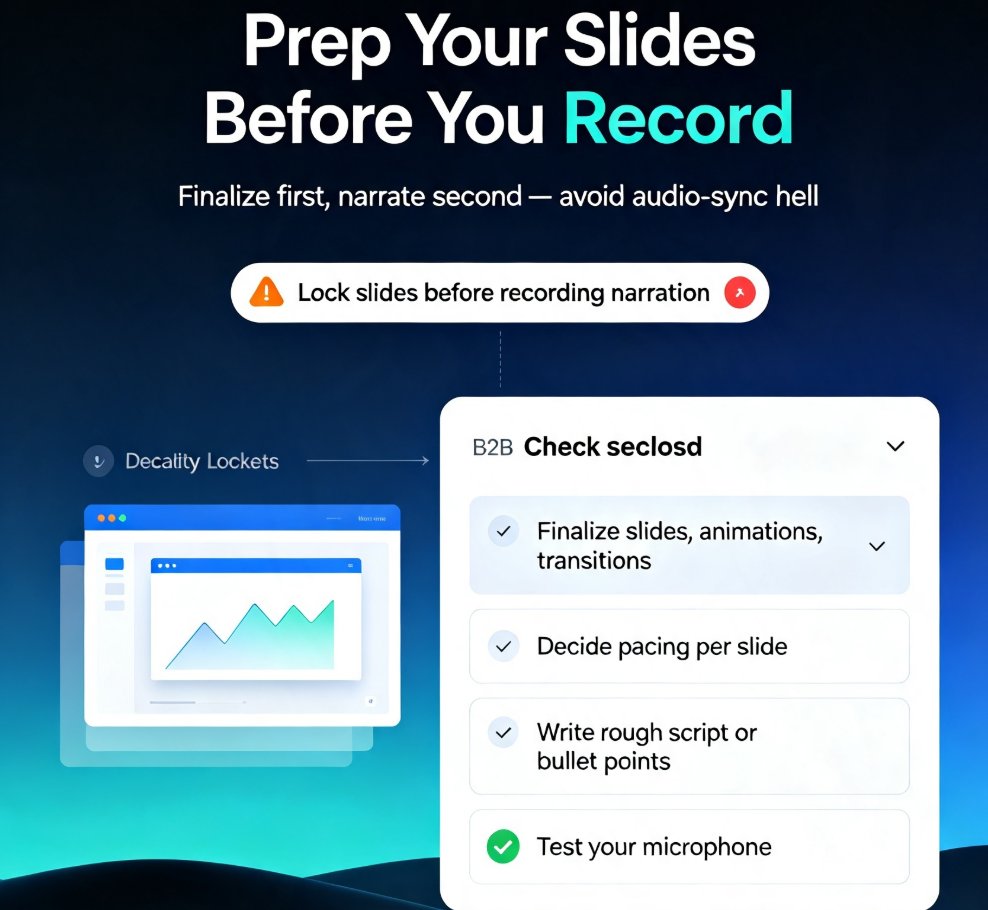
Learn how to add narration to your slides with Zendeck's PPT-to-Video feature. Turn static decks into engaging narrated video lessons in minutes — record, sync, and export with ease. This step-by-step guide covers slide prep, recording best practices, export settings, and common pitfalls like audio sync issues. Whether you're building micro-courses, onboarding materials, or asynchronous training, narrated video decks keep learners engaged and reduce rework. Zendeck's PPT-to-Video streamlines the entire workflow, so you can produce professional voiceover presentations without design or editing skills. We'll also show you how to fix audio sync problems, choose the right export format, and make your narration sound natural. If you're tired of silent decks that fail to engage, this guide gives you everything you need to create narrated video lessons that actually work. Start today.