Popular Articles

A curated collection of the most-read and editor-picked articles — see what everyone's reading.

511 articles

Team Deck Collaboration: How Zendeck Keeps Everyone in Sync

Office Efficiency 2026-08-20 3751

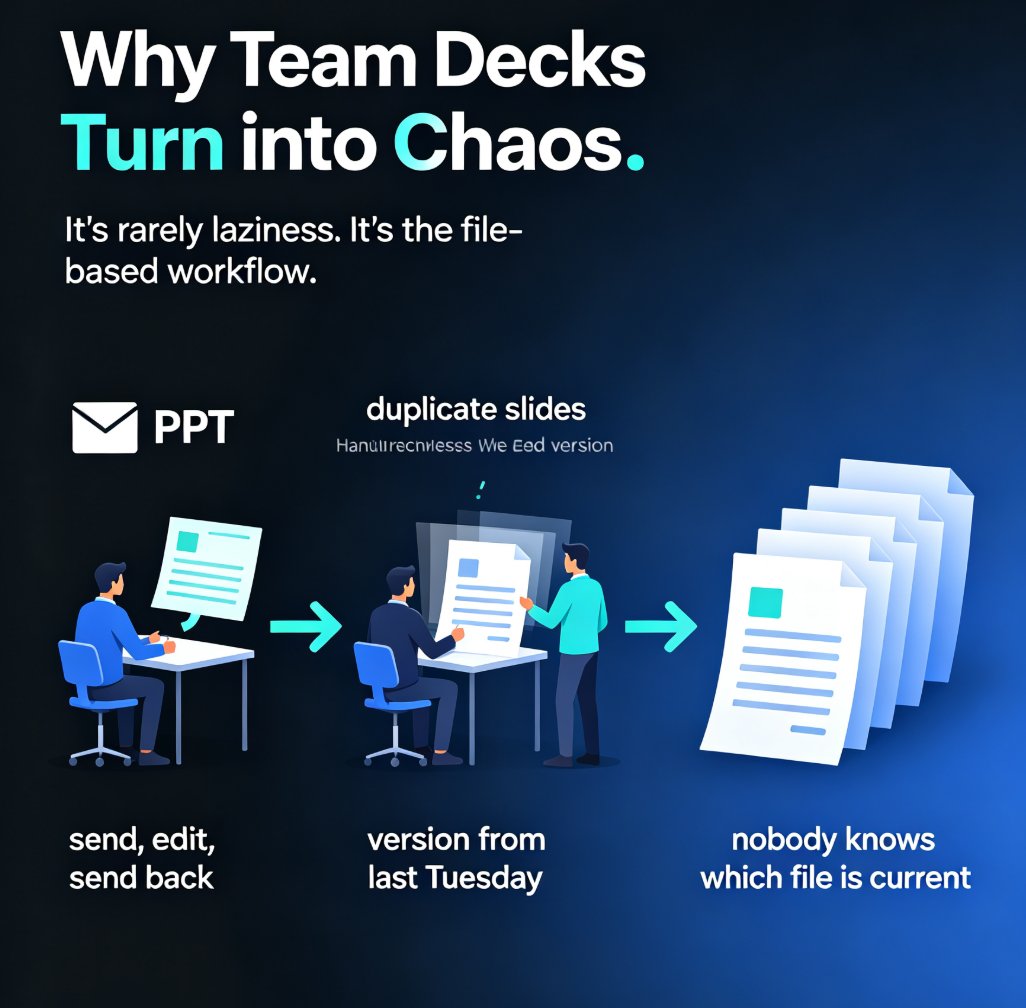
Stop emailing PPT files back and forth. Zendeck's team deck collaboration tools let your whole team edit presentations in real time, share via link, and kill version-control chaos for good. This guide breaks down how online editing, smart permissions, and in-context comments turn a messy multi-owner deck into one clean, always-current file. You'll see exactly how to set up a collaborative workflow, who should own what, and how to bring external clients in without losing control. If you've ever opened a file named 'final_v2_FINAL_3.pptx' and wondered which version was actually current, this is for you. Real-time co-editing is now the baseline for professional teams — here's how Zendeck makes it painless. Whether you're a team lead, an educator, or a content operator, this guide gives you a repeatable process for keeping every stakeholder in sync from first draft to final approval.
How AI Presentation Tools Integrate with Word and Google Docs

AI Courseware 2026-08-21 3750

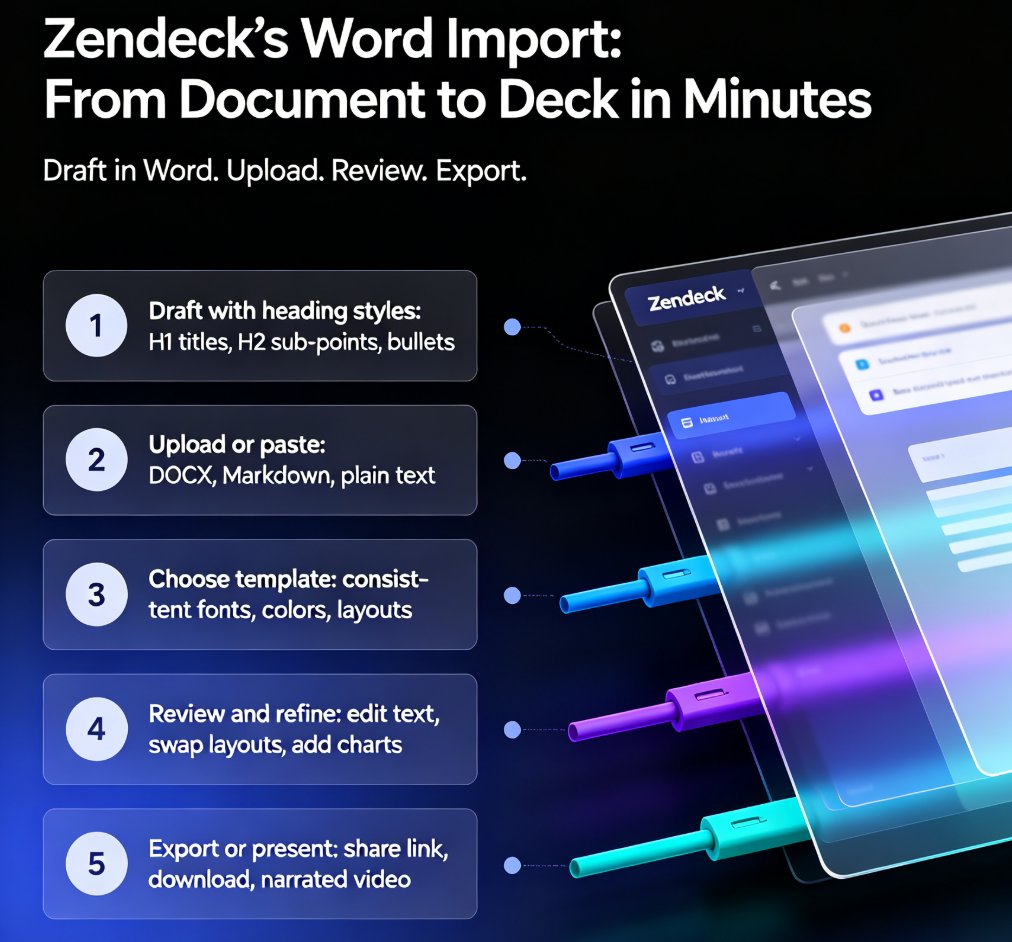
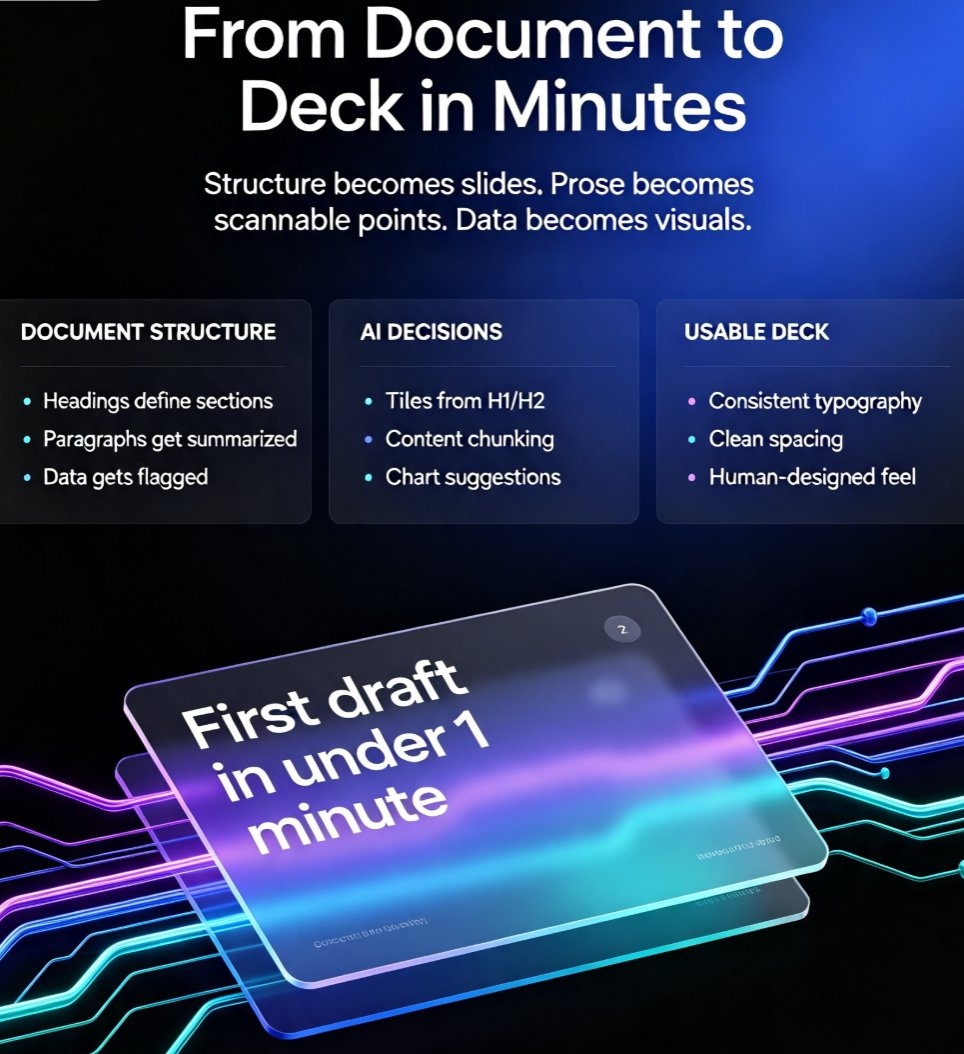
Zendeck's Word import bridges the gap between document drafting and deck design, letting AI presentation tools convert Word outlines into polished slides in minutes. This guide covers how AI presentation tools integrate with Word and Google Docs, the copy-paste trap that wastes hours, and a step-by-step workflow for turning structured documents into professional decks. You'll learn how to structure your Word file for clean AI conversion, what to expect from Google Docs workflows, and why document-to-deck automation is becoming the default for busy teams. If you've ever stared at a 40-page document and dreaded the slide-building marathon ahead, this is the workflow you've been missing. Zendeck makes the jump from document to deck feel almost effortless — and this article shows you exactly how.

How to Import a Google Doc into Zendeck and Generate a Presentation

PPT Tutorial 2026-08-12 3745

Learn how to import a Google Doc into Zendeck and generate a polished presentation in minutes. If your team lives in Google Docs but presents in slides, you know the pain of copy-pasting content into PowerPoint or Google Slides. Zendeck bridges that gap: paste a Google Doc outline or export it as text, and the AI structures your content into clean, on-brand slides with smart layouts, charts, and speaker notes. This guide walks through the exact workflow — from formatting your doc for best results to exporting the final deck as PPTX, PDF, or Google Slides. Whether you're turning a strategy doc into a board deck or a training outline into courseware, this document-to-deck workflow cuts hours of manual work. Stop rebuilding slides from scratch. Here's how to make Google Docs and Zendeck work together.

How to Turn Meeting Notes into an Action-Plan Deck with Zendeck

Office Efficiency 2026-08-13 3744

Turn meeting notes into an action-plan deck with Zendeck in minutes. This guide walks through a repeatable workflow: clean your notes into a Word or Markdown outline, import it into Zendeck, let AI generate the slide structure, then add owners, deadlines, and status. You'll also see a manual vs. AI comparison table and formatting tips that help the AI extract decisions and action items accurately. If you're tired of rebuilding slides by hand after every meeting, this is the faster path. Zendeck handles the layout and brand consistency so you can focus on what actually matters: making sure every action item has an owner and a due date. Stop wasting hours on formatting and start sharing decision-ready decks the same day.

Promptable Analytics for Course Design: Turning Feedback into Better Decks

Courseware Design 2026-09-01 3732

Promptable analytics is changing how educators refine courseware. Instead of guessing which slide lost your audience, you can ask AI: 'what confused my students?' This article explores how prompt-based analytics, including Zendeck's roadmap, turns viewing data and quiz results into redesign recommendations—making course design smarter and more student-centered.

Turn Product Specs into Persuasive Sales Decks with Zendeck

AI Courseware 2026-08-21 3710

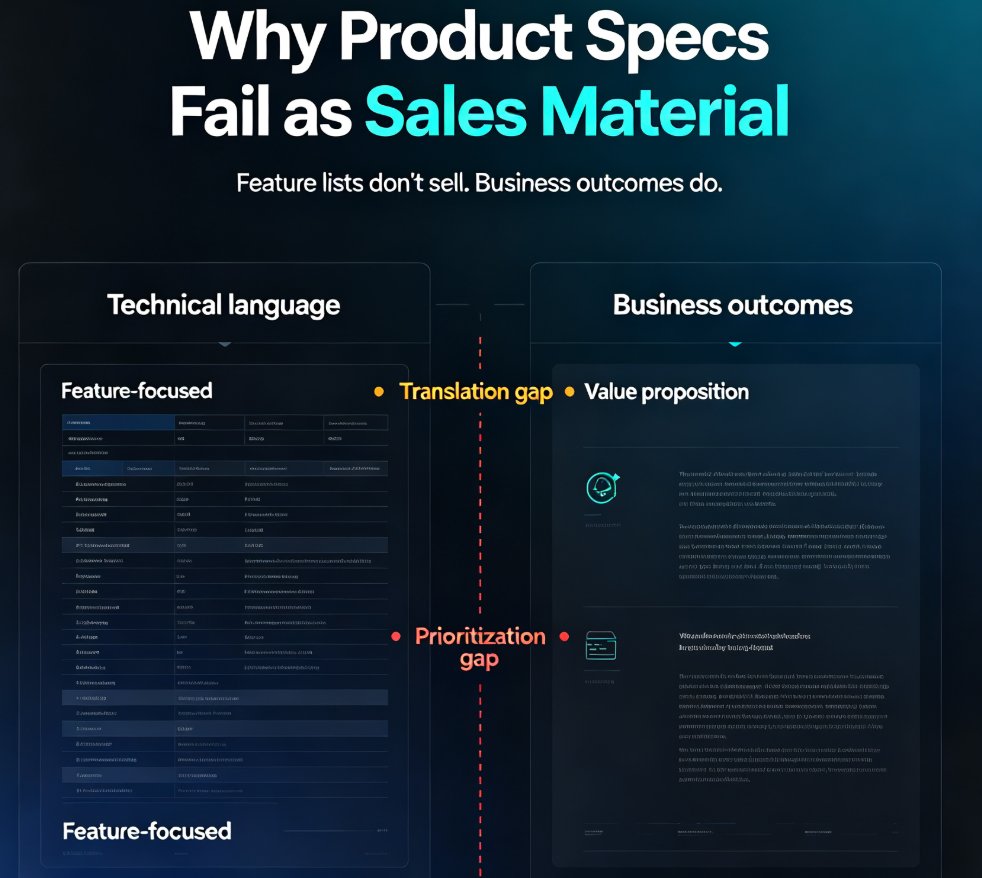
Turn product specs into persuasive sales decks with Zendeck's AI presentation maker. Sales reps lose hours translating technical documentation into buyer-friendly pitches — HubSpot research shows reps spend just 2 hours a day selling and 31% of their time on content creation. Zendeck converts product specs, feature lists, and technical docs into polished, client-ready sales presentations in minutes. Upload a Word outline or paste Markdown, and Zendeck structures your content, applies smart layouts, and enforces brand consistency automatically. Cut deck prep from hours to minutes, keep messaging aligned across your team, and close more deals. This guide walks through the exact workflow, breaks down the time-savings math with real data, and shares practical tips for turning dry specs into persuasive stories that win buyers over.

▲