Business Training Deck Templates: Zendeck's Library for HR and L&D
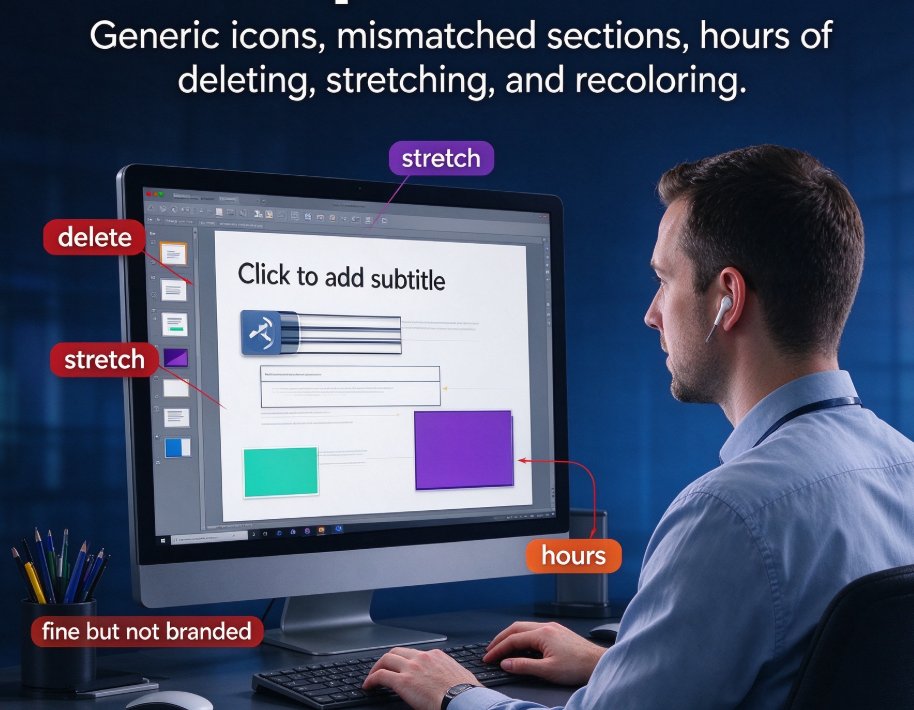
If you've ever spent a Sunday afternoon realigning text boxes for a Monday training session, you know the pain. You find a template that looks okay, but it's loaded with generic icons and sections that don't match your content. You end up deleting, stretching, and re-coloring for hours. The result? A deck that's "fine" but not exactly branded, not exactly organized, and definitely not something you want to show the C-suite.
That's exactly the problem Zendeck's business training template library was built to solve. It's not just a pile of pretty slides — it's a structured system designed for HR and L&D professionals who need speed, consistency, and polish. And the good news? You don't have to be a designer to use it.
I. Why Generic Templates Fail Corporate Training
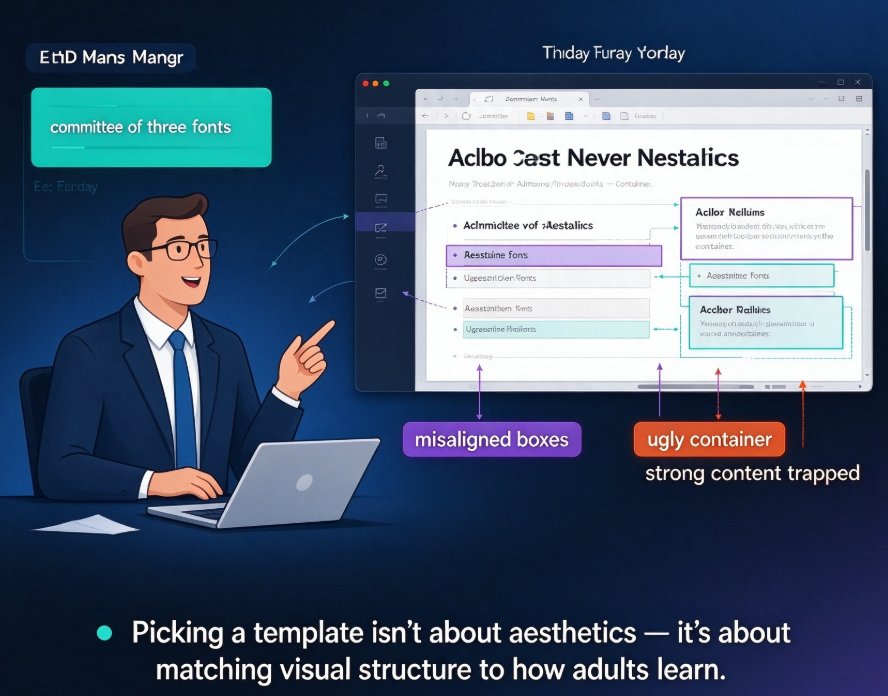
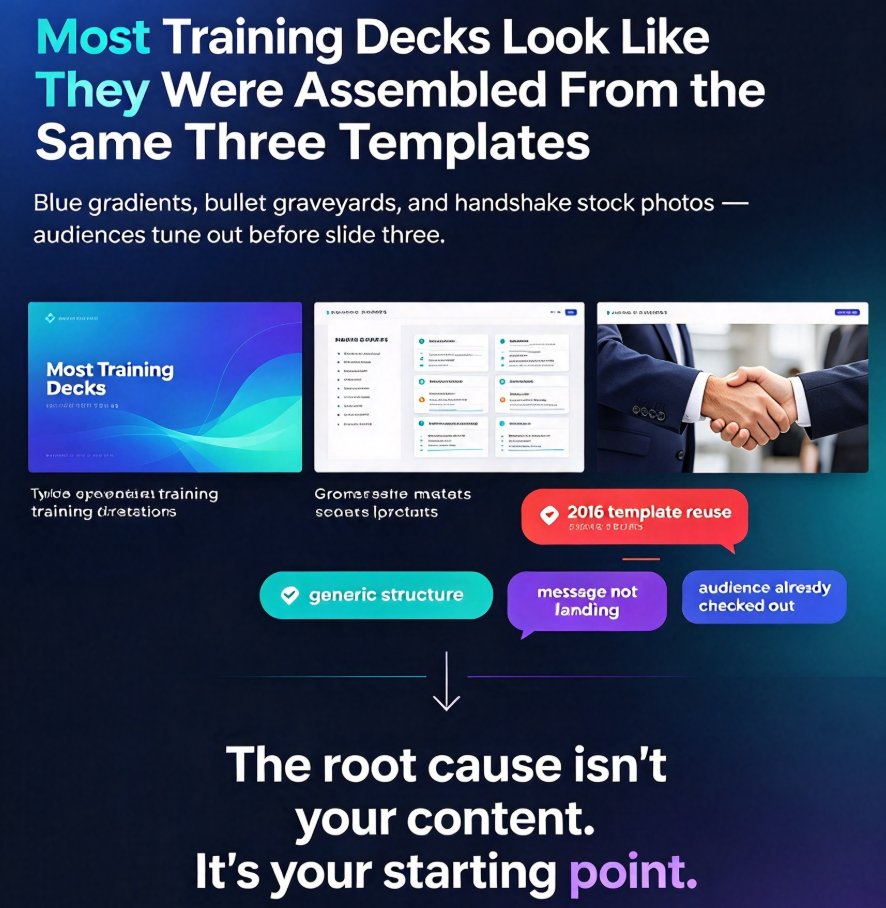
Let's be real: most free template sites are a lottery. You might find a 20-slide "training deck" that has a few useful layouts, but it's often filled with placeholder content like "Click to add subtitle" and stock photos that feel like they've been recycled a thousand times. The bigger issue is that generic templates aren't designed for the specific needs of corporate training. You need sections for learning objectives, quiz slides, case studies, and compliance checklists — not just a timeline of the company history.
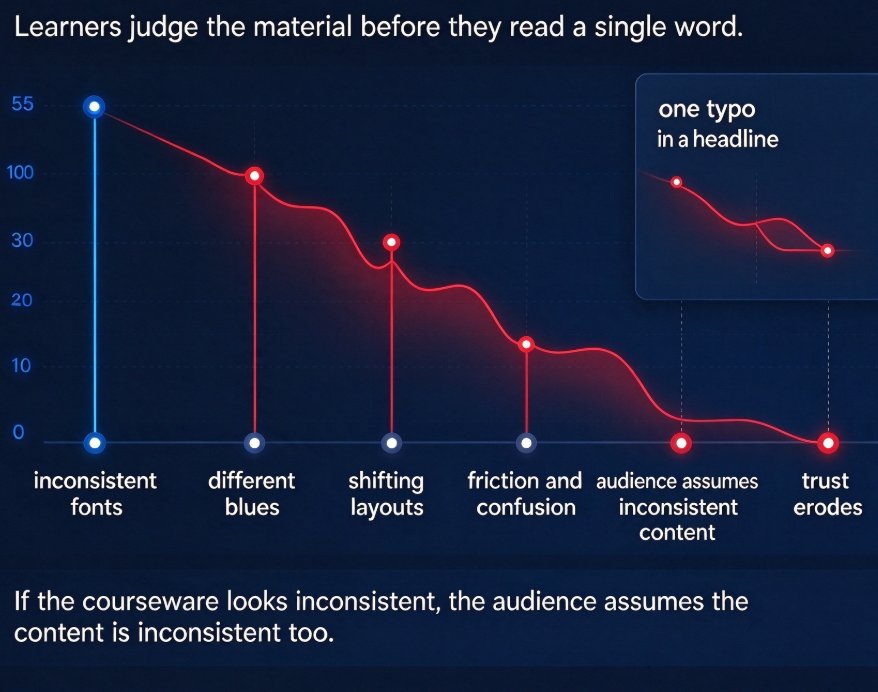
Generic templates also don't scale. When your team creates five different onboarding decks in five different styles, the inconsistency becomes a brand problem. Your logo gets stretched, colors go off-brand, and fonts look like a ransom note. That's a known pain point for HR teams, as highlighted by our own guide on building brand-consistent training decks.
The solution isn't more templates — it's the right templates, organized and searchable.
II. What Sets Zendeck's Business Training Template Library Apart
Zendeck's library includes 1,500+ templates optimized for HR and L&D use cases — onboarding, compliance, benefits, product training, and more. But the real magic is how templates enforce structure, not just look. Each template comes with predefined slide layouts, placeholder blocks, and design tokens. When you import a Word outline, Zendeck maps your content to the most appropriate layout. Headlines become slide titles, bullet lists become clean text blocks, and tables become structured charts.
That means your deck looks professionally designed even if your content is just a plain outline. And because the library is searchable by use case, you don't have to spend an hour flipping through options. Search for "onboarding" and you'll get a deck built for that purpose — not a generic business deck you have to bend into shape.
This is a stark contrast to generic template sites that force you to adapt a one-size-fits-all design. The contextual approach is exactly what we explored in our analysis of the 2026 template library trends — where contextual templates beat generic ones.
III. The Workflow: From Outline to Deck in Minutes
Here's the real workflow that HR and L&D teams at companies using Zendeck follow:
- Write your content in Word or Markdown — a simple outline is fine.
- Upload the file to Zendeck — it parses the structure automatically.
- Pick a template from the library — filter by use case like "compliance training" or "onboarding."
- Let Zendeck map your content — headlines become titles, lists become blocks.
- Apply smart layout & one-click reskin — unify fonts, colors, and spacing.
- Export or share — get a branded deck ready for delivery or recording.
That's the whole process. No dragging, no realigning, no font-hunting. You can go from a Word document to a polished deck in minutes, not hours.
The time savings are huge. We've seen teams cut presentation design time by up to 70% when they use smart layouts consistently — a topic we covered in depth in our piece on how smart layout cuts presentation design time.
IV. Template Library vs. Generic Stock: A Head-to-Head Comparison
To see the difference clearly, let's put Zendeck's business training templates up against a typical generic template library.
| Feature | Zendeck Template Library | Generic Template Sites |
|---|---|---|
| Templates for HR/L&D use cases | 1,500+ searchable by use case | Limited, often one-size-fits-all |
| Content mapping from outline | Automatic mapping to layouts | Manual drag-and-drop |
| Brand kit enforcement | Yes, via design tokens | Rarely, manual customization |
| One-click reskin | Yes, smart layout | Usually not available |
| Search by use case | Yes (onboarding, compliance, etc.) | No, browsing by category only |
| Consistency across decks | Enforced by templates | Depends on user discipline |
The takeaway is simple: Zendeck treats templates as a system, not a static collection.
V. Brand Consistency and the Template Library
For HR and L&D teams, brand consistency isn't a nice-to-have — it's a requirement. When every office creates its own version of the same training deck, the brand falls apart. Zendeck's template library helps you avoid that mess. Once you set up a custom brand kit — with your logo, fonts, and colors — every deck generated from the library follows those rules automatically.
This is where the template library and brand kit work together. We have a dedicated guide on creating a custom brand kit for consistent decks that walks you through the process step by step.
And if you want to take consistency even further, Zendeck's asset library (icons, charts, illustrations) ensures every visual element matches your brand style. As we discussed in our article on AI asset libraries and brand consistency, the right assets make all the difference.
VI. Getting Started with Zendeck Business Templates
Ready to stop wrestling with templates? Here's how to start:
- Open Zendeck and create a new deck.
- Upload a Word outline (or paste Markdown text).
- Browse the template library — filter by "Training" or your specific use case.
- Generate the deck and apply a one-click reskin.
- Set up a brand kit if you haven't already.
The whole process takes minutes. You'll have a branded, professional deck ready for your next onboarding session or compliance review.
If you're new to Zendeck's AI presentation tools, check out our AI courseware category for more tutorials on building effective decks.
FAQ
Q: What are business training deck templates? A: These are pre-built slide layouts designed specifically for corporate training scenarios like onboarding, compliance, and product training. In Zendeck, they're searchable by use case and automatically map your outline content to appropriate layouts.
Q: How many templates does Zendeck have for corporate training? A: Zendeck's template library includes over 1,500 templates optimized for HR and L&D use cases, including onboarding, compliance, benefits, and training modules.
Q: Can I use Zendeck templates with my own brand colors? A: Yes. Zendeck supports custom brand kits, and any template you generate will automatically follow your brand's fonts, colors, and logo.
Q: How do I import a Word outline into Zendeck? A: Simply upload your Word document or paste Markdown text when creating a new deck. Zendeck parses the structure and maps headings, bullets, and tables to slide layouts.
Q: Are Zendeck templates searchable by use case? A: Absolutely. The library lets you filter by use case like "onboarding" or "compliance training," so you get a deck that's built for your specific purpose — not a generic one you have to adapt.