Brand Consistency for Teams: Zendeck One-Click Reskin Explained
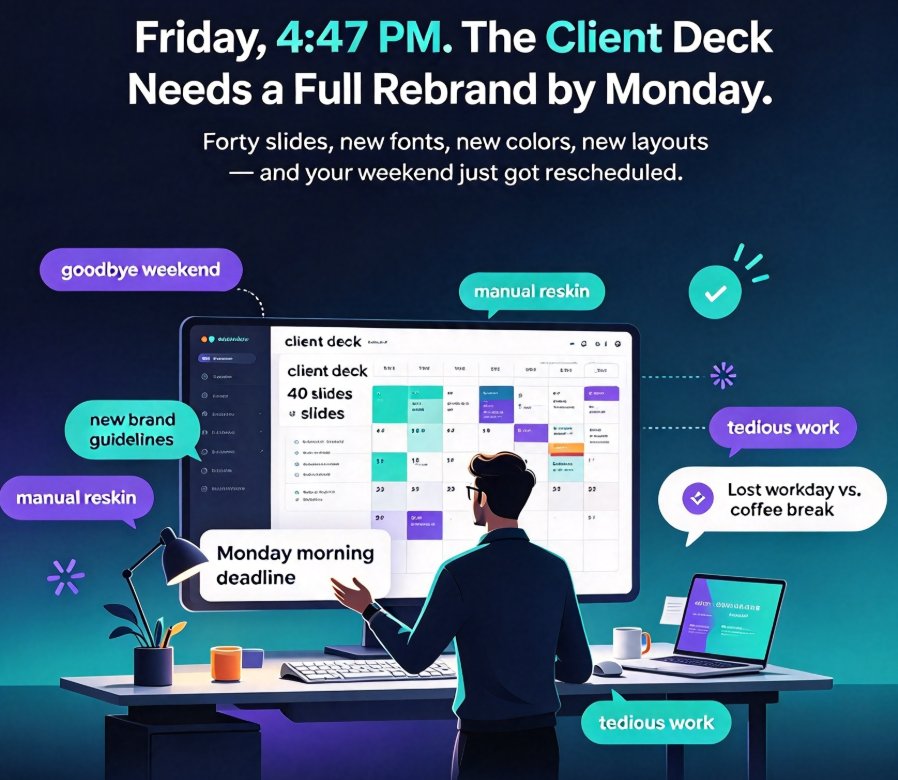
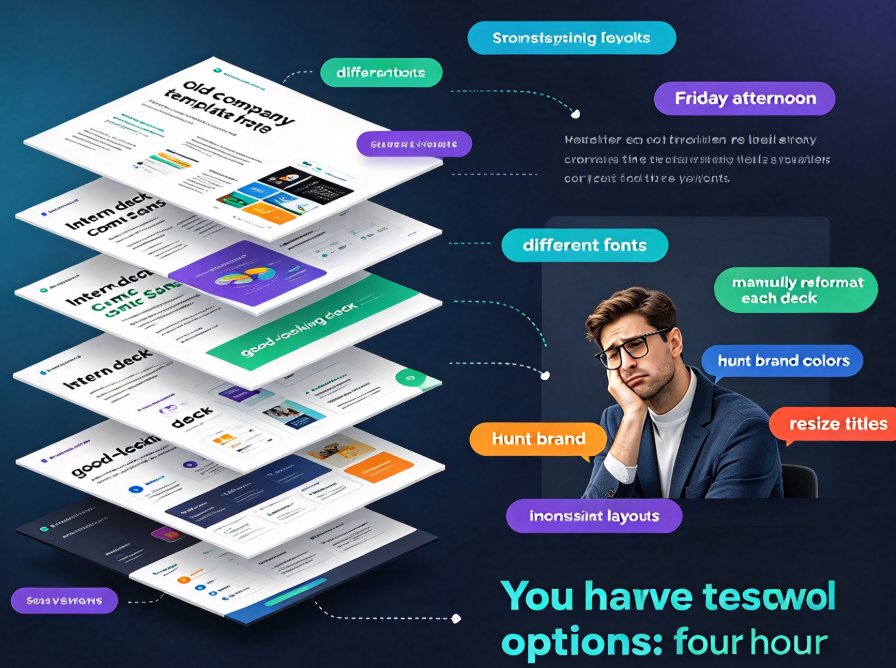
Every company has a shared-drive folder called "Final_Final_V2." Inside it sit forty versions of the same onboarding deck, each with a slightly different logo position, a font nobody remembers installing, and a blue that is sort of the brand blue—but not quite.
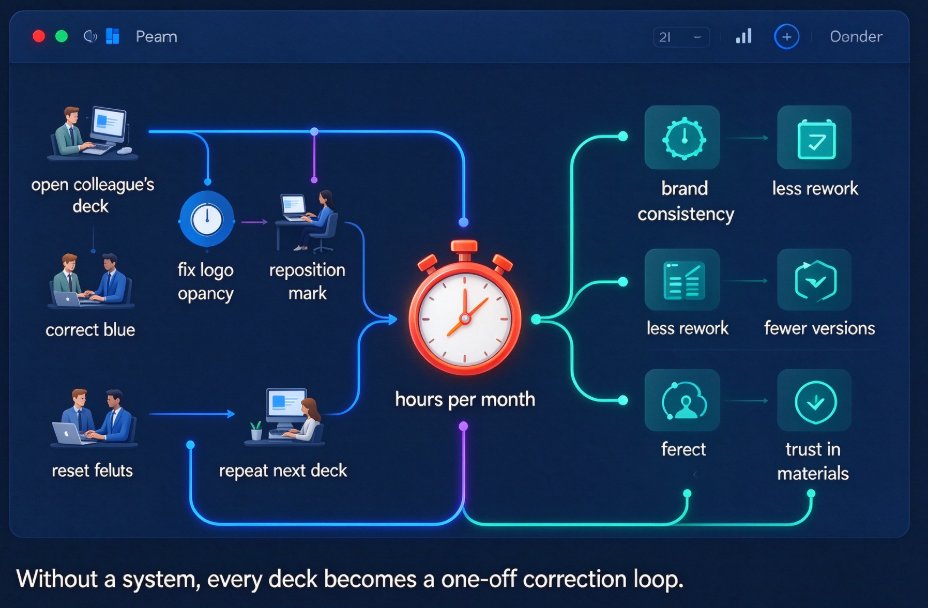
If you work in HR, L&D, or corporate training, you already know this story. You open a colleague's deck and the first slide hits you with a 60%-opacity logo floating half off the page. You fix it. Then the next deck has the same problem. Then the next.
This isn't a design-talent problem. It's a workflow problem—and it's exactly the kind of problem that a one-click reskin solves.
The pain is real: most L&D teams I've talked to spend at least a few hours every month manually correcting decks that drifted off-brand. Without a system, every deck is a unique snowflake. Except snowflakes are pretty, and most of these decks are just off-brand.
01 — Why Brand Consistency Is a Cost Center, Not a Nice-to-Have
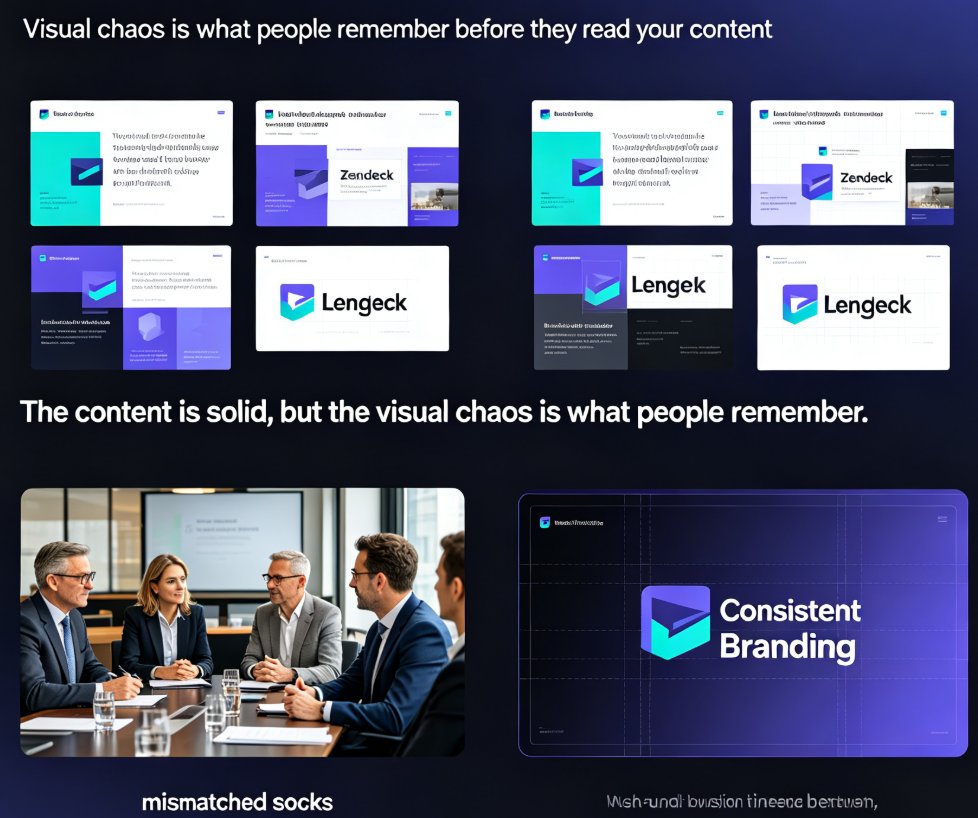
Here's what most people miss: inconsistent decks don't just look bad. They quietly erode trust.
When a new hire sees four different logo treatments across four training modules, their brain registers a company that isn't fully organized. When sales enablement sends an off-brand deck to a prospect, it muddies the identity you've spent years building. When compliance training looks sloppy, it makes the compliance feel optional.
Brand-consistent decks are not a nice-to-have; they are a fundamental part of corporate credibility.
The cost of inconsistency adds up faster than you'd think. Imagine six trainers, each manually updating their deck after a rebrand. Font swaps, color replacements, logo repositioning, alignment checks—six people, six different interpretations of the brand guide, six separate streams of corrections. If each spends half a day, that's three full workdays lost. Every. Single. Rebrand.
And if they don't spend the time, the decks drift further off-brand, and the cycle repeats. That's the trap most teams live in.
02 — What One-Click Reskin Actually Does
Let's be precise about what "reskin" means, because the word gets thrown around a lot.
With Zendeck's one-click reskin, you take an existing deck—one you built, one a teammate sends you over Slack, or one pulled from a dusty archives folder—and apply a unified brand style across every slide with, well, one click.
The AI reads the content structure of your deck, then applies your saved brand kit: fonts, colors, spacing, logo placement, heading styles. The result is a deck that looks like it was designed by one person, on one system, in one afternoon.
The key insight: reskin is not a template swap. It's a smart layout engine that adapts your existing content to a new visual system without breaking the slide structure.
Here's the internal difference. A template just pastes your content into a fixed frame. If your slide has an awkward text block, the template leaves it awkward. A smart reskin, by contrast, checks how text, images, and containers interact—then adjusts spacing, resizes boxes, and reflows content to keep the layout clean.
Zendeck's own documentation puts it plainly: "You can swap templates midstream without breaking the layout." That claim matters when you need to update brand styles on a regular cadence—quarterly refreshes, merger rebrands, or just a new color palette from marketing.
03 — From One Deck to Fifty: Scaling a Brand System
The real test of a design workflow is not one deck. It's fifty.
Consider Grace, an L&D manager at a mid-size retail company. She manages a library of 47 training decks—onboarding, product training, safety compliance, leadership development. After a merger, the company rebranded, and Grace was on the hook for updating all 47 decks to the new visual identity.
Before Zendeck, that meant 47 separate manual redesigns. She estimated the project would consume her team's entire month.
With the reskin workflow, she exported her team's Word outlines, pasted them into Zendeck, selected the new brand template, and let the AI regenerate the decks. Every deck came out with the same fonts, the same header style, the same color palette—no eyeballing, no guesswork.
The project went from "three weeks of grind" to two focused days. And the outputs weren't just faster—they were more uniform than anything the team had produced by hand. For a deeper look at how the smart layout cuts design time, check out how Zendeck's smart layout features save hours per deck.
This is the math that sells: a 30–50 slide deck, re-skinned in minutes, not hours. Zendeck itself describes the whole pipeline as "sending your Word doc to a designer who gives you a finished deck back in 30 seconds." For a team managing dozens of decks, that's not a convenience—it's a system change.
04 — Reskin vs. Template: Why Smart Layout Wins
Many teams assume a template library is the answer to brand consistency. It helps—but only partially.
A team of non-designers will still make inconsistent choices when working with templates: different spacing, different image treatments, different ways of adding bullets. Templates constrain, but they don't enforce. Smart layout, on the other hand, is the enforcement layer. This is the core of what AI-governed brand consistency looks like in practice.
| Dimension | Template-only approach | Zendeck Reskin + Smart Layout |
|---|---|---|
| Fonts | Depends on theme fonts; easy to override accidentally | Brand kit force-applies typography across every slide |
| Colors | Manual color picking still possible; drift happens | Unified palette enforced; no manual hex input needed |
| Spacing | Auto-layout often inconsistent between decks | AI re-checks spacing and margins on each slide |
| Logo placement | Manual; varies between decks and slides | Fixed brand kit logo zone, auto-positioned |
| Rebranding cost | Rebuild decks from scratch | One-click reskin across the whole library |
| Non-designer risk | High; judgment calls everywhere | Low; AI makes and applies the decisions for you |
This table is the actual argument. If your team has a brand book but no dedicated designer, templates alone won't save you. You need a system that enforces the rules automatically—and that's what a one-click reskin does.
05 — A Workflow That Actually Scales for HR and L&D Teams
Here's the practical system that works when you're responsible for brand compliance across a whole team.
Step 1: Audit your library. List every active deck that needs to carry brand. Note which are critical (onboarding, executive presentations, compliance) and which are internal-only. You can't fix what you haven't inventoried.
Step 2: Standardize the source. Convert stale decks into Word outlines or Markdown. This is also a good moment to prune outdated content—garbage in, garbage out. The AI can't polish a bad outline.
Step 3: Import to Zendeck. Upload the file or paste the text. Zendeck's AI parses your outline and generates a structured, visually consistent deck with slides, headings, and placeholders for images. Choose a template from the library, or let Zendeck pick one based on content type.
Step 4: Apply your brand kit. If you've already saved a brand kit in Zendeck—which you should, and this guide on creating custom brand kits walks you through it—apply it in one click. Fonts, colors, logo zone: all locked in.
Step 5: Reskin on a cadence. When the brand updates, don't rebuild decks from scratch. Pull them up, hit reskin, and re-export. Your library stays current without the monthly scramble.
Step 6: Extend to video where needed. For micro-learning, turn finished decks into narrated videos directly from Zendeck's PPT-to-video workflow. Consistent branding carries seamlessly from slides to the final video, too.
One small tip: if you don't have a brand kit saved yet, create one before your next rebranding month. Future you will be grateful. And set a clear naming convention for exports—the AI output is consistent, but file names still depend on you.
06 — Consistency Beyond the Deck Itself
Once your decks are on-brand, the same discipline should extend to your assets. Zendeck's asset library lets your team store only approved icons, charts, and illustrations—so nobody goes hunting for clipart again. That's how AI asset libraries drive brand consistency across a whole organization, not just the slides.
And since the AI can generate icons and charts in your brand style, the entire asset pipeline stays on-brand automatically. No more mixing three illustration styles in one deck.
There's also a compliance angle here. If you handle sensitive course materials, check how data privacy is handled in AI courseware before you upload anything proprietary. And for audience reach, WCAG-compliant accessibility features—alt text, subtitles, readable contrast—are part of a mature brand standard, not an afterthought.
07 — The Bottom Line
If your team is stuck in a cycle of off-brand decks and manual fixes, the solution isn't more design discipline. It's a system that builds discipline into the tool itself.
Zendeck's one-click reskin gives HR, L&D, and training teams the ability to enforce brand consistency across every deck—old and new—without hiring a designer or hand-coding each slide. Pair it with a well-structured brand kit and a clean outline workflow, and your entire deck library stays on-brand through every rebrand, template change, and team transition.
The outcome? Decks that look like they came from one designer, one brand, one system. For more tutorials like this, browse the PPT Tutorial category for other workflow guides.
FAQ
Q: What exactly does Zendeck's one-click reskin change on my slides?
A: The reskin applies your saved brand kit—fonts, colors, spacing, and logo placement—across every slide in one click. The content structure stays intact, but the visual treatment is unified so decks look like they came from a single designer.
Q: Can reskin handle large decks with 50+ slides?
A: Yes. Zendeck builds decks of any length from outlines and maintains consistent layout and branding across all slides. For most corporate use, 30–50 slides is the sweet spot, but larger decks stay uniform too.
Q: Do we need design skills to keep decks on-brand with reskin?
A: No. The smart layout engine makes all the layout, typography, and color decisions automatically. You can review and tweak afterwards, but the heavy lifting is done by the AI—which is the whole point for teams without a dedicated designer.
Q: Can Zendeck reskin existing PPTs, or only newly generated decks?
A: Existing content works fine. As long as the deck's content is parsed or imported—via Word outline, Markdown, or TXT—reskin rebuilds the visual system. That's the fastest path to updating a legacy library after a rebrand.
Q: Can we maintain multiple brand kits for different sub-brands or teams?
A: Yes. You can configure separate brand kits per team or sub-brand and apply the right one to the right deck. That keeps global consistency while still allowing local visual variation.
Illustrative time comparison for a 40-slide deck: manual rebranding typically takes 3–4 hours of team effort; Zendeck's one-click reskin finishes in under a minute once the deck is parsed and a brand kit is applied. Times based on Zendeck's published 30-second deck generation claim and typical team workflows.