Keep Training Decks On-Brand: Zendeck's One-Click Reskin for Teams
Keep Training Decks On-Brand: Zendeck's One-Click Reskin for Teams
Your L&D team just spent three weeks building a 40-slide onboarding deck. The content is solid, the flow makes sense, and your manager loves the narrative. Then the brand team takes one look and sends it back: wrong fonts, off-brand colors, inconsistent header styles across sections.
Sound familiar?
If you've ever managed training content for a mid-sized or enterprise company, you know this scene plays out weekly. Brand inconsistency isn't a design problem — it's a workflow problem. And it's costing your team hours they could spend on actual content.
This guide walks through why training decks keep going off-brand, what Zendeck's one-click reskin actually does about it, and how to build a repeatable workflow that keeps every deck on-brand without a design degree.
I. The Real Cost of Off-Brand Training Decks
Let's be honest: nobody joins L&D to become a brand police officer. But that's what happens when decks start drifting.
The typical scenario: a subject matter expert builds a technical training deck in PowerPoint. They use the company logo on the title slide, then grab whatever fonts and colors feel right for the rest. A month later, another team creates a compliance deck using a different template they found online. Both decks get delivered to learners with the company name on them — and both look like they came from different organizations.
The cost isn't just aesthetic. Off-brand decks erode trust in your training content and force the brand team into a reactive review cycle.
A 2025 survey of enterprise L&D teams found that brand-related revisions account for roughly 20-30% of all deck review cycles. That's not a design issue; that's a governance gap.
The fix isn't more training on brand guidelines. It's removing the possibility of off-brand choices in the first place. That's exactly what AI-governed brand consistency is designed to do — and it's where Zendeck's reskin feature comes in.
II. Why "Just Use the Template" Never Works
Every company has a "master template." And every company has the same problem: nobody actually uses it consistently.
Here's what happens in practice:
- The template lives in a shared drive that nobody can find.
- Someone downloads it, but their version is from 2022 — before the rebrand.
- The template gets edited by a well-meaning manager who "just tweaked the colors."
- Subject matter experts paste in content from old decks, dragging along legacy formatting.
The result? A deck that starts on-brand and slowly mutates into a Frankenstein of fonts, colors, and layouts by slide 20.
Templates alone can't enforce consistency because they rely on human discipline — and human discipline is the weakest link in the chain.
What actually works is a system that applies your brand automatically, regardless of who's building the deck or what they started with. That's the shift from "template governance" to "AI enforcement," and it's the core idea behind Zendeck's brand kit approach.
III. What One-Click Reskin Actually Does
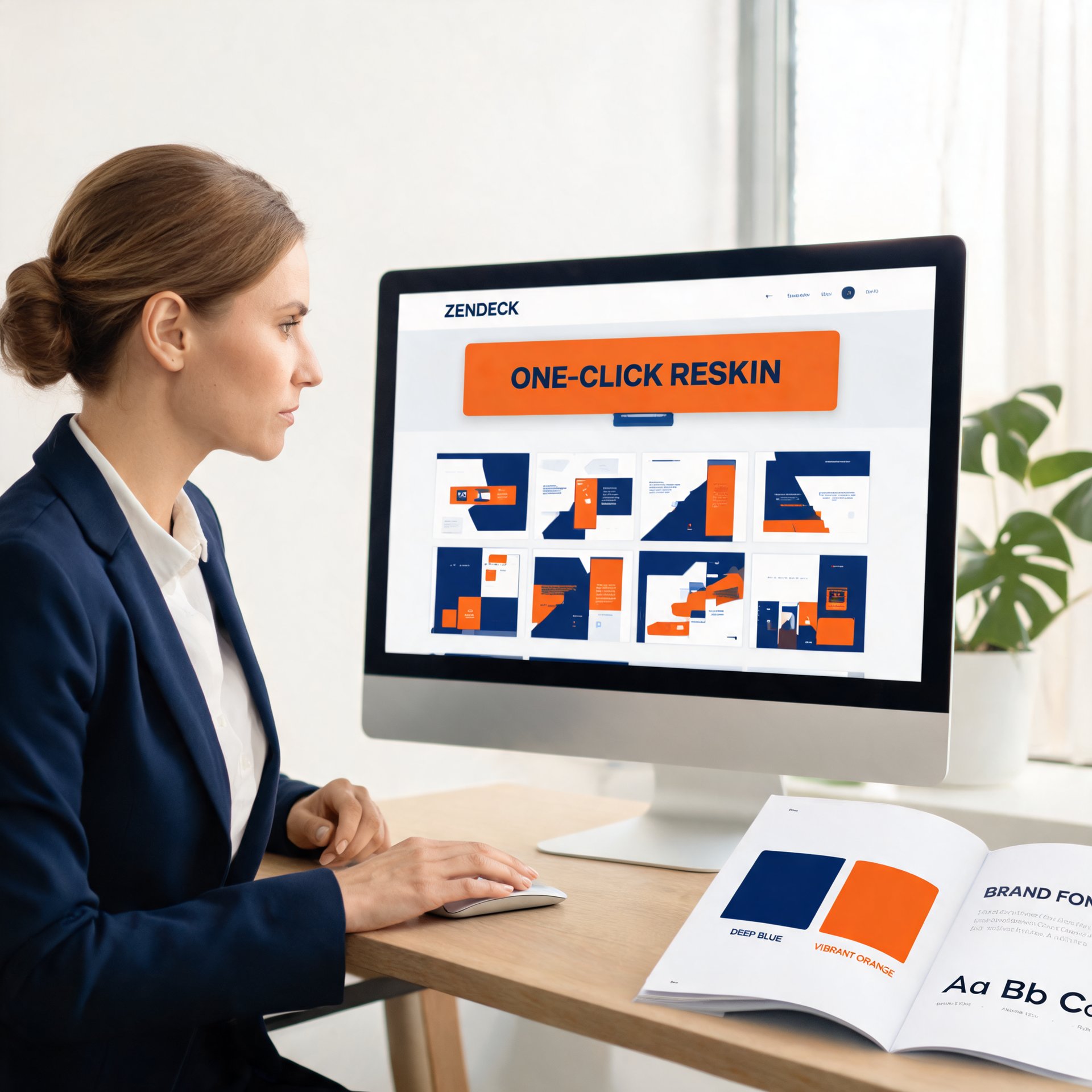
Zendeck's one-click reskin is exactly what it sounds like: with a single click, your deck's fonts, colors, and layout snap to your brand guidelines.
But let's be precise about what's happening under the hood, because "reskin" gets thrown around loosely.
When you trigger a reskin in Zendeck, the system:
- Scans your entire deck — every slide, every text box, every shape.
- Maps your brand kit — pulls your approved fonts, color palette, and layout rules.
- Reapplies styling globally — headers, body text, accent colors, background treatments.
- Preserves content structure — your text, data, and imagery stay exactly where they should be.
The key difference from "applying a template" is that reskin works on any deck — including ones imported from PowerPoint or built from scratch. You don't need to rebuild slides inside a specific template structure. You just tell Zendeck what your brand looks like, and it makes every deck match.
IV. The 3-Step Workflow: From Messy Deck to On-Brand in Minutes
Here's the practical workflow that training teams can adopt today. It takes about two minutes per deck.
Step 1: Set up your brand kit once.
If you haven't already, create a brand kit in Zendeck with your logo, primary and secondary colors, and font pairings. This is a one-time setup that takes under ten minutes. If you need a walkthrough, this guide on setting up brand kits covers it step by step.
Step 2: Import or build your deck.
Whether your SME sends a PowerPoint, you paste a Word outline, or you generate slides from scratch with Zendeck's AI, the deck lands in your workspace with whatever styling it came with. That's fine — you're about to fix it.
Step 3: Click reskin.
Select the deck, hit reskin, and choose your brand kit. Zendeck applies your fonts, colors, and layout rules across every slide in seconds. Review the result, make any manual tweaks if needed, and ship it.
That's it. The entire process — from messy, off-brand deck to polished, on-brand presentation — takes less time than brewing a cup of coffee.
And because Zendeck lets you manually edit AI-generated slides after reskinning, you still have full control when a specific slide needs special treatment.
V. Reskin vs. Manual Redesign: A Side-by-Side Look
Let's put the numbers on the table. Here's how the three common approaches compare for a typical 30-slide training deck:
| Approach | Time per deck | Consistency | Design skill needed | Scalability |
|---|---|---|---|---|
| Manual redesign | 3-4 hours | Depends on the designer | High | Poor |
| Re-apply template | 60-90 minutes | Moderate | Medium | Limited |
| Zendeck one-click reskin | ~2 minutes | High (enforced) | None | Excellent |
The time difference compounds quickly. If your team rebrands four decks per month, manual redesign eats 12-16 hours of someone's week. Reskinning takes under ten minutes total.
The takeaway: reskin doesn't just save time — it removes the brand review bottleneck entirely. When every deck is on-brand by default, the brand team can stop policing and start advising.
VI. Beyond Reskin: Building a Brand Governance System
Reskin is the entry point, but the real win comes from combining it with the rest of Zendeck's brand governance toolkit.
Brand kits store your logo, colors, and fonts in one place, so every deck starts from the same visual DNA. Smart templates apply your brand rules during AI generation, so decks are born on-brand instead of needing a rescue. And the asset library keeps icons, charts, and illustrations consistent across all your training content.
Together, these features turn brand consistency from a training challenge into a technology solution. Your SMEs don't need to memorize brand guidelines. Your brand team doesn't need to review every deck. The system handles it.
If you're already dealing with off-brand AI slides, this guide on fixing off-brand slides fast covers the common culprits and how reskin addresses each one.
For teams that want to go deeper, maintaining brand consistency across hundreds of slides with AI brand kits is the natural next step. And if you're curious about how AI asset libraries are reshaping corporate branding more broadly, this overview is worth a read.
VII. FAQ
What does Zendeck's one-click reskin actually change in a deck?
Reskin reapplies your brand kit's fonts, colors, and layout rules across every slide in the deck. It updates headers, body text, accent colors, and background treatments while preserving your content structure — text, data, and imagery stay in place.
Can reskin work on decks created outside Zendeck?
Yes. You can import a PowerPoint or other presentation file into Zendeck, then apply reskin to bring it in line with your brand kit. You don't need to rebuild slides inside a specific template structure.
How is reskin different from just applying a template?
Applying a template usually requires you to rebuild or re-paste content into a new slide structure. Reskin works on the deck as-is, restyling the existing slides in place. It's faster and works on any deck, regardless of its origin.
Does reskin affect content or just visuals?
Reskin only affects visual styling — fonts, colors, and layout rules. Your text, data, images, and slide order remain untouched. If you need to edit content afterward, Zendeck still allows full manual editing of AI-generated slides.
How do brand kits and reskin work together?
Brand kits define your visual identity (logo, colors, fonts). Reskin applies that identity to any deck with one click. You set up the brand kit once, then reskin enforces it across every deck your team produces — no design skills required.