Tags:PPT to video

24 articles

From Static Slides to Narrated Micro-Courses: The PPT-to-Video Revolution

PPT to Video 2026-08-24 2997

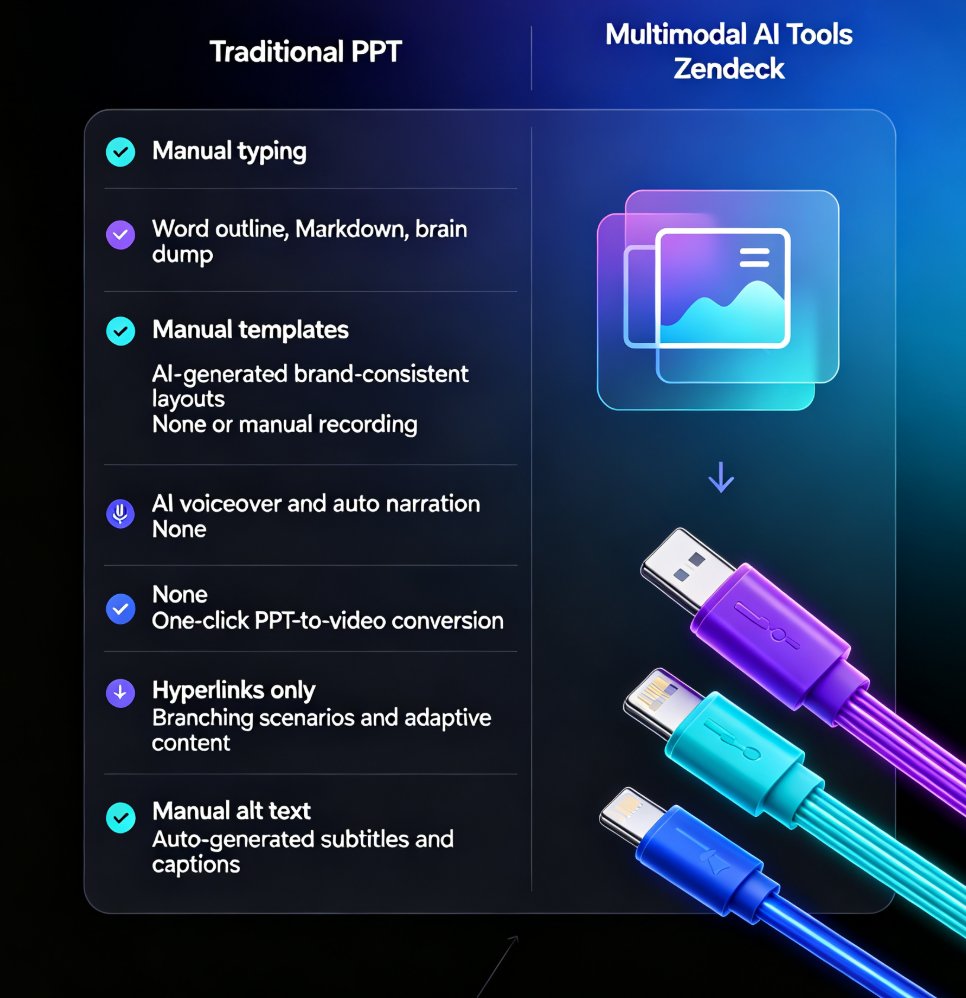
PPT-to-video is the fastest-growing format in corporate training and education, and Zendeck makes the transition effortless. Learn how automated narration, subtitles, and smart layouts turn any static PowerPoint deck into a watchable micro-course in minutes. This guide covers the trend, the workflow, and best practices for trainers, educators, and L&D teams who want to repurpose existing slide decks without video editing skills. Discover why narrated micro-courses outperform static slides for retention and engagement, and how Zendeck's PPT-to-video feature automates the heavy lifting — from voiceover generation to subtitle syncing. If you've been sitting on decks that only get used once, this is your playbook for turning them into always-on learning assets.
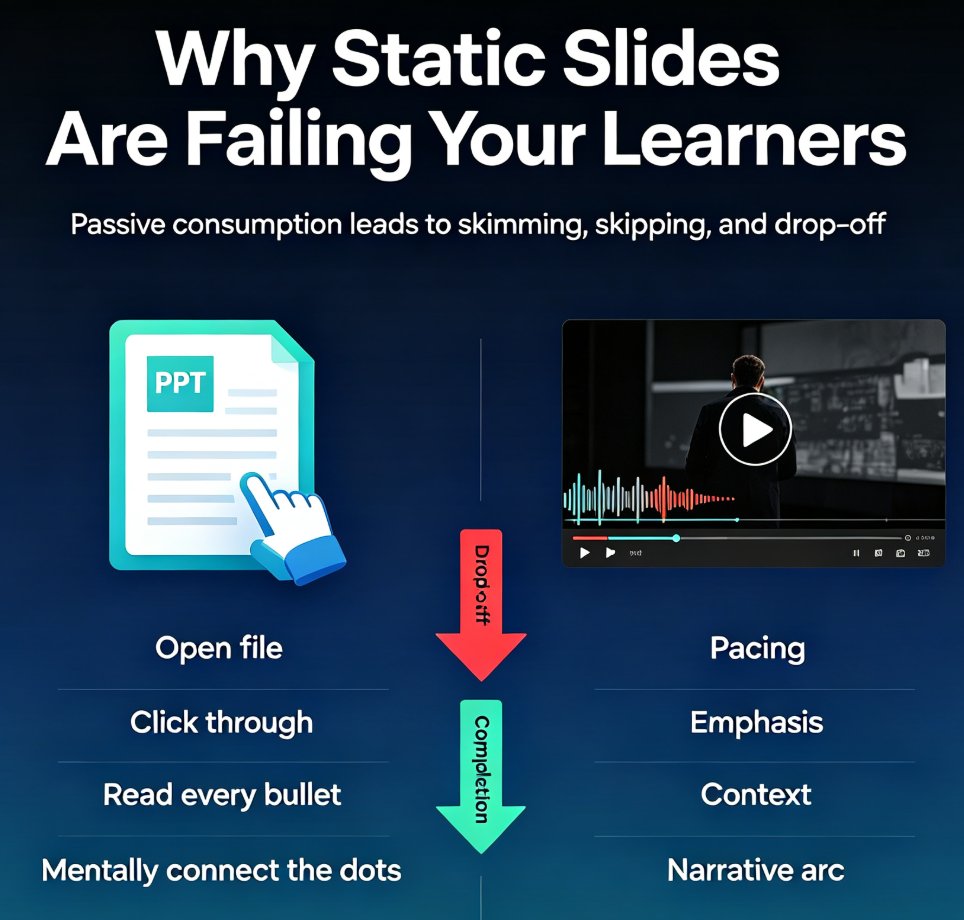
Turn Old Slides into Video Courses: Zendeck's PPT-to-Video in 3 Steps

PPT to Video 2026-08-24 3047

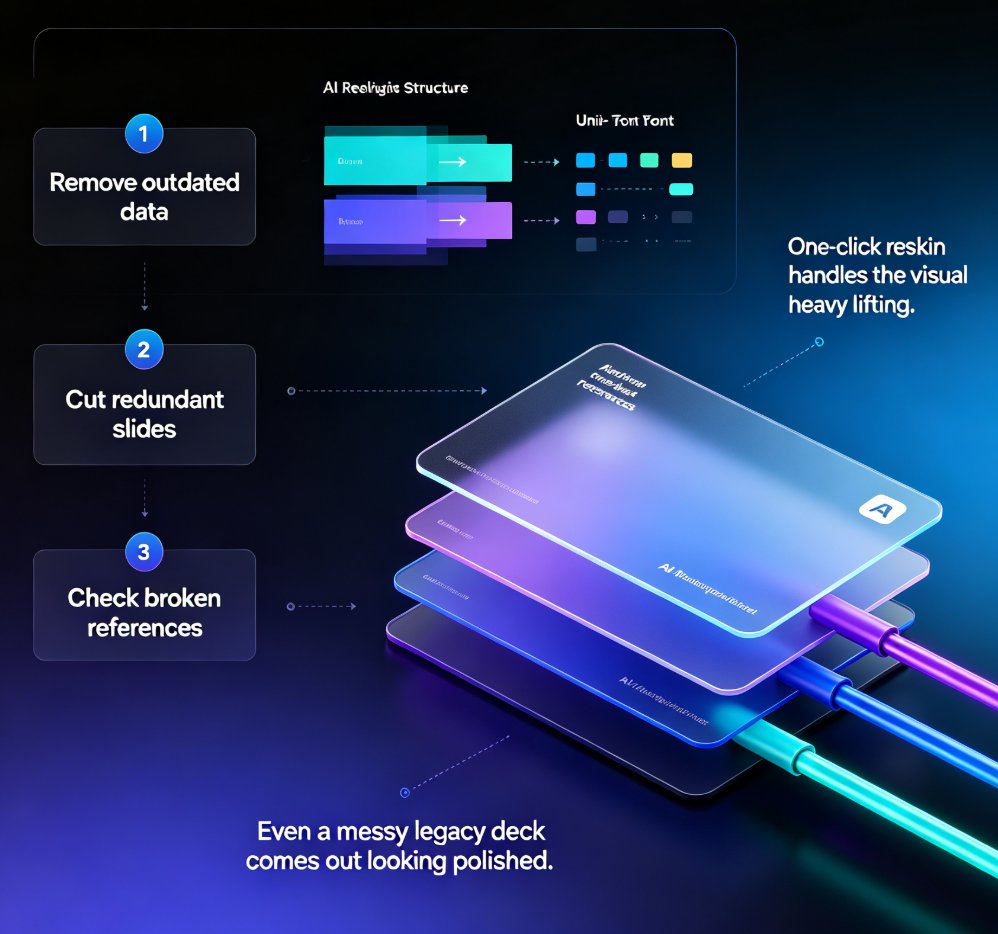
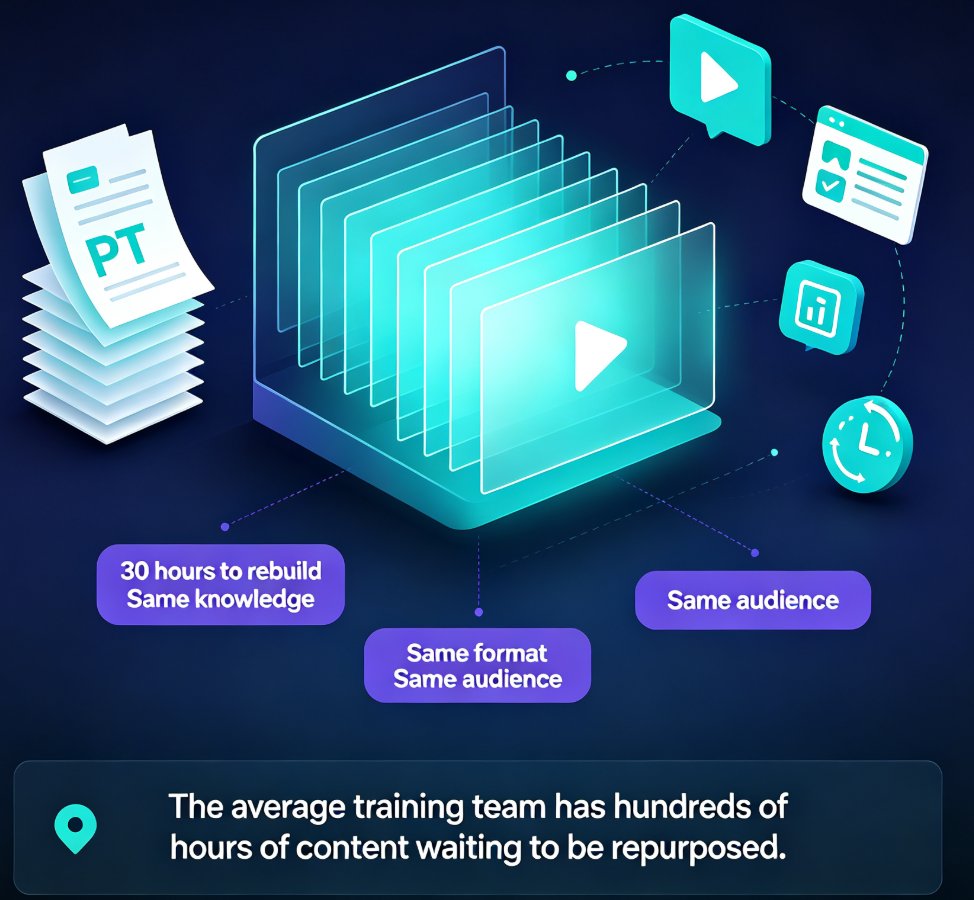
Turn old static slides into narrated video micro-courses with Zendeck's PPT-to-Video in 3 simple steps. Repurpose legacy decks into engaging training content in under an hour — no design skills needed. Learn the exact workflow, best practices, and time-saving tips to unlock years of reusable training material. This guide covers importing and cleaning up old decks, adding AI or human narration, and exporting shareable video courses that you can track and optimize. Perfect for training managers, educators, and content teams looking to maximize the value of their existing presentation assets. Stop rebuilding the same content from scratch and start converting what you already have into formats your audience actually watches.

From PPT to Video: Creating Narrated Micro-Courses with Zendeck

PPT to Video 2026-08-21 1792

Zendeck's PPT-to-video feature turns static slides into narrated micro-courses with auto-generated voiceover and subtitles. This guide shows educators and trainers how to repurpose existing PowerPoint decks into shareable video content in minutes — no extra tools, no design skills, no video editing experience. Learn the step-by-step workflow, best practices for narration, and when to use this approach for training, onboarding, and micro-course production. If you've been sitting on a deck that deserves a wider audience, this is the fastest path from PPT to video. We'll cover real scenarios, common mistakes, and how Zendeck's smart layout and asset library keep your video on-brand from first slide to final export.

Multimodal AI Presentations: Zendeck's PPT-to-Video Trend 2026

PPT to Video 2026-08-20 1997

Multimodal AI is transforming presentations by combining text, images, voice, and video into richer content experiences. Zendeck's PPT-to-video conversion turns static slides into narrated, engaging decks that align with this 2026 trend. Learn how multimodal AI works, why it matters for educators and trainers, and how Zendeck helps you create dynamic presentations without design skills.

PPT to Video: The 2026 Trend of Turning Slides into Micro-Courses

PPT to Video 2026-08-20 821

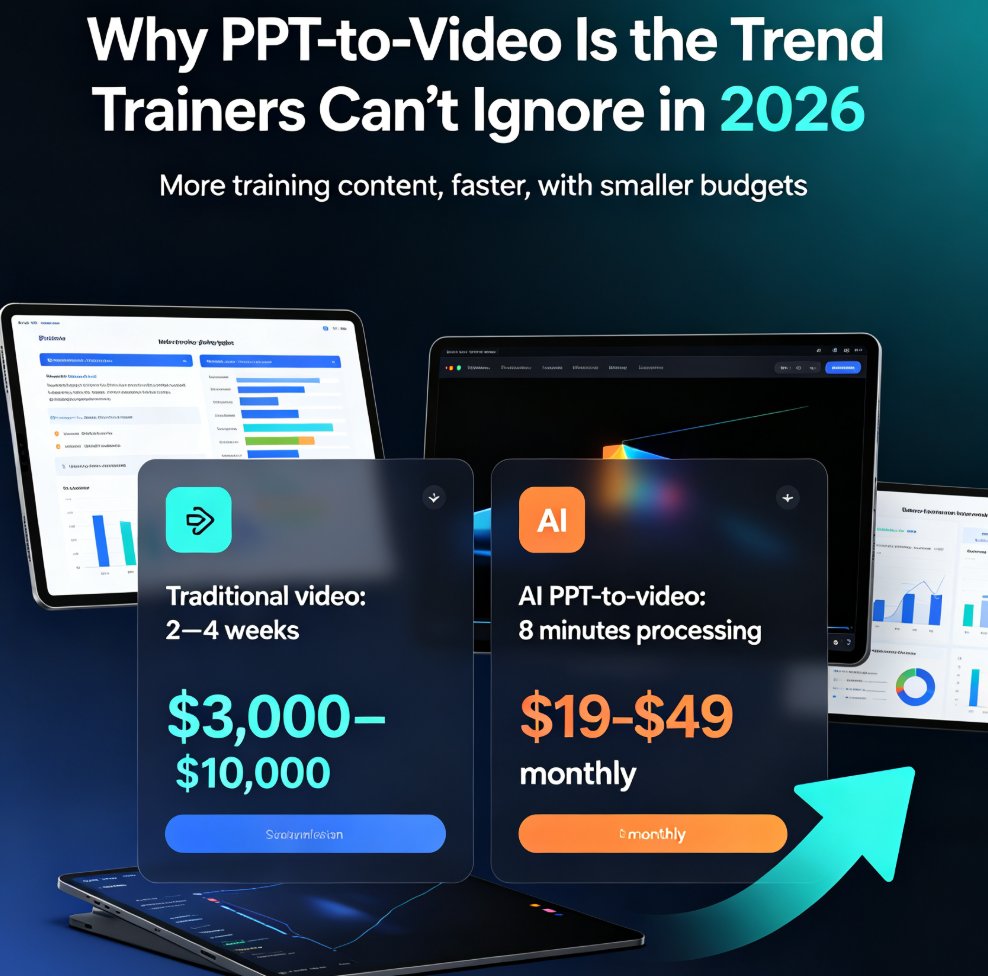
PPT to video is the defining e-learning trend of 2026: educators and corporate trainers are turning static slides into narrated micro-courses in minutes, not weeks. This guide breaks down how AI-powered conversion works, what it costs versus traditional video production, and how Zendeck's PPT-to-video feature automates narration, subtitles, and animated visuals — so anyone without design or editing skills can ship a polished training video before lunch. Includes a step-by-step workflow, a cost comparison chart, and practical tips for text-heavy decks, compliance manuals, and onboarding material. If you've been sitting on a deck that should be a video, this is your playbook.

No Voice Talent? Turn PPTs into Professional Videos with Zendeck AI

PPT to Video 2026-08-19 853

Turn your PowerPoint slides into professional narrated videos without a microphone or recording studio. Zendeck's AI narration and PPT-to-video conversion let educators, trainers, and content teams create polished micro-courses in under an hour. No voice talent, no equipment, no audio editing — just pick an AI voice, generate the narration, and export a video-ready MP4. This guide walks through the complete workflow, compares time and cost against traditional recording, and shares practical tips for making AI-narrated videos sound natural. If you've been avoiding video content because recording feels like a production project, this is the solution you've been waiting for. Learn how to auto-generate speaker notes, sync narration to slide timing, and produce training videos, compliance courses, and product demos that look and sound professional — all from the tool you already use to build decks.