Tags:PPT to video

24 articles

Accessible Micro-Courses: How Zendeck Auto-Generates Subtitles from PPT

Micro-Course Production 2026-08-27 1442

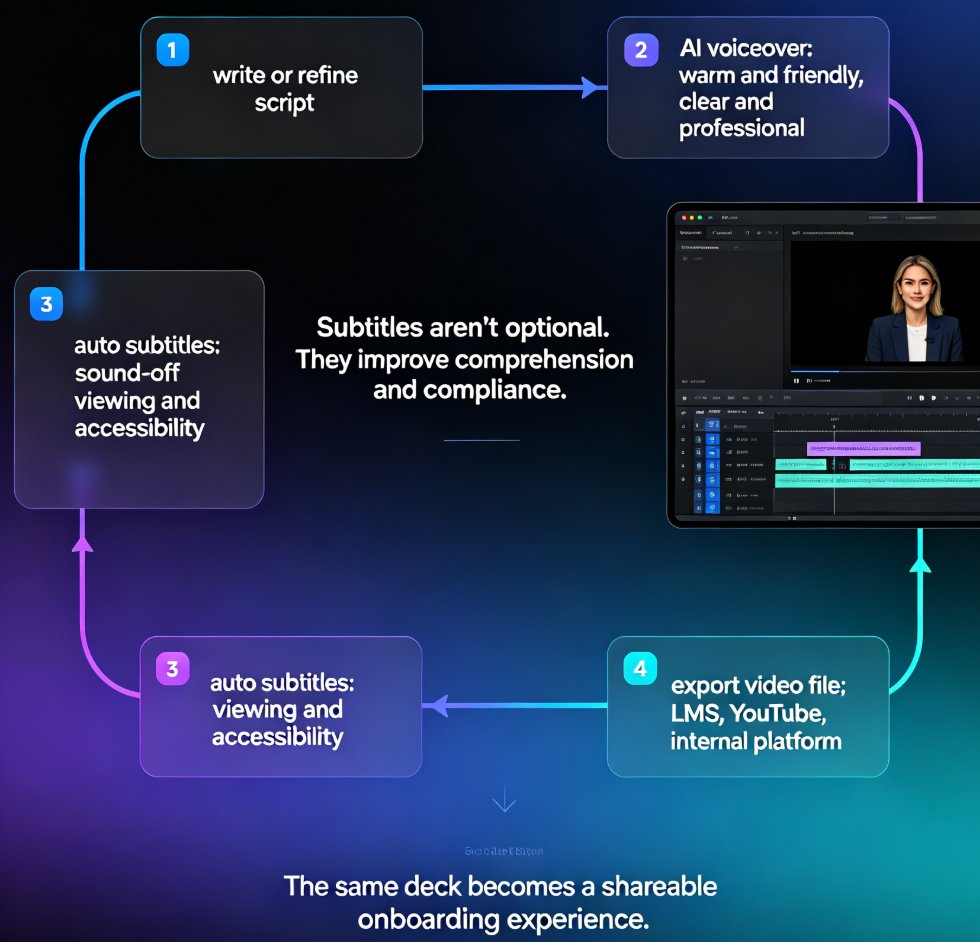
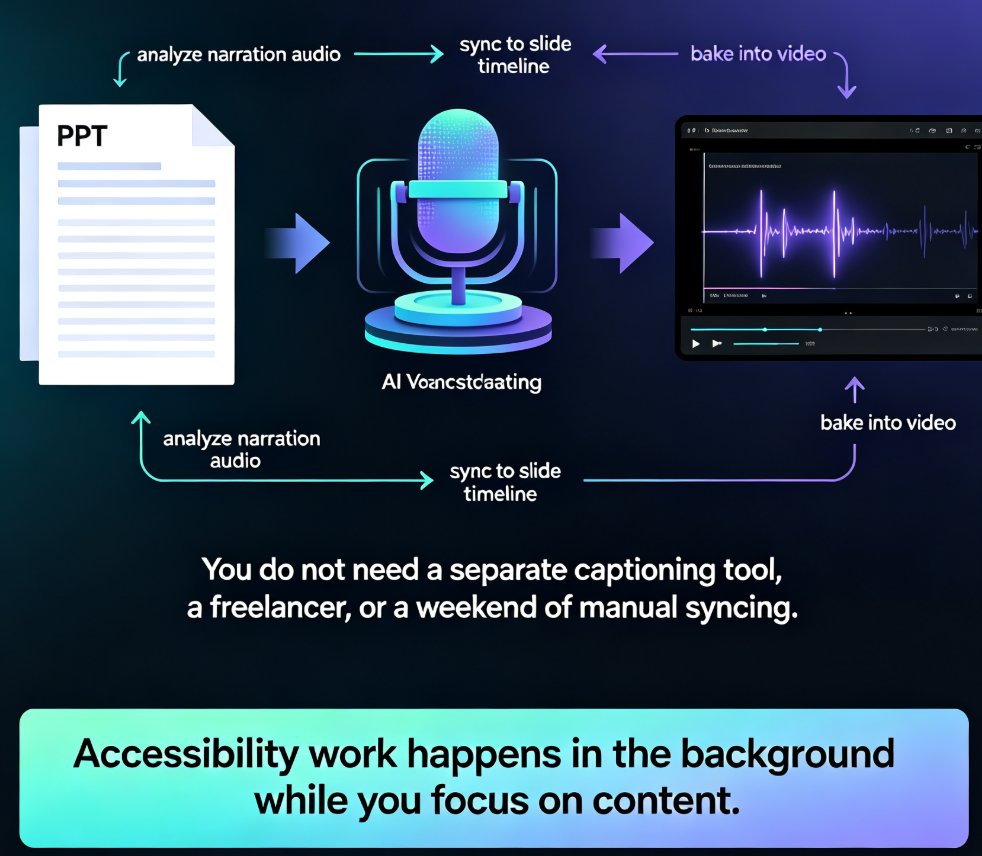
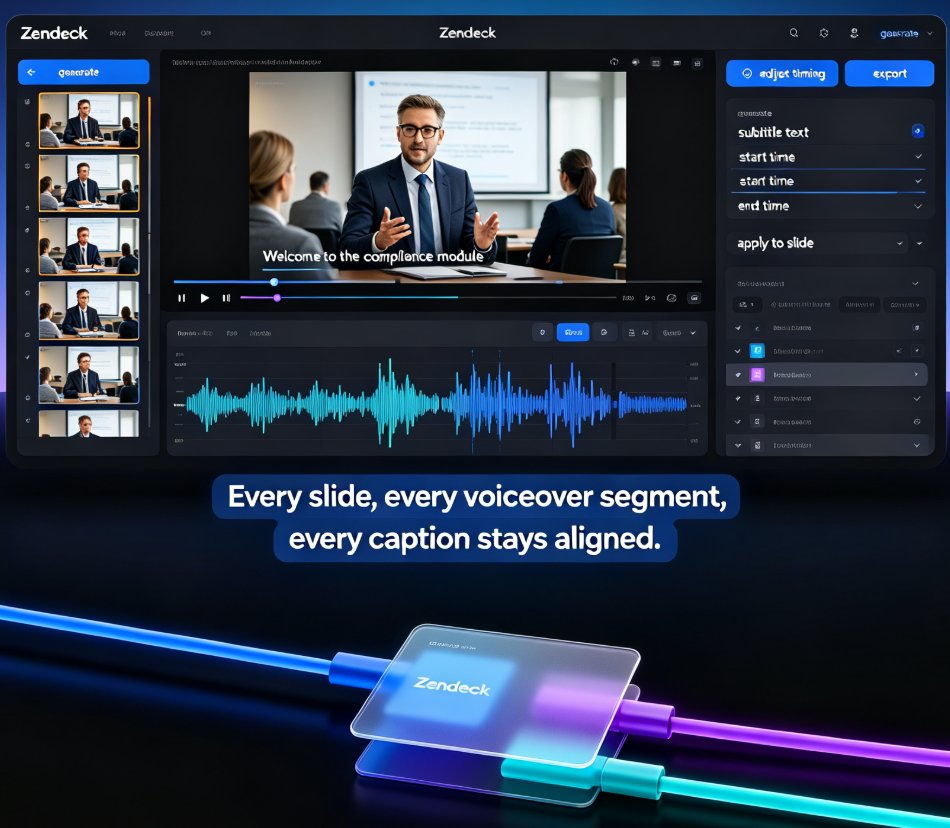
Zendeck auto-generates accurate subtitles when converting PPT to video, making micro-courses accessible to more learners with zero manual effort. Subtitles are no longer a nice-to-have — they're an accessibility requirement for diverse learners, non-native speakers, and WCAG compliance. This guide walks through how Zendeck's PPT-to-video pipeline creates synced, editable subtitles in the same pass as the conversion, and why that changes your course production workflow. You'll learn the full accessibility stack — alt text, contrast, transcripts — and get practical tips for reviewing and refining auto-generated captions before publishing. We also compare manual subtitling against Zendeck's automated approach, break down the time and cost difference, and show you a step-by-step workflow from PPT to published micro-course. If you're an educator, trainer, or L&D manager building accessible micro-courses, this is the fastest route to video content that reaches every learner.
How to Convert PPT to a Narrated Video with Zendeck: Step-by-Step

PPT to Video 2026-08-27 2098

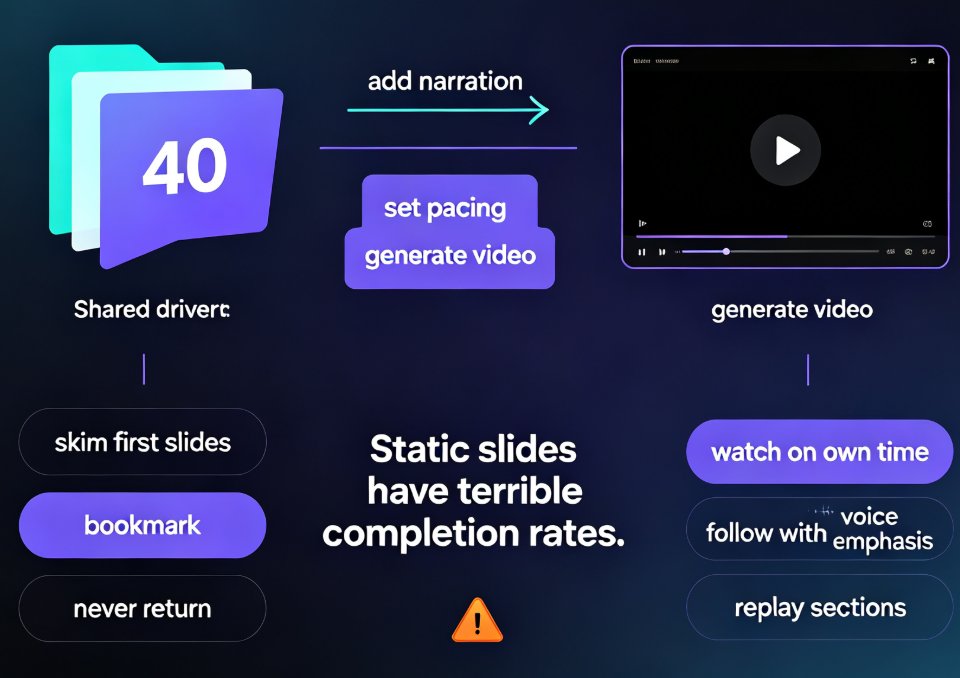
Learn how to convert PPT to a narrated video with Zendeck's PPT-to-video feature. This step-by-step guide walks through the entire workflow: importing a Word outline or Markdown file, letting AI generate structured slides, adding AI voiceover narration, and exporting to MP4 for sharing. We also cover practical tips for educators and trainers — how to keep slides visual, script before you record, and add subtitles for accessibility. By the end, you'll know exactly how to turn a static deck into a narrated micro-course in minutes, without a microphone, design skills, or expensive video editing software. Whether you're building corporate training, courseware, or knowledge videos, this workflow saves hours and produces consistent, professional results.

HR Onboarding Without Video Editing: Zendeck Turns PPT into Video

Knowledge Video 2026-08-27 2977

HR teams can now turn onboarding PPTs into narrated knowledge videos with Zendeck's PPT-to-video and digital human features — no video editing skills required. This guide walks through the exact workflow, from importing your outline to publishing a consistent, self-explaining onboarding course that scales across locations and languages. Learn how to cut production time, keep messaging consistent, and update training content in minutes instead of weeks. If your team has been stalled by the cost and complexity of video production, Zendeck gives HR a practical path to professional onboarding content without hiring editors.

How to Create Employee Onboarding Videos from Your PPT with AI Narration

Knowledge Video 2026-08-26 2697

Turn your existing onboarding PPT into professional employee onboarding videos with Zendeck's PPT-to-video and AI voiceover features. This step-by-step guide shows HR teams how to standardize new-hire training at a fraction of the cost of studio production. You'll learn how to import your slide deck, generate consistent narration, add subtitles, and publish a shareable video course — all without design or editing skills. We cover script pacing, voice selection, accessibility, and how to keep every cohort's experience identical. If you're tired of re-recording the same orientation content every quarter, this workflow will save you days of work and deliver a polished result every time. Onboarding videos built this way are easy to update, easy to localize, and easy to scale across departments — whether you're onboarding five people or five hundred.

PPT to Video in 2026: AI Narration & Smart Timing Beat Manual Editing

PPT to Video 2026-08-26 1631

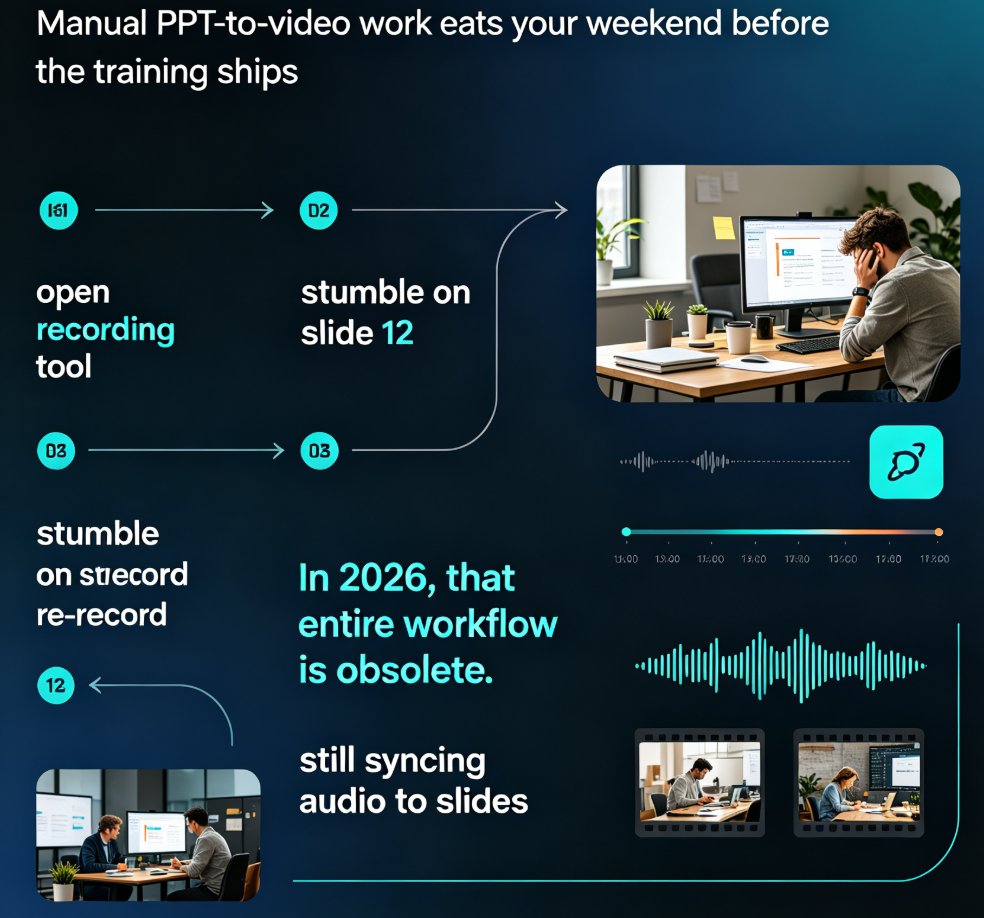
PPT to video in 2026 no longer means manual editing. AI narration and smart timing turn static slides into polished micro-courses in minutes. Zendeck's PPT-to-video reads your slide content, generates synchronized voiceovers, and paces each scene automatically—so educators, trainers, and content teams skip the recording booth entirely. This guide breaks down how scene detection, voice synthesis, and auto-pacing work together, compares production time against traditional workflows, and shows exactly where AI still needs a human touch. If you've been avoiding video because editing eats your weekends, this is the workflow change you've been waiting for.

PPT to Video Is the Next Big Trend: What L&D Teams Need to Know in 2026

PPT to Video 2026-08-25 3459

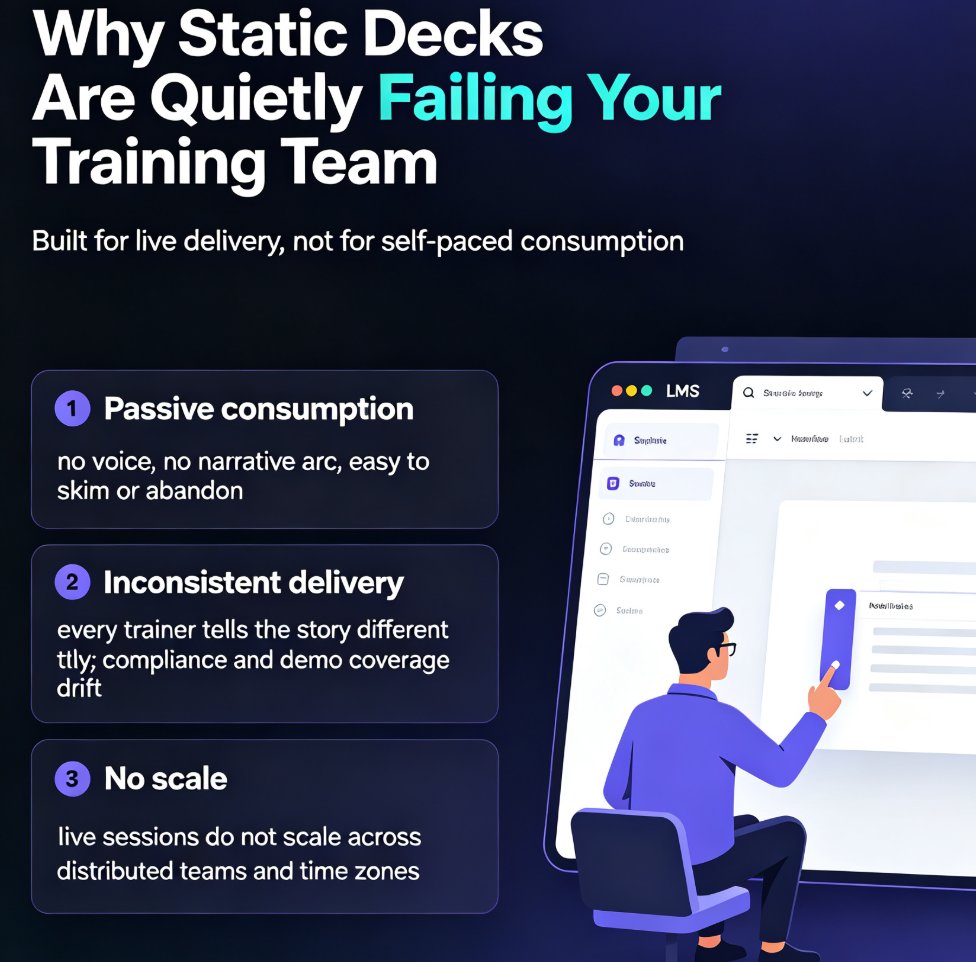
AI-powered PPT-to-video is the next big trend in corporate learning, and Zendeck makes the shift practical for L&D teams. This 2026 trend analysis explains why static slide decks are losing ground to narrated micro-videos, and how Zendeck's PPT-to-video engine — with auto subtitles, AI voice synthesis, and one-click narration — lets any training team convert slides to video without a production budget. We break down the pain points of static decks, the shift to video-first learning, what to look for in a conversion tool, and a step-by-step path from outline to published micro-course. If your training content is underperforming, this guide shows why video is the answer and how to get there.