Curated workplace insights to help you work smarter

Zendeck curates workplace efficiency, industry insights, and software tutorials to help you find useful information faster。

506 articles 8 Categories
Latest Articles

How to Add Narration to Your Slides with Zendeck's PPT-to-Video

PPT to Video 2026-08-11 3604

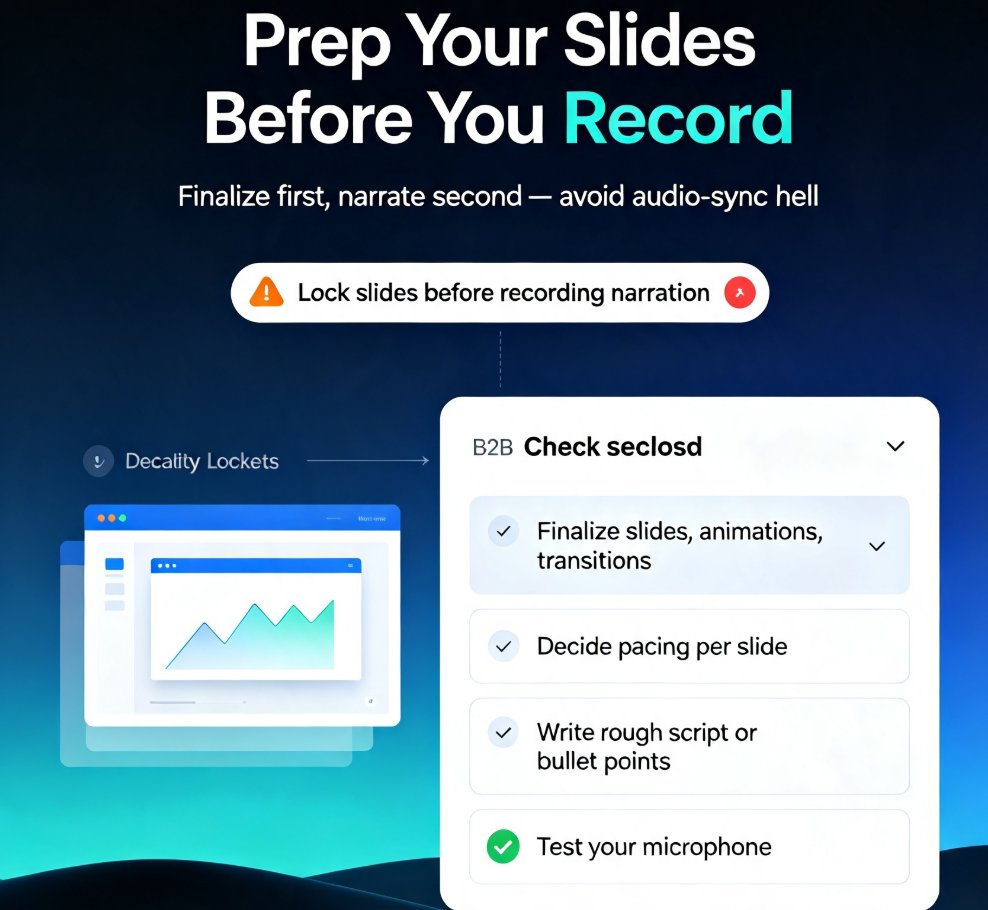
Learn how to add narration to your slides with Zendeck's PPT-to-Video feature. Turn static decks into engaging narrated video lessons in minutes — record, sync, and export with ease. This step-by-step guide covers slide prep, recording best practices, export settings, and common pitfalls like audio sync issues. Whether you're building micro-courses, onboarding materials, or asynchronous training, narrated video decks keep learners engaged and reduce rework. Zendeck's PPT-to-Video streamlines the entire workflow, so you can produce professional voiceover presentations without design or editing skills. We'll also show you how to fix audio sync problems, choose the right export format, and make your narration sound natural. If you're tired of silent decks that fail to engage, this guide gives you everything you need to create narrated video lessons that actually work. Start today.

AI-Generated Video Decks: Replacing Traditional Corporate Training

PPT to Video 2026-08-11 3457

AI-generated video decks are transforming corporate training, with UCL research showing they match instructor-led video in recall and recognition while boosting engagement by 35% at Sigma Software. Zendeck's PPT-to-video feature lets you turn static slides into narrated micro-courses in minutes, without design skills. Discover how AI video decks can replace traditional training methods, cut costs, and scale learning across your organization. Learn practical steps to create effective training videos, and see why forward-thinking L&D teams are adopting this approach.

AI Presentation Agents: How Autonomous Decks Reshape Workflows in 2026

Presentation Skills 2026-08-11 1891

AI presentation agents are reshaping how teams create decks in 2026. This guide explains what they do, how autonomy levels are evolving, and how to use them without losing your brand voice. Zendeck offers a practical middle ground for teams that want AI speed with human control. Learn the workflow changes that matter, from single-prompt generation to multi-agent pipelines, and get actionable steps to start automating your deck creation today. Discover the data behind the shift, including predictions that agentic workflows will handle 60% of routine business presentations by 2027, and see how to prepare your team for the autonomous future.

How to Auto-Generate Speaker Notes for AI Decks in Zendeck

PPT Tutorial 2026-08-11 2407

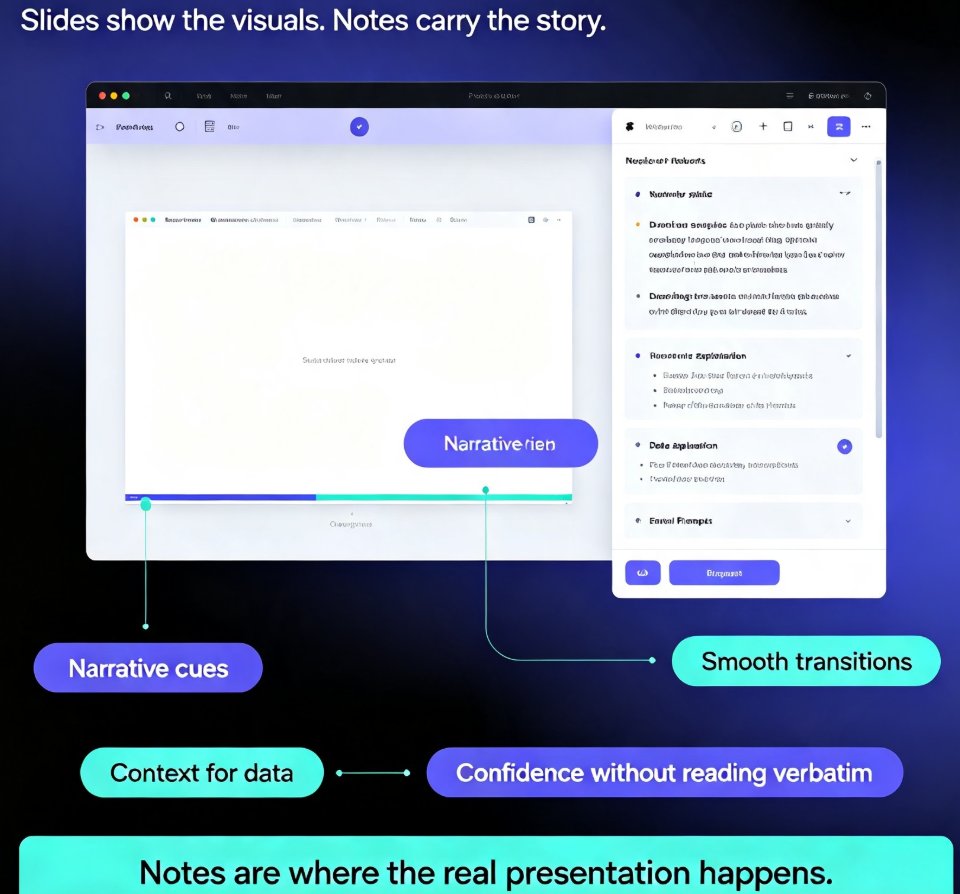
Learn how to auto-generate speaker notes for AI decks in Zendeck and cut your presentation prep time by more than 85%. This step-by-step guide shows you how to turn any slide deck into a complete presentation package — with speaker notes, talking points, and printable handouts generated automatically by AI. Stop writing notes by hand and start delivering with confidence. We cover the full workflow: building your deck, generating notes, refining them to sound like you, and exporting with notes intact. You'll also learn when auto-generated notes save the most time, how to make AI notes sound natural, and why speaker notes are the most underrated part of any deck. Perfect for educators, trainers, HR teams, and content professionals who build presentations regularly. Includes a time comparison chart, practical refinement tips, and answers to common questions about AI-generated speaker notes.

Branching Scenarios in AI Presentations for Interactive Training

Micro-Course Production 2026-08-11 2730

Learn how to build non-linear, decision-based training modules with Zendeck. Branching scenarios turn static AI decks into interactive micro-courses that boost engagement, retention, and compliance outcomes. This guide covers hyperlinks, slide organization, and PPT-to-video. You'll learn how to plan branch structures, wire decision points, add video narration, and avoid common pitfalls. Perfect for L&D professionals, HR trainers, and compliance officers who need scenario-based learning that actually sticks. Zendeck makes it possible without design skills or coding. We'll walk through a real compliance training example, show you the exact slide architecture, and give you a checklist you can reuse tomorrow morning. By the end, you'll have a repeatable workflow for turning any policy or procedure into an interactive training experience.

Create a Sales Training Deck Using Zendeck Templates and Assets

Presentation Skills 2026-08-11 3910

Building a sales training deck doesn't require design skills. With Zendeck's template library and asset library, you can create a professional, on-brand sales training deck in minutes. This guide walks you through the entire process: choosing the right template, structuring slides around learner needs instead of company history, using icons, charts, and illustrations effectively, and keeping everything consistent with brand kits. You'll also learn how to convert your finished deck into a narrated video for on-demand training, so reps can review material long after the session ends. Whether you're a sales trainer, team lead, or L&D professional, Zendeck makes it easy to build training materials that actually stick — no design experience needed. Start with a template, fill in your content, and let Zendeck handle the design.

▲