AI Courseware

Generate PPT, courseware, and outlines with AI in one click — smart layout and content creation.

113 articles

Match the Deck to the Moment: Zendeck's Scenario-Based Template Library

AI Courseware 2026-08-27 3146

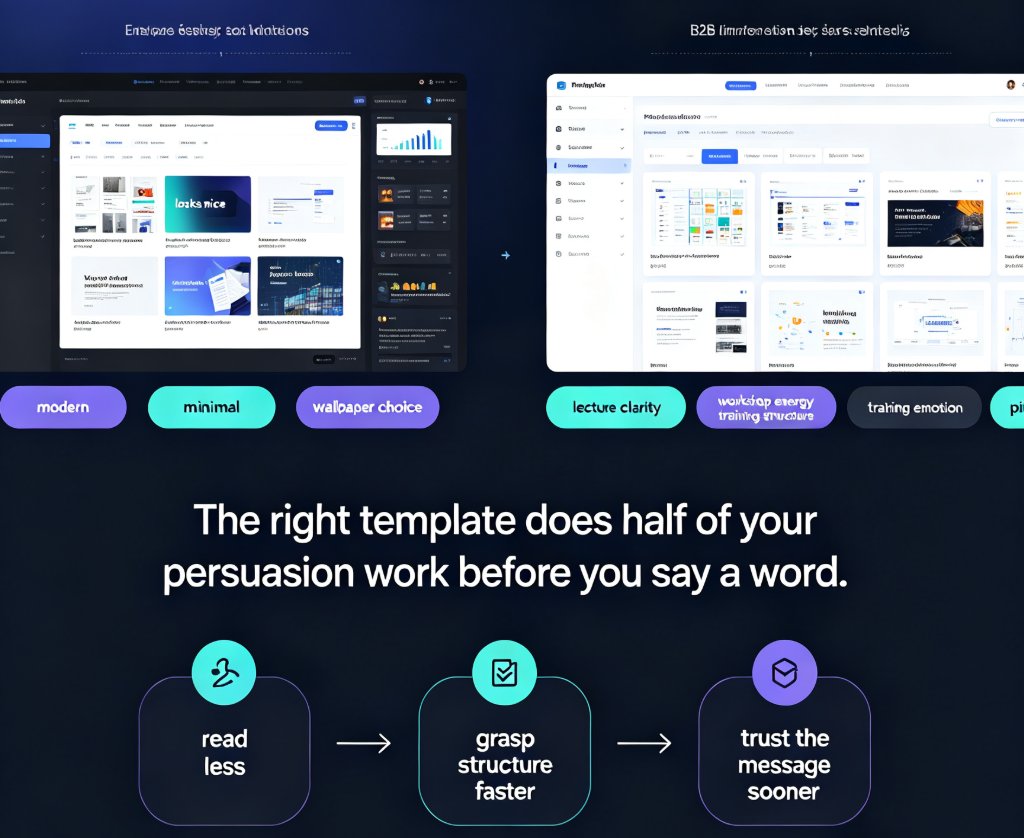
Choosing the right Zendeck template library template is a strategy, not a style decision. This scenario-based guide matches deck styles to classroom lectures, workshops, corporate training, and sales pitches — so your audience gets the visual language they need. Learn the four-question decision tree that filters your presentation goal into the right template style, see how Zendeck's scenario tagging and brand kit integration work behind the scenes, and grab a quick-reference table for every presentation moment. Whether you're an educator, trainer, HR lead, or sales professional, this guide helps you stop guessing and start matching the deck to the moment. The right template does half of your persuasion work before you say a word — this guide shows you how to claim that advantage.
Context-Aware Slide Generation: The 2026 AI Presentation Standard

AI Courseware 2026-08-26 805

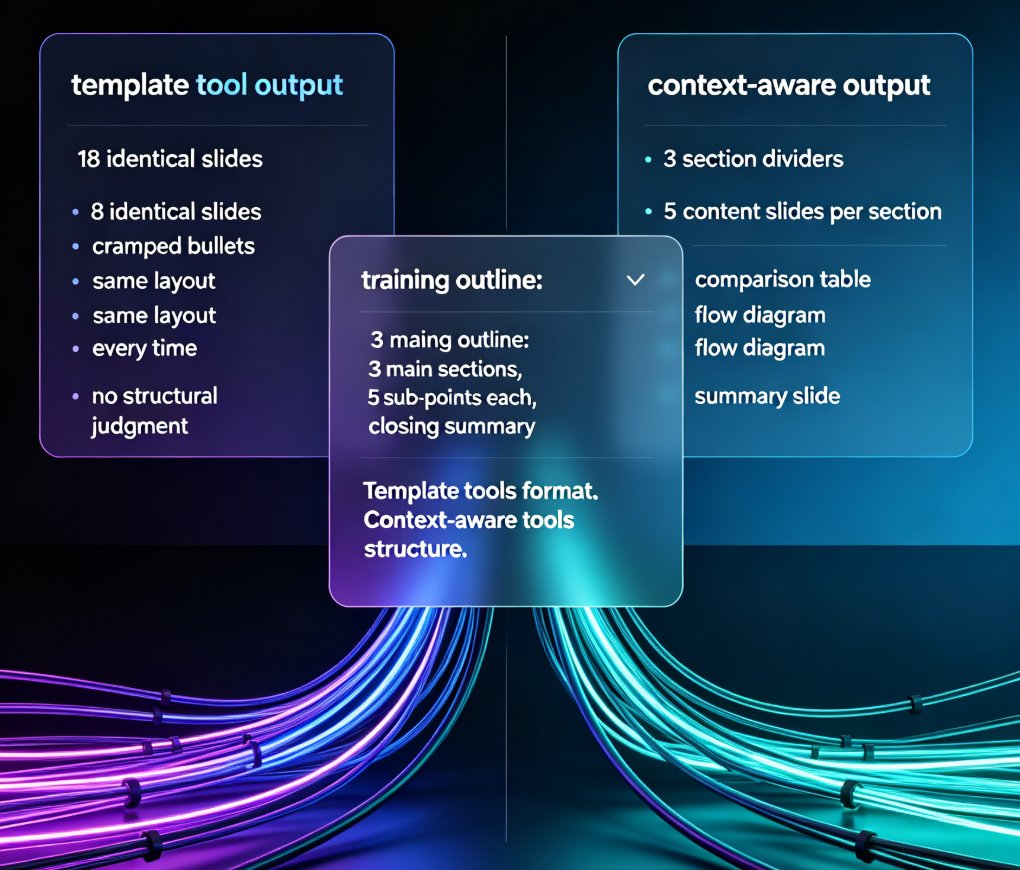
Context-aware slide generation is the new 2026 standard in AI presentation tools — and Zendeck leads the shift. Template-based AI tools format your content; context-aware tools structure it, reading your outline's hierarchy, audience, and purpose to build decks that actually persuade. This article breaks down what context-aware generation means, why template-only tools fail, and how Zendeck turns raw Word or Markdown outlines into audience-ready decks in minutes — with smart layouts, one-click reskinning, and consistent branding. You'll also see a comparison of template-based vs. context-aware workflows, practical time-savings, and what this trend means for trainers, educators, and teams in 2026. If your AI presentation tool can't understand your content, it's just a faster way to make mediocre slides. Here's how to do it right.

How to Generate a Complete Presentation from Scratch Using Zendeck AI

AI Courseware 2026-08-26 2061

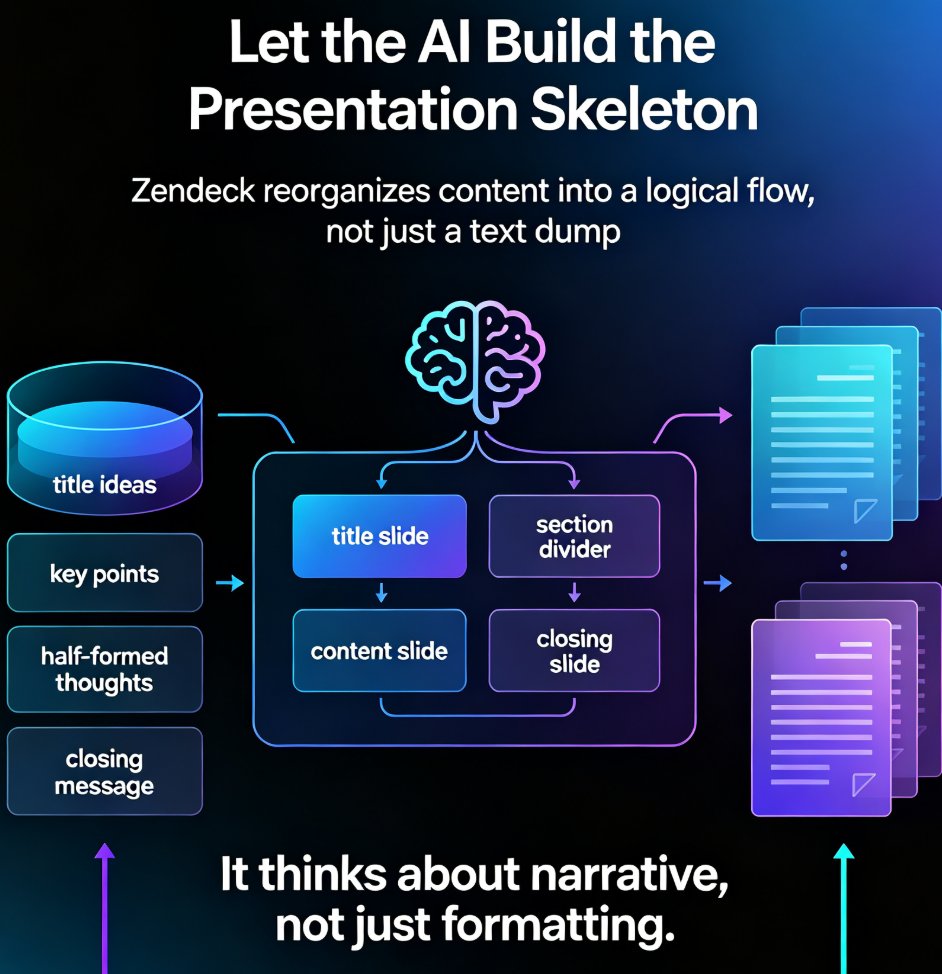
Learn how to generate a complete presentation from scratch using Zendeck AI. This step-by-step tutorial walks you from a simple outline to a polished, shareable deck in minutes — covering slide generation, smart layouts, one-click reskinning, asset libraries, and even PPT-to-video conversion. Zendeck AI handles the design heavy lifting so you can focus on your message, not your margins. Whether you're a trainer, educator, or busy professional, this zero-to-done workflow shows exactly how to turn rough notes into a structured, visually consistent presentation without opening a design tool. Stop wrestling with blank slides and start shipping decks that look intentional. Includes a full workflow comparison table, common mistakes to avoid, and answers to the questions people ask most when switching to AI-generated presentations.

Keep Your Brand Consistent: One-Click Reskin for Every Presentation

AI Courseware 2026-08-26 2404

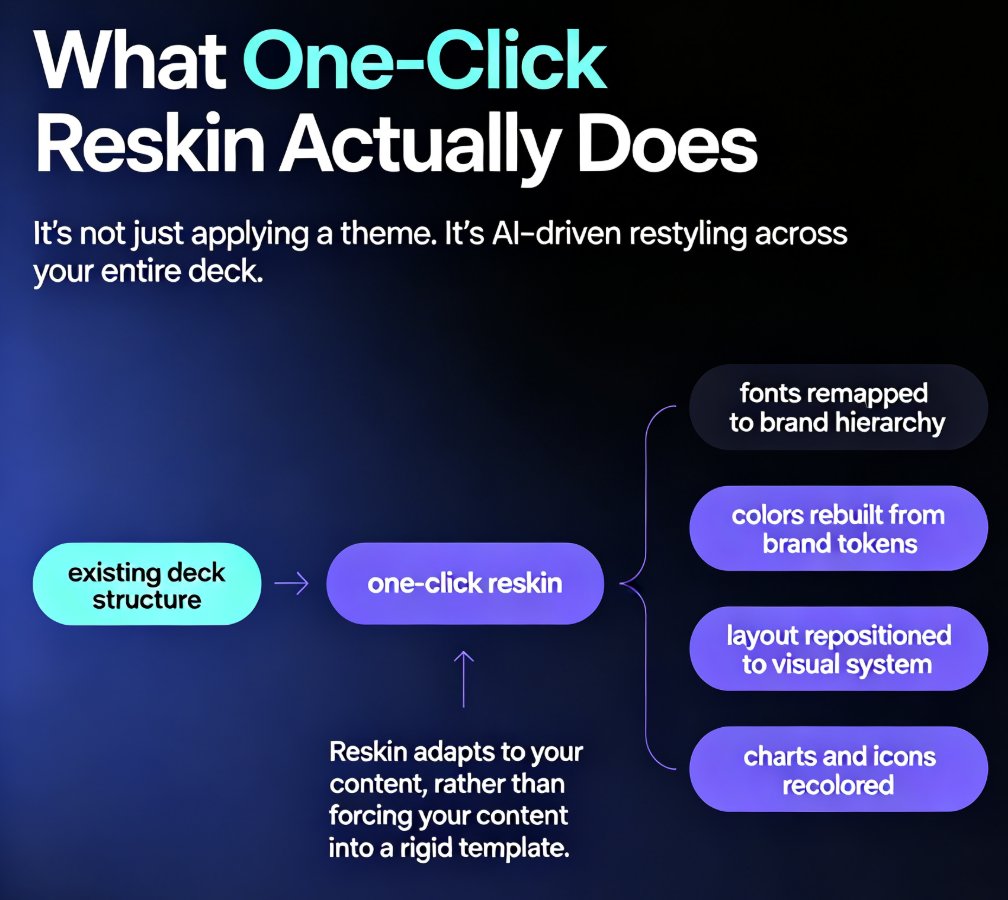
One-click reskin in Zendeck automatically unifies fonts, colors, and layout across every presentation, so your brand stays consistent without manual design work. Learn how AI-powered reskin eliminates the pain of restyling decks by hand — and why marketing, HR, and training teams are adopting it as their default workflow. This guide covers what reskin actually does, how it compares to manual restyling, step-by-step usage, and how to pair it with brand kits and smart templates for zero-effort brand governance. We also break down the hidden costs of inconsistent branding, the time savings you can expect, and the common mistakes to avoid when rolling out reskin across your team. If you've ever shipped a deck with mismatched colors or outdated logos, this is the fix you've been looking for — no design degree required.

From Markdown to Slides: The Fastest Way to Create a Developer Deck

AI Courseware 2026-08-26 1244

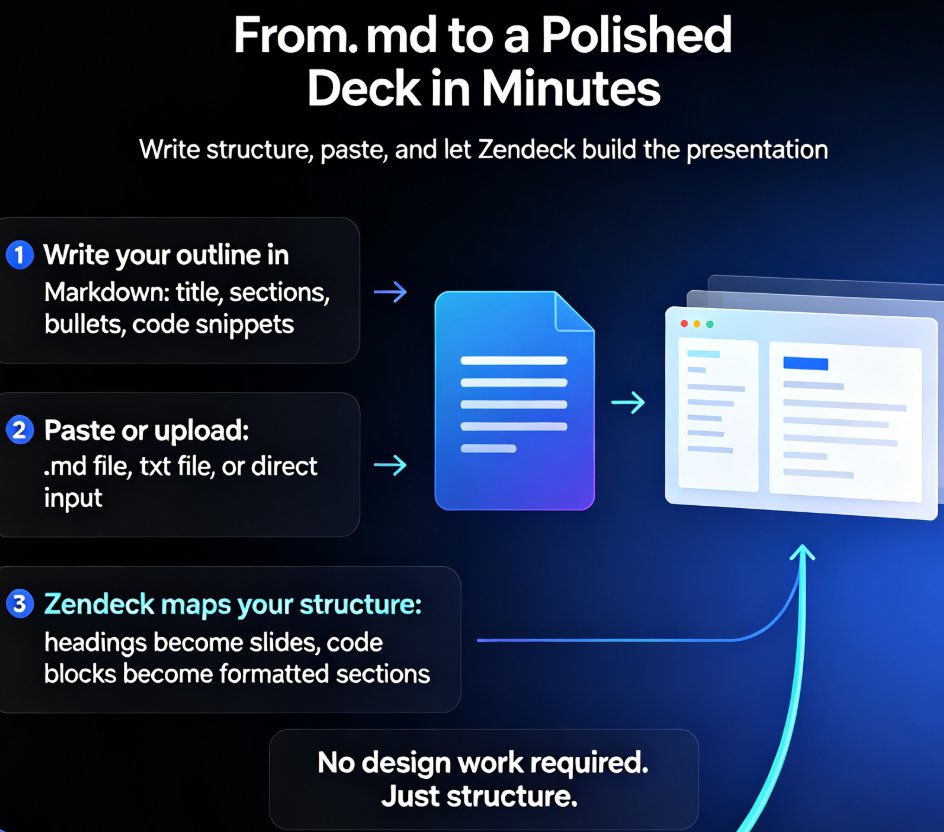
Turn Markdown into polished slides in minutes with Zendeck. This guide shows developers and technical writers how to convert .md and TXT outlines into clean, code-friendly presentations — no design skills needed. Learn the step-by-step workflow from outline to deck, see how Zendeck maps headings to slide titles and code blocks to formatted snippets, and compare the Markdown-to-slides approach against traditional PowerPoint tools. You'll also discover how to structure technical content for skimmable slides, avoid common deck mistakes, and turn your finished presentation into a narrated video for remote teams and onboarding. If you can write a README, you can build a presentation — and Zendeck makes that literally true.

How to Turn a Word Outline into a Professional PPT with Zendeck

AI Courseware 2026-08-26 1629

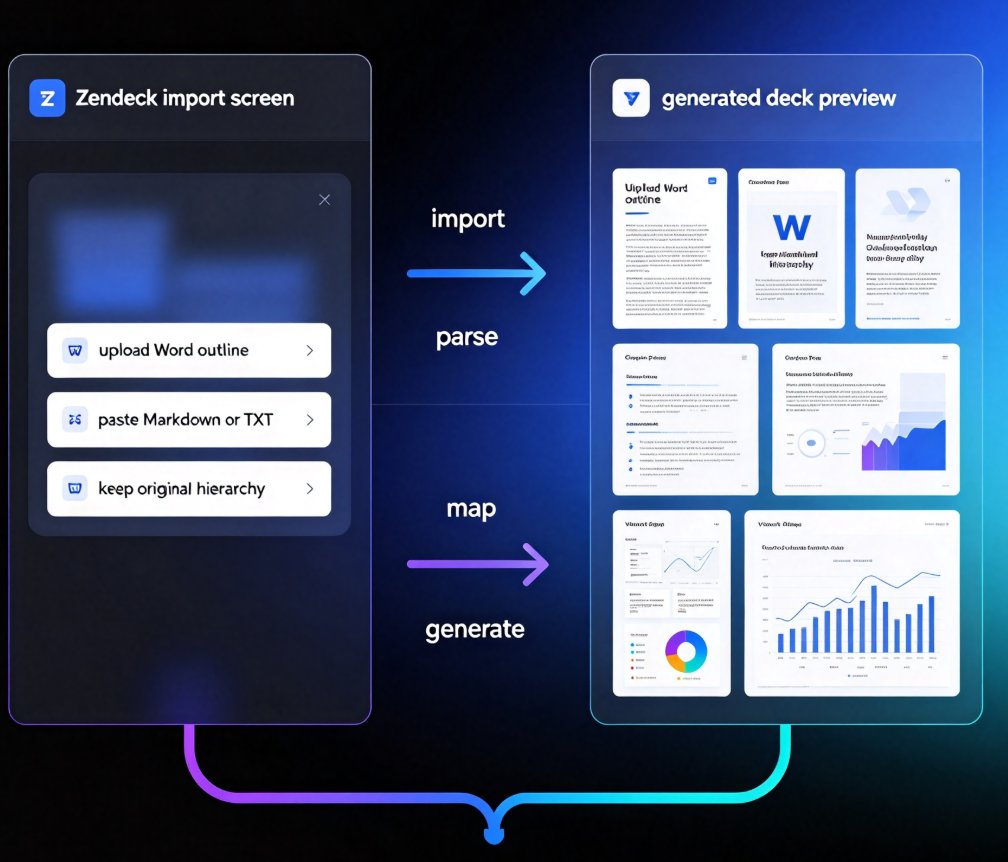
Turn a Word outline into a professional PPT with Zendeck in minutes. This step-by-step guide walks through Zendeck's document-to-deck workflow: upload a Word file or paste Markdown, let smart layouts preserve your content structure, and generate a visually consistent presentation without touching manual slide design. You'll learn how to prepare your outline with proper heading styles, choose the right template, review and refine the generated deck, apply a one-click reskin for brand consistency, and even convert the finished deck into a narrated video for training or courseware. Whether you're an educator, trainer, consultant, or content operator, this workflow cuts the time spent reformatting documents from hours to minutes. Stop copying bullet points one by one — let Zendeck handle the layout while you focus on the message.

▲