AI Courseware

Generate PPT, courseware, and outlines with AI in one click — smart layout and content creation.

113 articles

How to Use Zendeck's AI to Automatically Rebrand Your Entire Deck

AI Courseware 2026-08-28 696

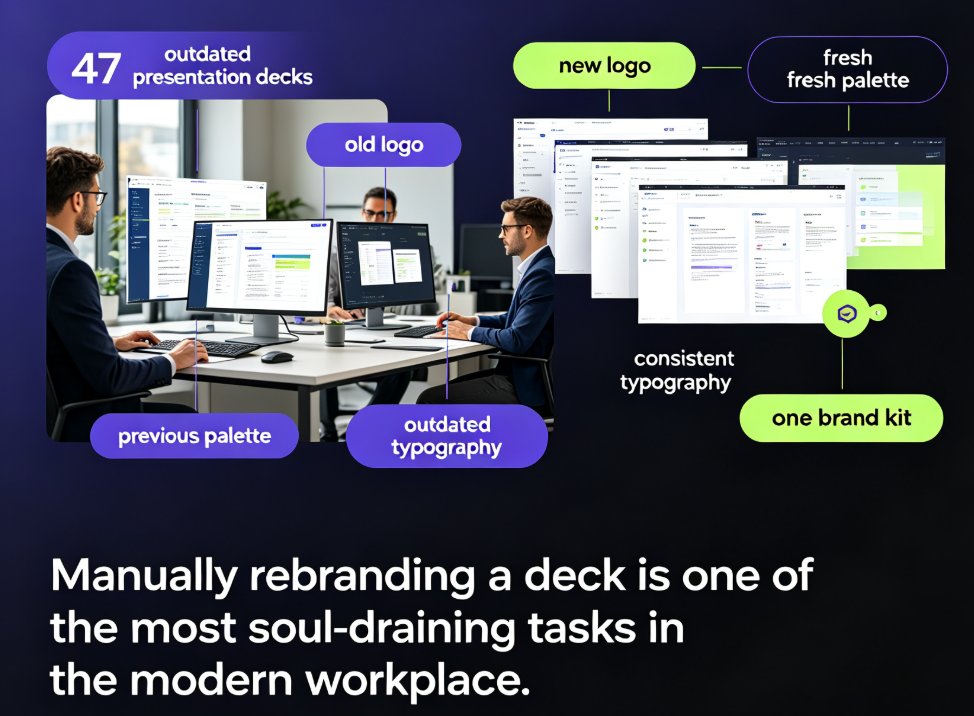
Zendeck's one-click reskin lets you automatically rebrand an entire presentation — applying brand colors, fonts, and layouts across every slide in seconds. This guide explains what reskinning actually does, why manual rebranding is a productivity trap, and a step-by-step workflow to convert a legacy deck into an on-brand, professional presentation in under five minutes. We break down who benefits most (corporate teams, educators, agencies, startups), include real time-saving data showing an 80% reduction in manual work, and highlight common mistakes to avoid. You'll also learn how to combine reskin with a custom brand kit for long-term brand governance. If you're refreshing outdated decks or aligning with new brand guidelines after a company rebrand, Zendeck's one-click reskin is the fastest path from outdated to on-brand.
Zendeck vs Gamma: Which AI Presentation Tool Suits Your Team?

AI Courseware 2026-08-28 897

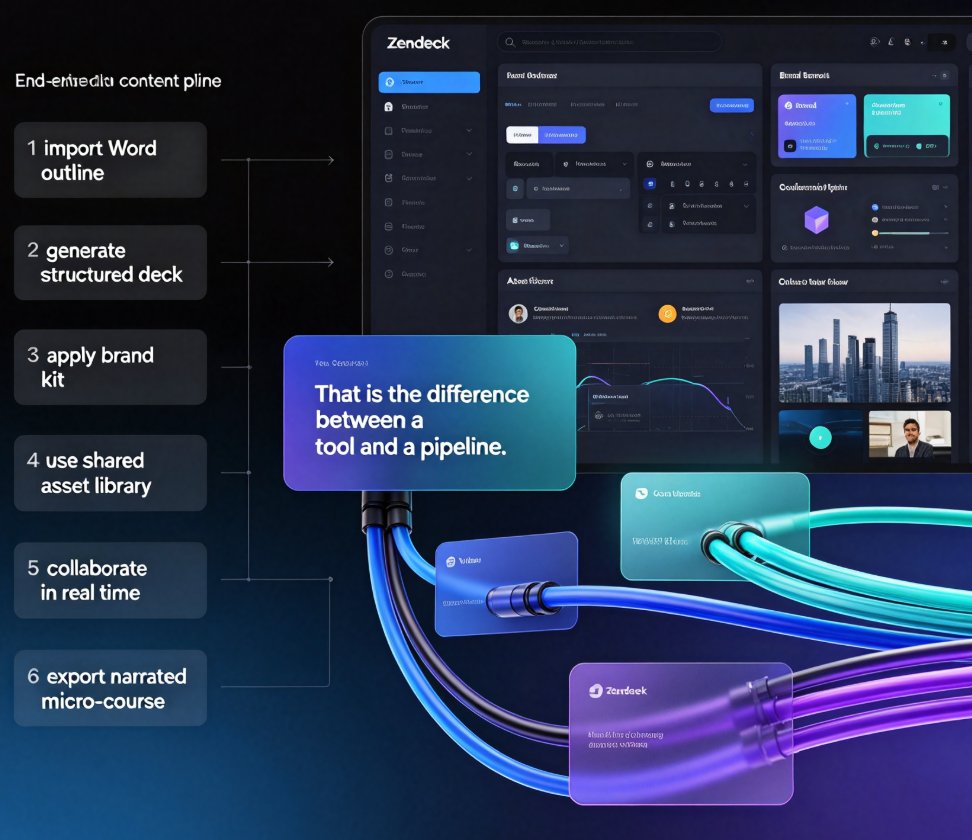
Choosing between Zendeck and Gamma for AI presentation tools? This honest head-to-head compares AI deck generation, template libraries, brand consistency, real-time collaboration, asset management, and the one feature that changes everything: PPT-to-video conversion. Gamma is excellent for quick, modern decks generated from text prompts — a solid choice for internal updates and pitch drafts. Zendeck goes further, importing Word and Markdown outlines, enforcing brand kits through one-click reskin, building a reusable asset library of icons, charts, and illustrations, and converting finished slides into narrated micro-courses for training and sales teams. We break down who each tool truly serves — quick deck designers versus all-in-one content producers — so you can match the platform to your team's workflow, content pipeline, and output goals. Read the full comparison, then decide with confidence.

Data-Heavy Slides Made Simple: Research Decks with Zendeck Charts

AI Courseware 2026-08-27 2460

Struggling to turn raw research data into clear, compelling slides? Zendeck's chart and data visualization assets let educators and researchers build professional data-heavy presentations in minutes — no design skills required. This guide walks you through choosing the right chart type, applying smart layouts, and following design principles that make numbers stick. Learn how to replace manual graph formatting with Zendeck's built-in chart library, keep colors consistent with your institution's branding, and create accessible, audience-ready research decks for conferences, classrooms, and stakeholder reports. If you've ever spent hours wrestling with Excel charts and PowerPoint alignment, this is the workflow you've been missing.

Rebrand Old PPT Fast: Zendeck One-Click Theme Change

AI Courseware 2026-08-27 1837

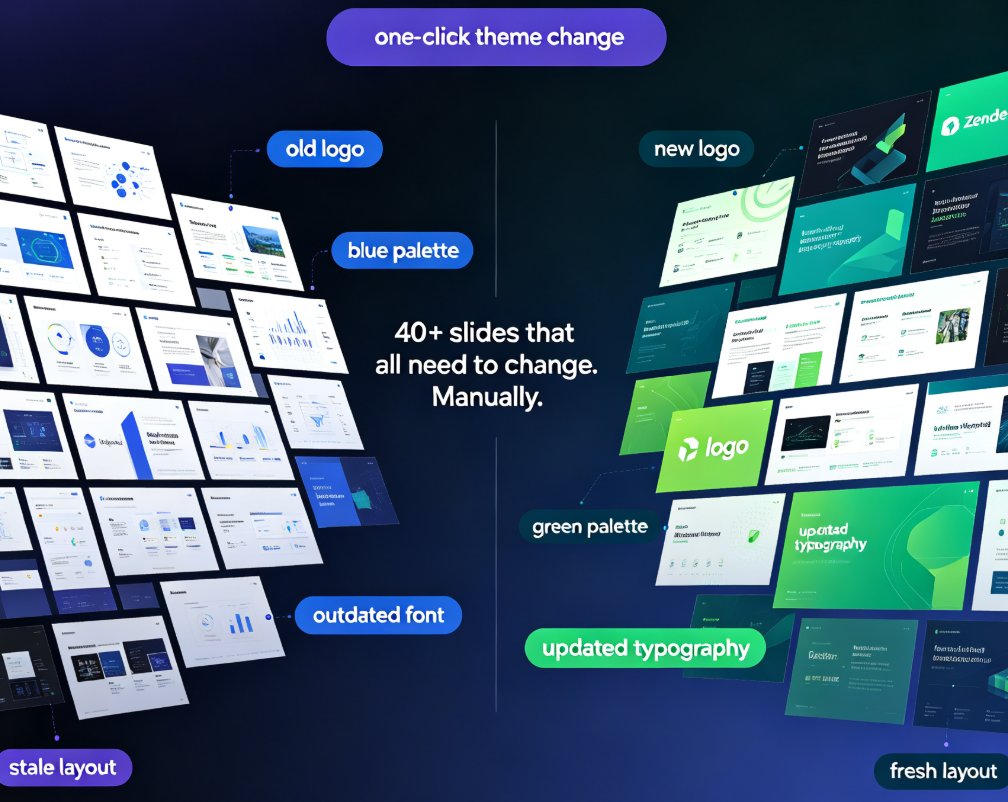
Rebrand your old PPT with Zendeck's one-click theme change and stop wasting hours on manual editing. When new brand guidelines land — new colors, fonts, or logos — you don't need to rebuild your deck from scratch. Zendeck reskins every slide automatically, applying your updated palette, typography, and assets in minutes instead of days. This guide walks through the exact workflow: importing your existing deck, picking a theme that matches your brand kit, applying the one-click change, and reviewing the results. You'll also see a side-by-side cost comparison of manual rebranding versus Zendeck's automated approach, plus best practices for keeping presentations consistent across your organization. Whether you're refreshing a sales deck, updating courseware, or aligning training materials with a new corporate identity, Zendeck makes brand consistency effortless.

How Does Zendeck Turn Word Outlines into Presentations in Minutes?

AI Courseware 2026-08-27 3332

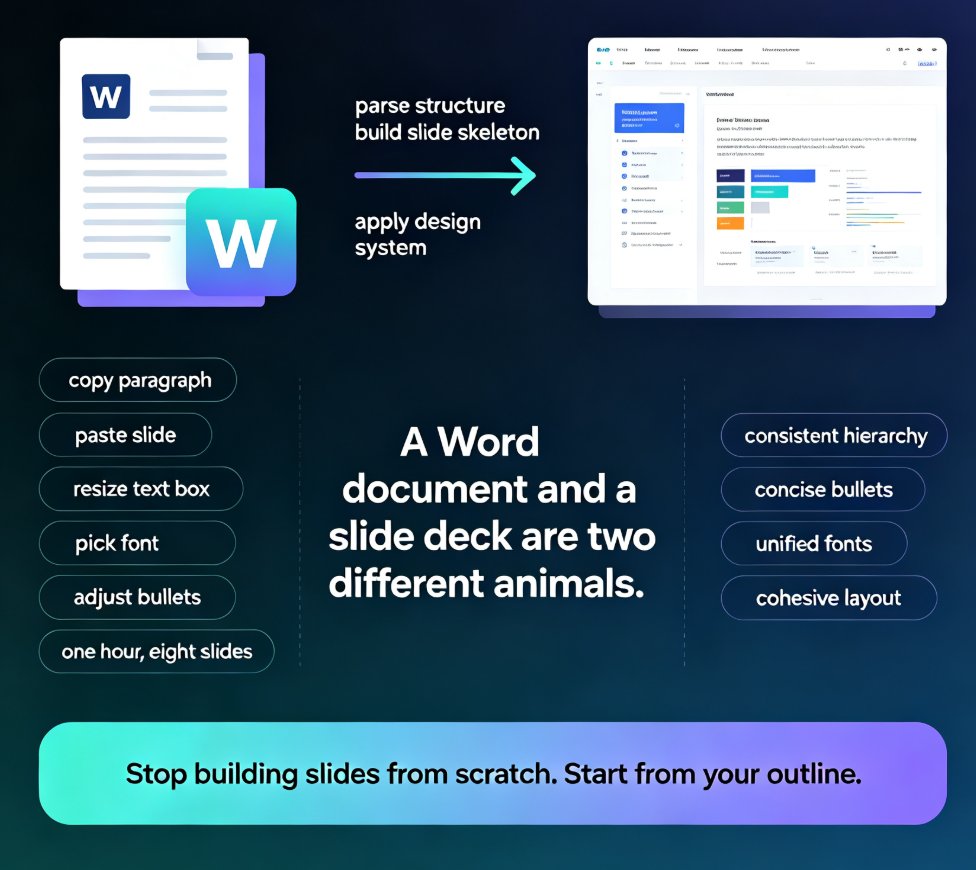
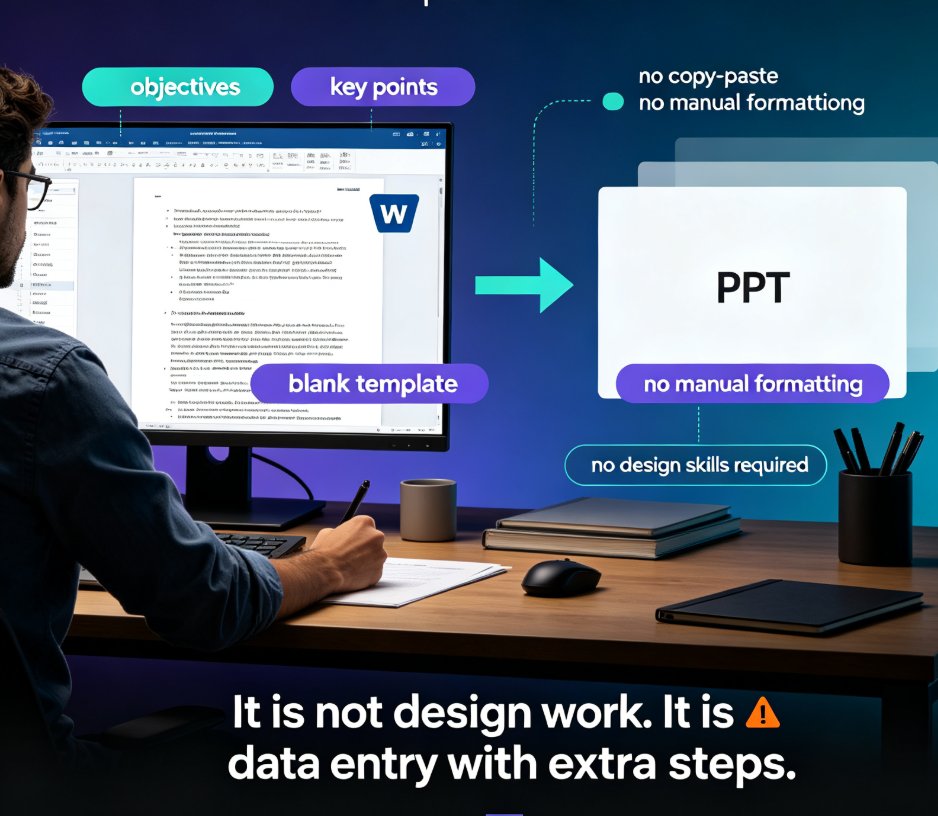
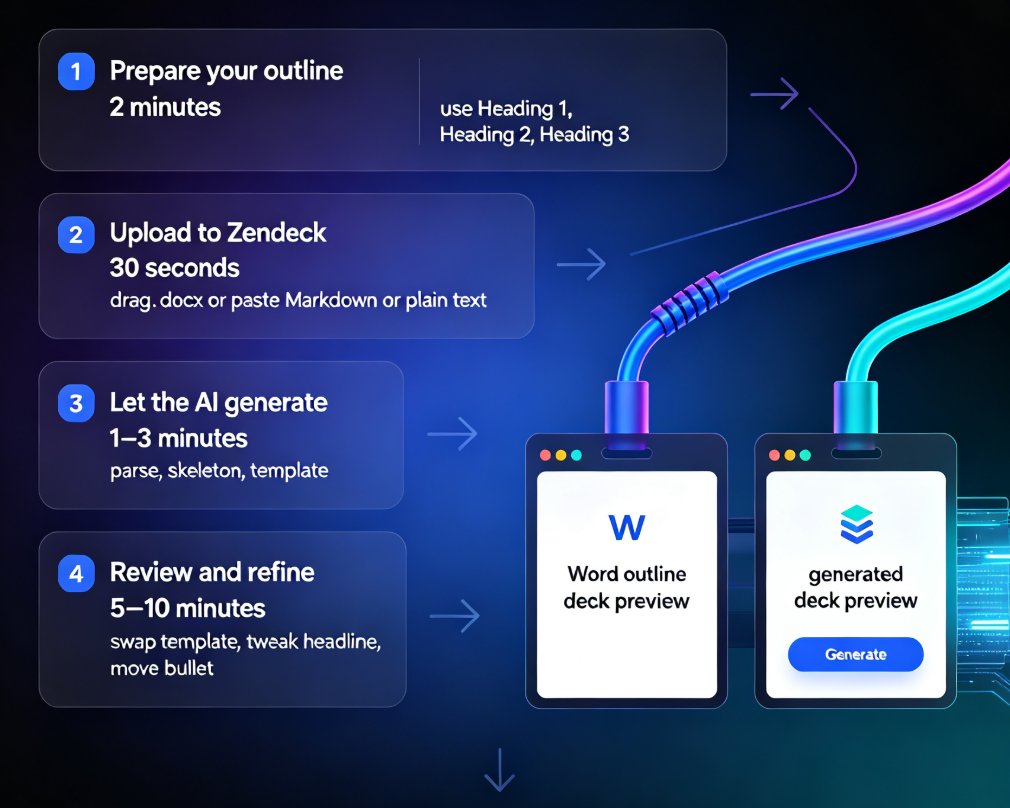
Learn how Zendeck turns Word outlines into presentations in minutes. Zendeck's AI parses your .docx structure, generates clean slide layouts, and applies consistent design automatically. Stop copy-pasting between Word and PowerPoint — import your outline, review the deck, and present. This guide walks through the exact workflow, the time savings, and the outline habits that get you the best results. Whether you're a trainer repurposing course material, an HR manager turning policy docs into onboarding decks, or a consultant converting a report into a client pitch, Zendeck's Word-to-PPT pipeline handles the heavy lifting. Includes a step-by-step walkthrough, a time comparison chart, and practical tips for structuring your Word document so the AI produces slides that actually look designed.

Word to PPT in Minutes: Zendeck's AI Import for Busy Teachers

AI Courseware 2026-08-27 1139

Zendeck's AI Word import converts your lesson outline into a polished PPT in minutes, eliminating the manual copy-paste and formatting that eats teachers' prep time. This guide walks through the workflow step by step — structuring your Word doc, importing it, choosing a template, and refining the result — and shows how the same deck can become a narrated micro-course. With smart layouts, consistent design tokens, and auto-suggested visuals, Zendeck produces decks that look professionally designed without any design skills. You'll also get practical tips for structuring Word documents for the best import results, a side-by-side comparison of manual versus AI workflows, and answers to common questions about editing, branding, and turning slides into video. If you're a busy teacher tired of Sunday-night slide building, this is the workflow you've been missing.

▲