Tags:Zendeck

75 articles

One-Click Reskin: How to Unify Fonts, Colors, and Layout with Zendeck

PPT Tutorial 2026-08-18 2610

Struggling to keep your presentations on-brand? Zendeck's one-click reskin instantly unifies fonts, colors, and layout across every slide, saving hours of manual formatting. In this tutorial, you'll learn how to use Zendeck's smart layout and reskin features to achieve consistent, professional decks in seconds. We'll cover step-by-step instructions, design tips from industry experts, and best practices for maintaining brand consistency across teams. Whether you're a corporate trainer, educator, or marketer, this guide will help you create polished presentations without design skills. Discover how Zendeck empowers anyone to produce brand-consistent slides effortlessly.

Turn Boring Slides into Narrated Videos with Zendeck AI Voiceover

PPT to Video 2026-08-18 3075

Turn static slides into narrated videos with Zendeck AI voiceover — no video editing skills, studio equipment, or voice actors required. Zendeck's PPT-to-Video feature converts your existing decks into professional narrated micro-courses in about an hour. This guide breaks down the traditional cost of video production, compares it with Zendeck's automated workflow, and walks through the four-step process: import your deck, polish the slides, add AI narration, and render. You'll also see who benefits most — educators, corporate trainers, HR teams, and content operators — and when traditional video production still makes sense. If you've been sending static decks that nobody watches, this is the fix. Learn how AI voiceover, smart layout, and one-click rendering make narrated video creation affordable for any team.

Stop Hunting for Icons: Zendeck's Asset Library Finds Them Instantly

Presentation Skills 2026-08-18 3904

Stop wasting hours hunting for the perfect icon. Zendeck's asset library searches, filters, and inserts icons, charts, and illustrations in seconds—all while keeping your brand consistent. This article breaks down how the library works, why it beats manual icon hunting, and how you can use it to speed up your presentation workflow. Whether you're a teacher, marketer, or consultant, you'll learn practical tips to find the right visual instantly and keep your decks polished. Zendeck's AI-powered search understands context, so you get relevant results without typing exact names. Say goodbye to endless scrolling and hello to a streamlined design process.

How to Create a Thesis Defense Presentation with Zendeck

AI Courseware 2026-08-14 2531

Zendeck turns a lengthy thesis into a polished defense presentation in minutes. This guide walks graduate students through importing a dissertation outline, choosing academic templates, and refining slides for a 15–20 minute defense. Learn how to structure research questions, methodology, findings, and limitations so your committee sees clarity, not clutter. We cover the exact outline sections that work, what to keep and cut in every slide, design choices that signal preparation, and how to rehearse with auto-generated speaker notes. You'll also learn how to avoid the most common defense deck mistakes, from text-heavy slides to inconsistent formatting, so you walk into the room looking prepared. Whether you're defending a master's thesis or a doctoral dissertation, this is the complete thesis defense presentation workflow for students who want to spend less time formatting and more time defending their work.

How to Turn a Blog Post into a Slide Deck with Zendeck's AI

Presentation Skills 2026-08-12 1927

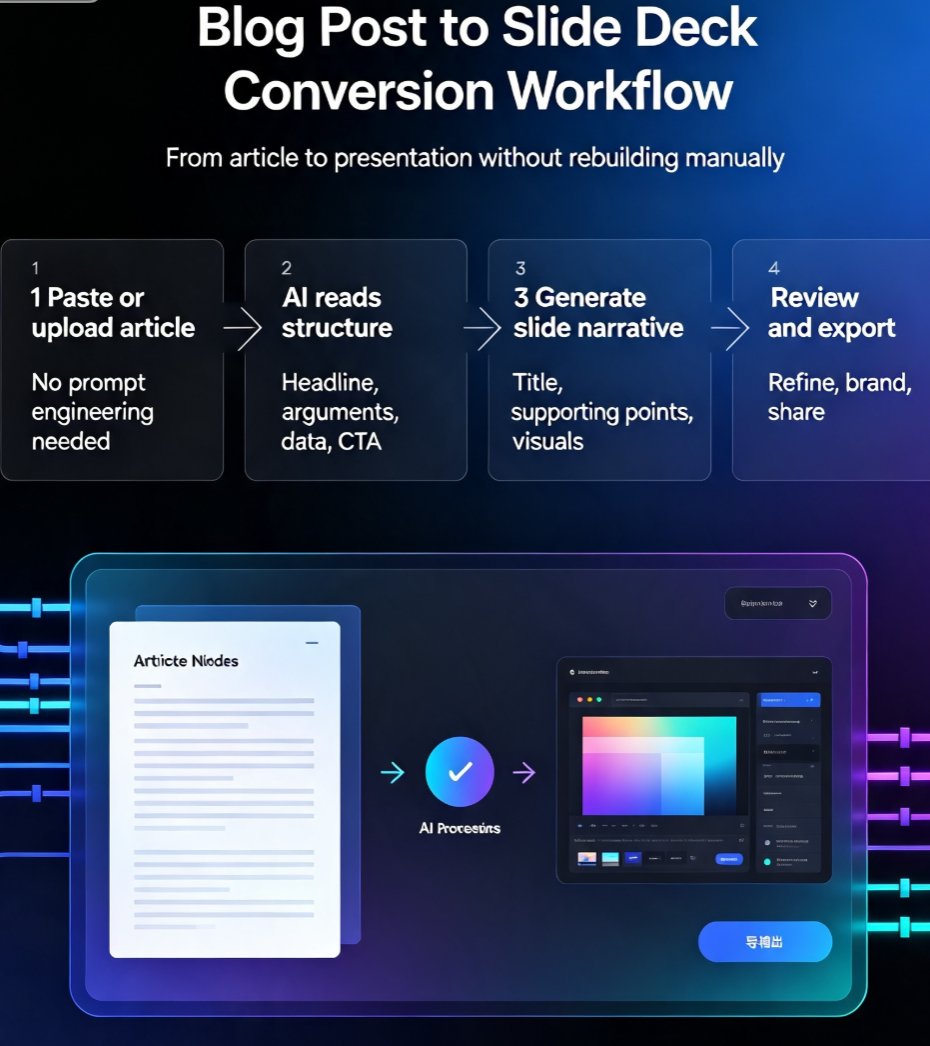
Turning a blog post into a slide deck doesn't have to be a manual slog. Zendeck's AI converts your article into a polished, on-brand presentation in minutes. This guide walks you through the exact workflow, compares Zendeck with other AI presentation tools, and shares practical tips for repurposing content effectively. Whether you're a marketer, educator, or consultant, you'll learn how to transform written content into engaging slides without design skills. Stop copy-pasting and start converting—discover how Zendeck turns your blog posts into decks that impress audiences and save hours of work.

How to Create a Branded Onboarding Deck in 5 Steps with Zendeck

PPT Tutorial 2026-08-12 2313

Creating a branded onboarding deck used to take days. With Zendeck, you can assemble a polished, on-brand presentation in under 30 minutes. This step-by-step guide walks you through 5 steps: setting up your brand kit, choosing a template, adding assets, customizing with AI, and collaborating with your team. Learn how Zendeck's brand kits, template library, and asset library ensure consistency across every slide. Whether you're an HR professional or a team lead, this tutorial shows you how to turn a chaotic manual process into a streamlined workflow. Save time, maintain brand standards, and impress new hires from day one. Start with Zendeck today.