Tags:Zendeck

75 articles

How to Create a Quarterly Business Review Deck with Zendeck

Presentation Skills 2026-08-12 3801

Learn how to create a quarterly business review deck with Zendeck. This guide covers the 11-slide structure that wins stakeholder trust, step-by-step AI-powered workflow, and design tips. Zendeck helps you turn raw data into a polished QBR deck in minutes, not days. Perfect for consultants, managers, and teams who need to present results clearly.

From Document to Deck: The Death of Manual Copy-Paste in 2026

Office Efficiency 2026-08-12 792

Manual copy-paste is dead. In 2026, AI document import tools like Zendeck turn Word, PDF, and Markdown files into polished, structured slide decks in minutes — not hours. This article breaks down the trend reshaping how knowledge workers build presentations, what separates a real document-to-deck tool from a gimmick, and how to build a workflow that saves you 90+ minutes per deck. If you're a trainer, educator, HR lead, or content operator still rebuilding slides by hand, here's why the copy-paste era is officially over — and how to make the switch today without sacrificing design quality or brand consistency.

Does Zendeck Work Offline? Connectivity and Cloud Sync FAQ

Office Efficiency 2026-08-12 3257

Does Zendeck work offline? Zendeck is a cloud-based AI presentation platform, so most features require an internet connection. While you can't generate AI slides or collaborate in real time without connectivity, you can prepare content offline and sync later. This FAQ explains what works offline, how cloud sync protects your work, and best practices for flights, remote areas, and unstable networks. Learn how to keep your deck workflow smooth even when the Wi-Fi drops, and discover workarounds for Zendeck's connectivity requirements.

How to Create a Standout Job Interview Presentation with Zendeck

Presentation Skills 2026-08-12 3507

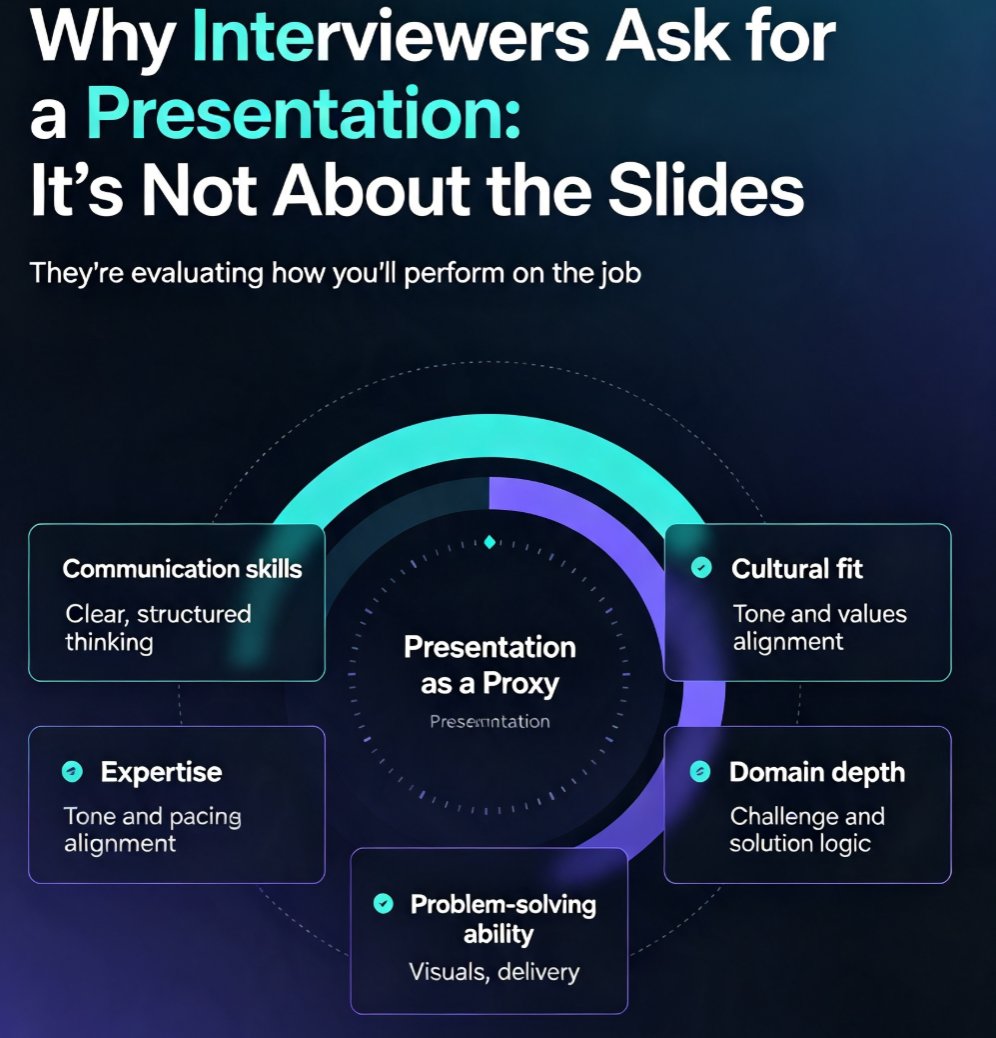
Learn how to create a standout job interview presentation with Zendeck's AI-powered tools. This guide covers the 10-slide structure that works, the five things interviewers actually evaluate, design rules that make you look professional, and delivery tips that boost your confidence. Whether you're preparing for a sales, marketing, technology, or management role, you'll discover how to turn a rough outline into a polished, on-brand deck in minutes. Zendeck's AI handles the layout, fonts, and visuals so you can focus on your message. Includes a ready-to-use slide-by-slide framework, common mistakes to avoid, and practical advice on timing, body language, and audience engagement. If you want to walk into your next interview with a presentation that stands out, this is your playbook.

Turn a Meeting Agenda into a Visual Deck with Zendeck in 4 Steps

Office Efficiency 2026-08-12 3818

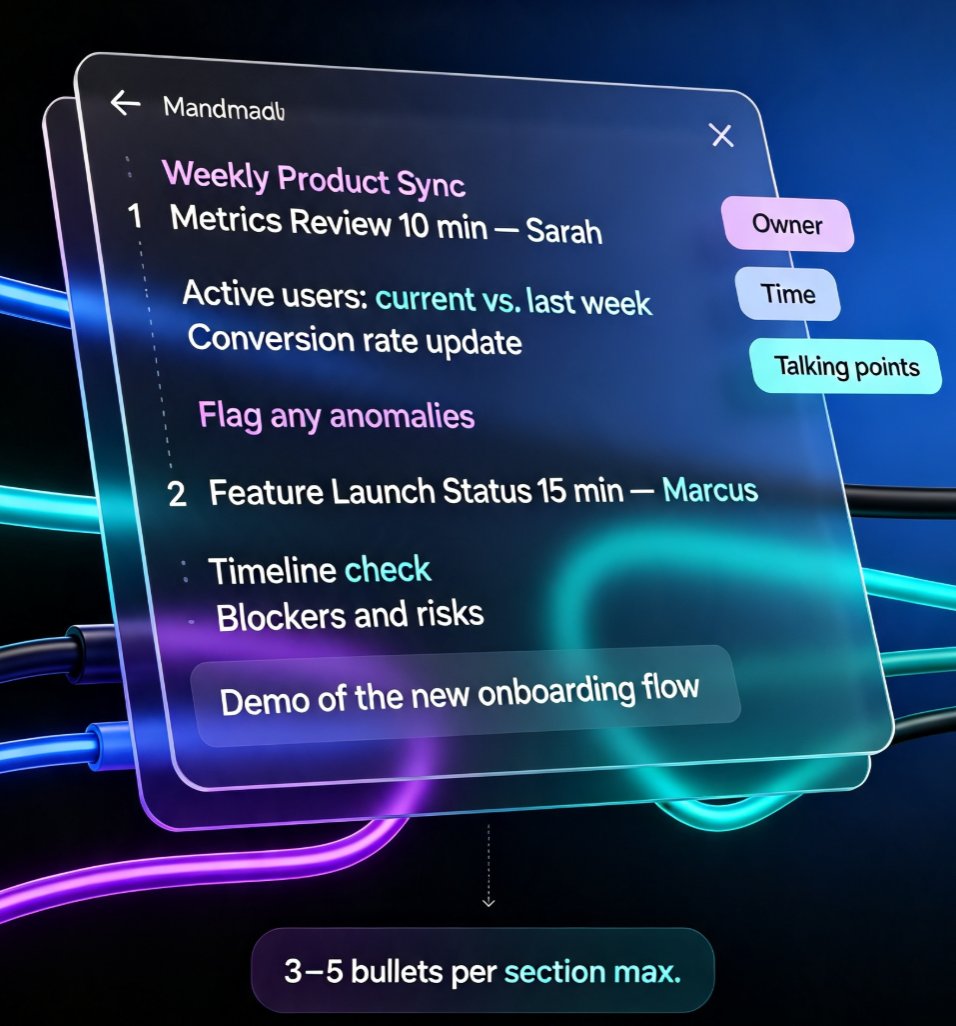
Stop sending plain-text meeting agendas that get ignored. With Zendeck, you can turn a simple outline into a polished, visual deck in minutes. This guide walks through 4 steps: structuring your agenda, importing it, letting smart layout handle the design, and sharing it with your team. You'll save hours of manual formatting, keep your brand consistent, and actually get people engaged before the meeting starts. Whether you're leading a weekly sync, a client workshop, or a quarterly review, Zendeck's outline-to-slide feature turns boring bullet points into a deck people actually want to read. No design skills required, no template wrestling, no 11 p.m. formatting marathons. Just a clean, on-brand agenda deck that makes your next meeting run smoother from the first slide. Learn how to transform your meeting prep workflow today.