Too Many Slides, Too Little Time? Summarize Into 5 Core Slides
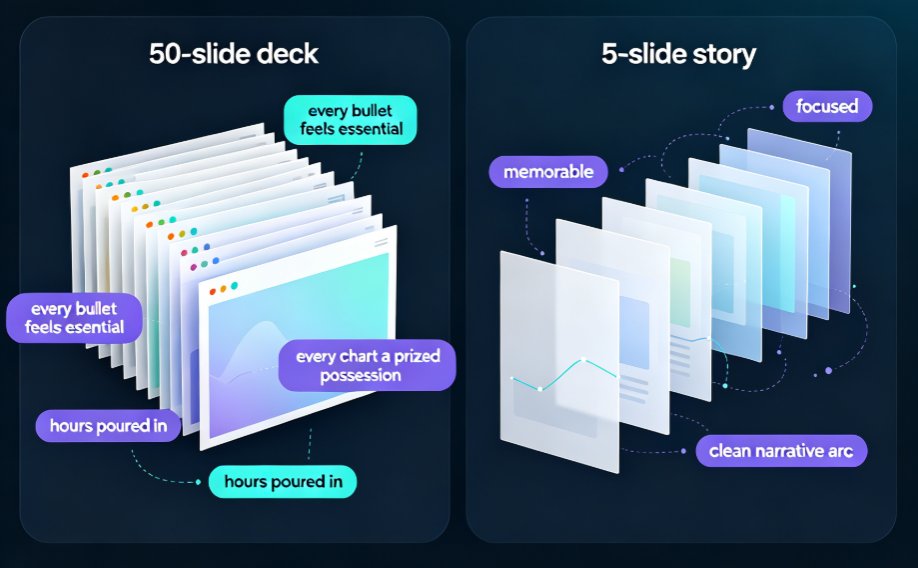
Let's be real: you've sat through a 50-slide deck that could have been a 5-slide story. And worse — you've probably delivered one. Slide creep is a silent killer of attention. The more hours you pour into a deck, the harder it is to delete anything; every bullet feels essential, every chart a prized possession. But your audience doesn't think that. Nobody remembers slide 37. They remember the story, maybe three numbers, and how you made them feel.
The fix isn't more editing willpower — it's a system. Here's what we'll cover: the curation mindset that decides what deserves to live, how Zendeck's AI outline generator condenses a bloated deck into a narrative spine, and how smart layout tools rebuild it into a clean, brand-consistent 5-slide story in under 10 minutes. No design skills required. Let's get into it.
01 — Why 50 Slides Is a Liability, Not a Badge of Honor
Here's a number that should scare anyone who builds decks: audience attention decays sharply as slide count climbs. In one well-cited pattern, retention drops from around 85% with a focused 5-slide deck to roughly 15% by slide 50 — not because your content is bad, but because the human working memory simply can't hold that much new information in one sitting.
That's the pain. You spent 40 hours building a comprehensive deck because you were afraid of leaving something out. But the outcome is the opposite of what you wanted: a dense wall of slides that people skim, forward, and forget. The cost isn't just lost attention — it's lost decisions. Investors, executives, and students all tune out when the cognitive load exceeds what they can process.
The solution starts with a shift in mindset: a slide deck is not a document. It's a conversation scaffold. The moment you treat slides as speaking notes rather than a written report, you naturally stop needing slide 38 through 46.
02 — The Curation Mindset: Kill Your Darlings Before the AI Does
A friend of mine — a training manager at a fintech — once told me, "I don't delete slides, I archive them." That's the right instinct. The goal isn't to throw away your work. It's to sort your content into three buckets: the message, the evidence, and the appendix.
- The message (1–2 slides): The core takeaway your audience must remember.
- The evidence (3–5 slides): The proof points, data, and stories that make the message credible.
- The appendix (everything else): Details that answer "how?" or "what about...?" — moved out of the main flow, available on demand.
Before you even touch AI, do this 10-minute pass manually: open your 50-slide deck, and for each slide ask one question — "If I removed this, would anyone notice the story was broken?" If the answer is no, it's appendix material. This isn't about being ruthless; it's about respecting your audience's attention as the scarce resource it is.
This is the part most people skip, and it's why their condensed decks still feel bloated. The curation mindset comes first; the tool just executes it.
03 — How Zendeck's AI Outline Generator Does the Heavy Lifting
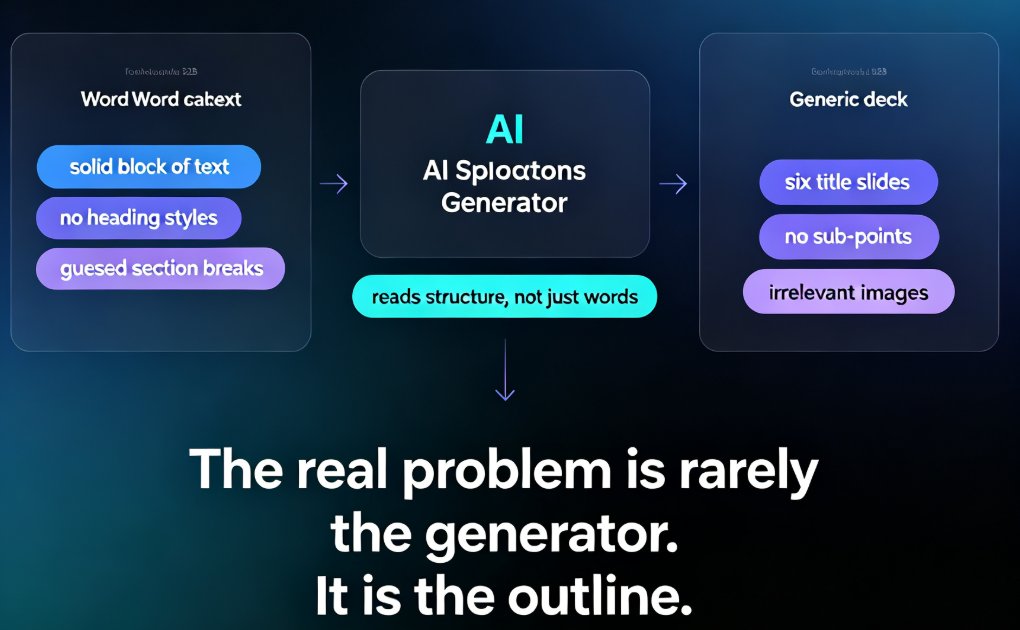
Once you've got the mindset, the execution becomes mechanical. This is where Zendeck's AI outline generator shines. Instead of manually deleting 45 slides one by one, you feed your existing deck structure — a Word outline, pasted Markdown, or a TXT document — and the AI reads the hierarchy, intent, and relationships between your points. This is the same shift driving AI deck generation replacing traditional PPT across teams in 2026.
Here's what happens under the hood:
- It finds your narrative arc. The AI distinguishes core points from supporting details, converting raw bullets into a clear storyline instead of just mirroring slide order.
- It condenses intelligently. Sparse sections get expanded; repetitive ones get compressed into summaries. That's the difference between deletion and summarization — you're not just cutting, you're rewriting for clarity.
- It restructures, not just reorders. Comparisons become tables, processes become flow diagrams, and raw data becomes charts. The layout evolves with the content instead of forcing everything into one template.
If you want to be hands-on, you can review the generated outline before anything is built. Edit, reorder, or delete points right there in the interface. You're in control; the AI is just the fastest editor you've ever hired.
04 — Rebuild with Smart Layout: From Outline to Polished Deck
Condensing the content is only half the battle. The other half is making 5 slides feel more substantial than 50 did. Nobody wants a thin, sparse deck; they want a dense, high-impact one. This is where Zendeck's smart layout engine kicks in — the same AI-driven design automation that's shifting how teams assemble decks this year.
When the condensed outline is regenerated, Zendeck doesn't force your content into a rigid template. Layouts are chosen based on what each slide actually contains:
- A bold claim gets a full-bleed statement slide with a single supporting visual.
- Data-heavy content gets a clean chart layout with your accent color highlighting the key number.
- A comparison becomes a two-column split that your eye can parse in one second.
The one-click reskin then unifies fonts, colors, and spacing across all 5 slides, so the deck feels intentional — not like you just deleted 45 slides and left the orphaned formatting behind. A 5-slide deck with consistent visual design reads as confidently curated, not hastily trimmed. Teams that set up a custom brand kit in Zendeck get this consistency enforced automatically on every rebuild.
05 — A 10-Minute Workflow: From 50 Slides to 5
Let's put it all together with a step-by-step runthrough that takes under 10 minutes for a typical deck. I'll use a real scenario: a quarterly training deck for a sales team that's ballooned to 48 slides.
Step 1 — Export your structure (1 minute). Pull the text outline out of your existing deck, or paste the Markdown into Zendeck. The AI accepts Word docs, TXT, and pasted outlines.
Step 2 — Let the AI summarize (3 minutes). Generate a condensed narrative using Zendeck's outline generator. In about two minutes you'll get a restructured, shorter outline that highlights the core message and moves supporting detail into appendix territory.
Step 3 — Review and curate (3 minutes). This is your curation pass. Read the new outline like a script: Does it tell one clear story? Are the three or four evidence points actually the strongest ones you have? Delete anything that doesn't earn its place. If you need the full detail later, keep the original deck as your appendix file.
Step 4 — Rebuild with smart layout (2 minutes). Regenerate the deck with Zendeck's smart layout engine. One click reskins it into your brand kit, auto-formats charts, and produces a consistent, professional 5-slide deck.
Step 5 — Turn it into a micro-course (optional, 2 minutes). If this is training content, you can take the 5-slide deck straight into PPT-to-video and add narration — because a 5-slide story makes a much better micro-lesson than a 48-slide lecture.
Here's how the old manual way compares to the Zendeck way:
| Step | Manual (PowerPoint) | Zendeck AI |
|---|---|---|
| Read and analyze the deck | 60–90 min of page-flipping | ~2 min automatic parse |
| Identify the narrative arc | Subjective guesswork | AI extracts hierarchy & intent |
| Rewrite condensed copy | Full manual rewrite | AI condenses, you fine-tune |
| Rebuild layouts | Drag-and-drop each slide | One-click smart layout |
| Brand consistency | Manual styling per slide | Auto-enforced brand kit |
| Total time | 3–5 hours | Under 10 minutes |
The outcome: a 5-slide deck that communicates faster, gets watched to the end, and still has every supporting detail available on demand. That's what "summarize into core slides" should mean — not losing information, but reorganizing it so the important parts land first.
06 — When You Should NOT Condense
Let me be honest — condensing isn't always the right call. Don't force a 45-slide deck into 5 slides when:
- It's a reference document, not a presentation. If people download the file and search it for specific detail, condensing actively hurts them. Keep it long, and make the slides self-contained.
- It's a legal or compliance artifact. Regulatory trainings sometimes need every step documented in the deck itself. Here, the "deck" is really an audit trail. Don't trim it.
- The audience explicitly asked for depth. If a technical committee wants to see all the caveats, give them all the caveats — just add a summary slide at the front so they know the arc.
In those cases, your move isn't fewer slides; it's better signposting. Add a navigation slide or a "key takeaways" opener. But for live presentations, pitches, and most training micro-lessons, the rule still holds: your audience's attention is the scarcest resource in the room — spend it like it's precious.
FAQ
Can Zendeck really shrink a 50-slide deck down to 5 slides?
Yes. The AI outline generator reads the hierarchy and intent of your content, then condenses it into a narrative spine while moving supporting detail into appendices. You stay in control — you can review and edit the condensed outline before anything is regenerated.
How does the AI decide which content to keep and what to cut?
It parses your document structure — headings, bullet depth, and content density — to distinguish core points from supporting details. Sparse sections get expanded, repetitive ones get compressed, and the result is a tighter narrative rather than a simple removal of slides.
Will I lose important details by cutting to 5 slides?
Only if you cut blindly. The key is to treat the original deck as your living appendix. Zendeck keeps your source material available, and you can always re-expand specific points later. Your audience gets the message first, with the depth available on demand.
How long does the whole condensing process take?
For a typical 50-slide deck, under 10 minutes: export the outline (~1 min), AI summarization (~2–3 min), your curation review (~3 min), and a smart-layout rebuild (~2 min). Compare that to 3–5 hours of manual restructuring.
Can I control what gets cut before the AI rebuilds the deck?
Absolutely. You can edit, reorder, or delete points in the generated outline before Zendeck rebuilds the slides. The AI proposes; you dispose. That's the whole point — a good tool makes you a better editor, not a lazier one.