Popular Articles

A curated collection of the most-read and editor-picked articles — see what everyone's reading.

402 articles

How Teams Can Co-Edit AI Presentations in Zendeck with Version Control

Office Efficiency 2026-08-06 2446

Zendeck's real-time collaboration and version control let teams co-edit AI presentations without overwriting each other's work. Learn how to manage contributions, track changes, and resolve conflicts seamlessly. No more emailing slides back and forth—Zendeck keeps your team aligned and your content safe.

Zero-Design Brand Governance: How AI Templates Enforce Consistency

Courseware Design 2026-08-12 2444

AI-governed brand consistency is transforming how teams create presentations. Zendeck's smart templates and brand kits automatically enforce design rules, eliminating brand drift across hundreds of slides. Learn how zero-design brand governance works, why manual brand management fails at scale, and how to implement automated brand enforcement in your organization. This guide covers the mechanics of smart templates, the power of centralized brand kits, and a practical roadmap for putting AI brand governance to work — so every deck your team produces stays perfectly on-brand without manual oversight. We compare traditional vs AI-governed approaches, explain how brand kits serve as the single source of truth, and show why enforcement beats review when it comes to maintaining visual identity across teams, departments, and external partners.

Cut Micro-Course Costs: Zendeck Turns PPT into Narrated Video

Knowledge Video 2026-08-28 2428

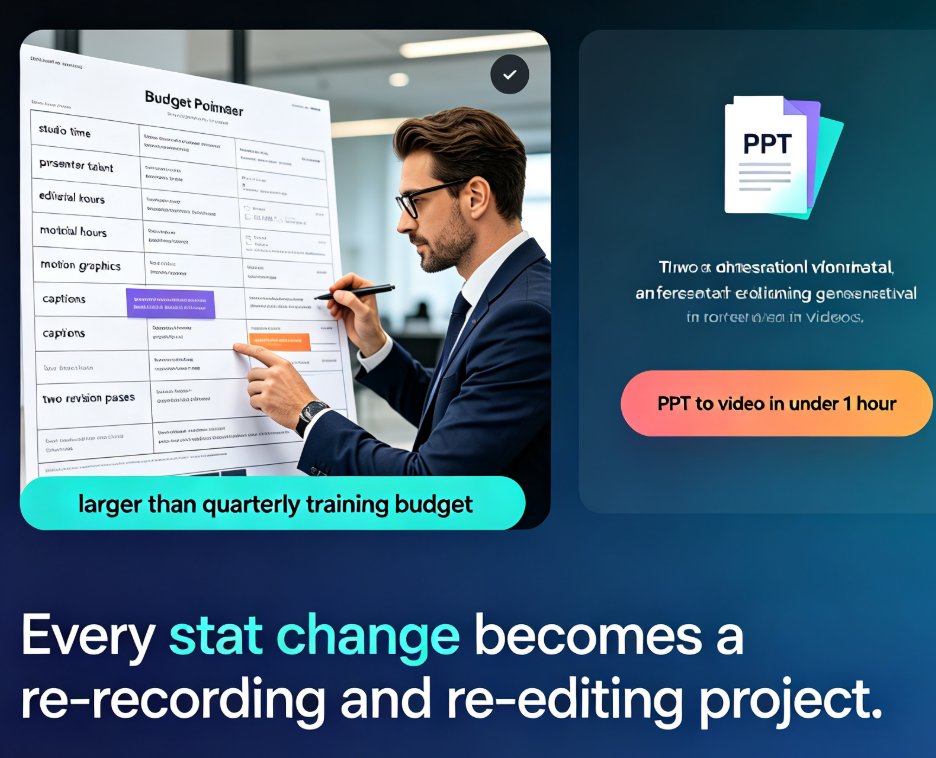
Micro-course production costs can crush a training budget — studio rentals, voice talent, and editing hours add up fast. Zendeck turns your existing PPT into a professional narrated video with AI voiceover, auto-generated subtitles, and polished layouts. No studio, no actors, no expensive software. We'll show you the exact workflow, a side-by-side cost comparison, and the honest limits of AI voiceover, so you can decide with your eyes open. The bottom line: most teams can cut per-course production costs by 80–95% and — just as important — keep every video easy to update when a statistic changes. If you've been avoiding video micro-courses because of the price, read this before you book a studio.

Word to PPT: How Zendeck Turns Outlines into Polished Decks Fast

AI Courseware 2026-09-11 2415

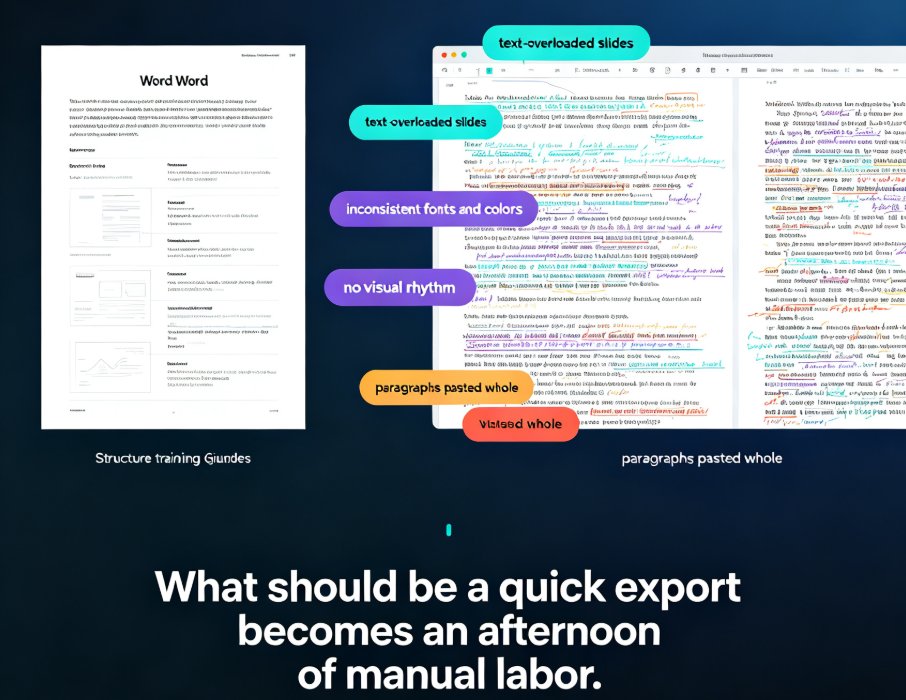
Stop copying Word outlines into PowerPoint by hand. Zendeck turns your Word, Markdown, or TXT files into a structured, design-consistent deck in minutes. This guide walks through the exact import-to-slides workflow: preparing your document with heading styles, generating a draft, unifying the design with smart layout, and polishing with the asset library. It also compares manual conversion, PowerPoint's built-in outline import, and Zendeck's AI process — with realistic time estimates. You'll learn the document habits that make any conversion cleaner, plus how to export as PPTX or turn the result into a narrated micro-course. If you teach, train, or brief teams, this is the fastest path from your existing notes to a professional presentation — no design skills required.

How to Auto-Generate Speaker Notes for AI Decks in Zendeck

PPT Tutorial 2026-08-11 2407

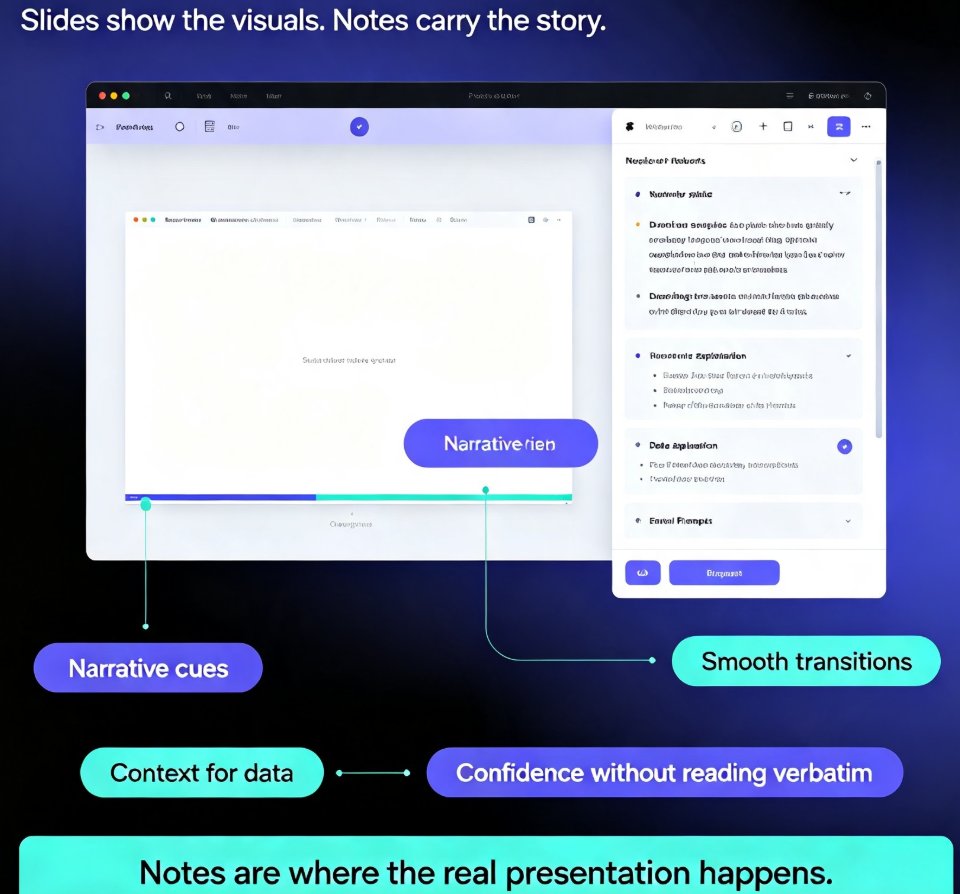
Learn how to auto-generate speaker notes for AI decks in Zendeck and cut your presentation prep time by more than 85%. This step-by-step guide shows you how to turn any slide deck into a complete presentation package — with speaker notes, talking points, and printable handouts generated automatically by AI. Stop writing notes by hand and start delivering with confidence. We cover the full workflow: building your deck, generating notes, refining them to sound like you, and exporting with notes intact. You'll also learn when auto-generated notes save the most time, how to make AI notes sound natural, and why speaker notes are the most underrated part of any deck. Perfect for educators, trainers, HR teams, and content professionals who build presentations regularly. Includes a time comparison chart, practical refinement tips, and answers to common questions about AI-generated speaker notes.

Memory-Rich AI for Brand Consistency: Smart Templates That Remember

Courseware Design 2026-08-20 2405

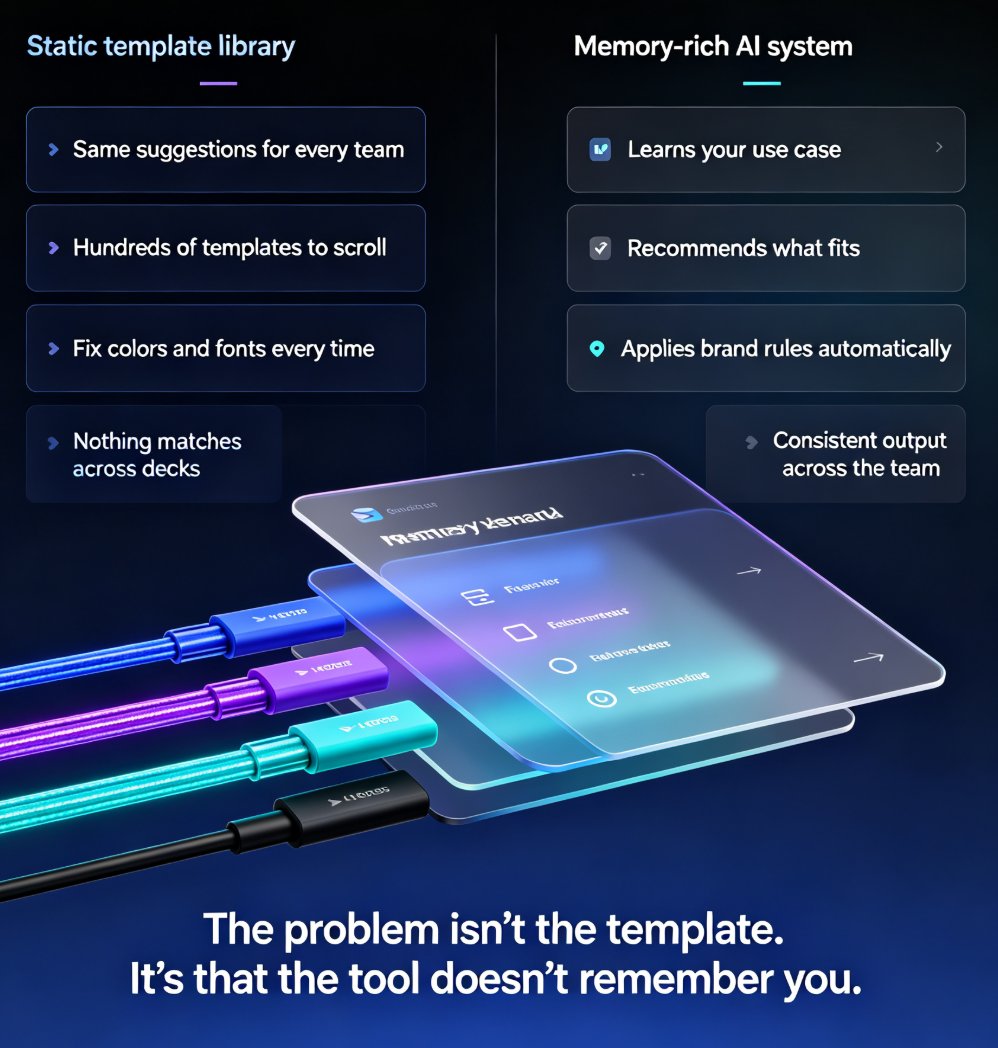
Memory-rich AI is changing how presentation tools handle brand consistency. Instead of treating every deck as a fresh task, smart template systems remember your brand colors, fonts, layout preferences, and past edits — so every new presentation starts closer to finished. This guide explains what memory-rich AI means, why static template libraries fail, and how Zendeck's smart template library adapts to your brand and audience. You'll learn how to reduce manual fixing time, maintain consistent layouts across hundreds of slides, and help your team stay on-brand without constant oversight. If your decks still look off-brand after hours of editing, the problem isn't your design skills — it's that your tools don't remember you. Memory-rich AI changes that. Read on to see how template personalization, brand memory, and AI-driven layout consistency are reshaping courseware design and corporate presentations in 2026.