5 Ways to Reuse Your Company's Brand Assets with Zendeck's Asset Library
The Hidden Cost of Inconsistent Branding in Presentations
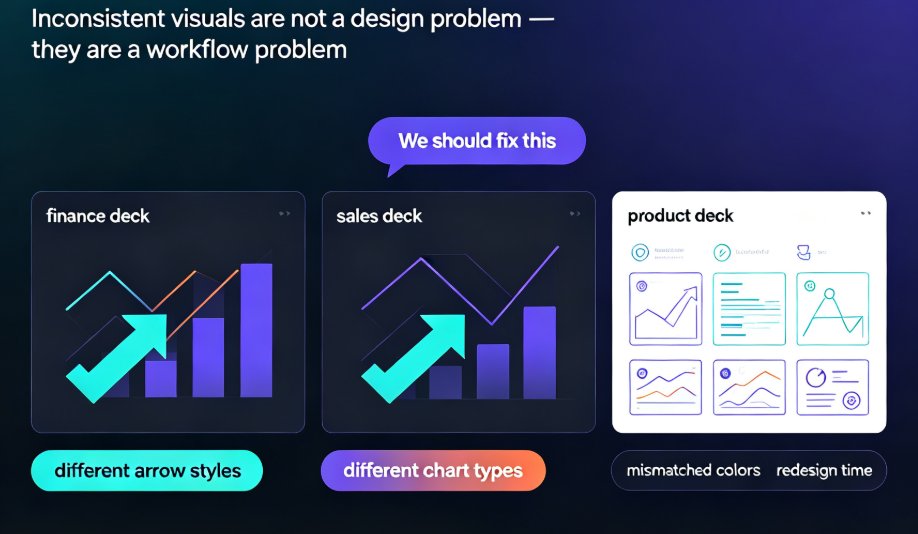
You know the drill. A sales team rushes to close a deal, pulls a deck from six months ago, swaps in a new logo, and crosses fingers. The font is off, the chart colors clash with the new palette, and the client spots it. Suddenly your brand looks sloppy — and trust takes a hit.
Every time your team rebuilds a presentation from scratch, brand consistency fractures. I've seen it happen in companies of all sizes. The marketing team spends hours creating a beautiful template, but the field team, in a time crunch, pastes outdated assets. The result? A fragmented brand story that confuses prospects and wastes internal effort.
Let's be real: most presentation tools give you generic icons and stock photos, but they don't understand your brand. That's where a dedicated asset library changes the game. Zendeck's asset library lets you store, organize, and reuse your brand-approved icons, charts, illustrations, and custom uploads — so every slide, from every team member, stays on-brand without starting from scratch.
I. Pain Point: Generic Assets Lead to Brand Drift
Think about the last time you used a presentation tool's built-in icon set. Sure, the icons look clean, but they don't match your company's visual language. Your brand might use rounded, line-art icons, while the tool offers filled, geometric ones. That mismatch signals inconsistency.
Brand consistency drives recognition and trust. According to a study by Lucidpress, consistent branding can increase revenue by up to 23%. But maintaining that consistency across hundreds of slides, dozens of teams, and multiple channels is nearly impossible without a central repository.
II. Solution: Centralize Your Brand Assets with Zendeck
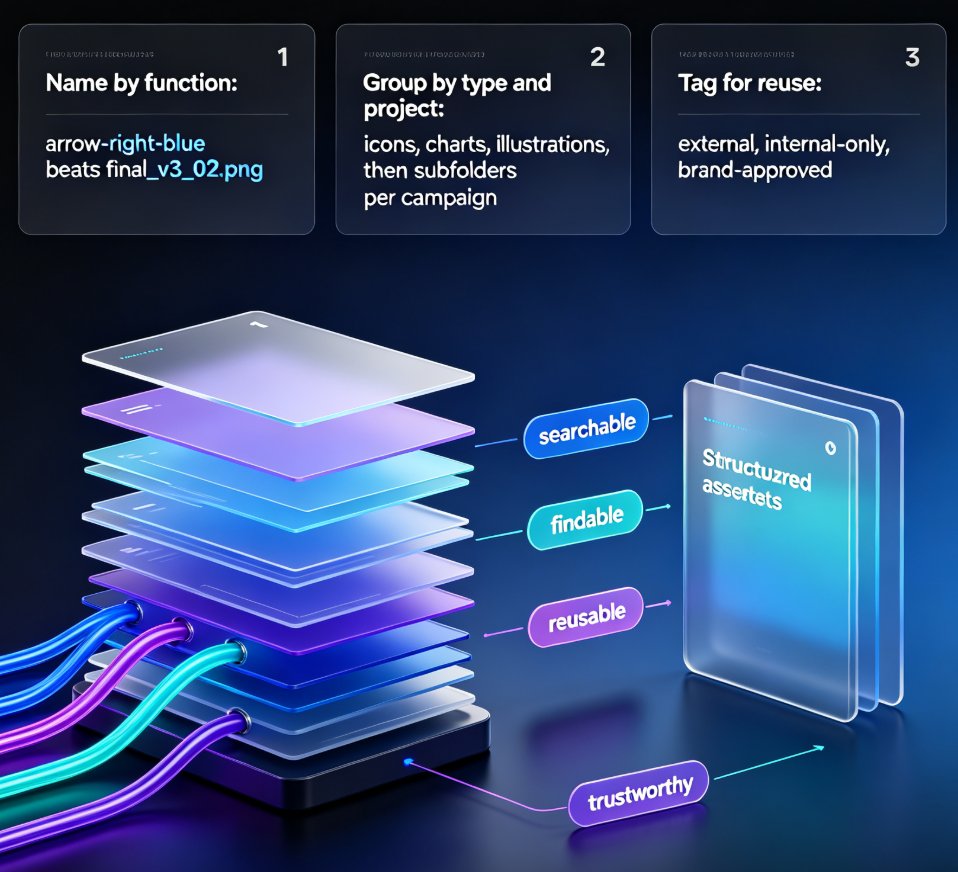
Zendeck's asset library is designed to be the single source of truth for your visual identity. Instead of hunting through shared drives, email attachments, or outdated folders, your team pulls from a single, always-updated library.
Here's how it works: you upload your brand assets — logos, color palettes, custom icons, charts, illustrations, even full-brand templates — into Zendeck. Then, when anyone on your team creates a deck, they insert those assets with one click. The library enforces consistency because everyone uses the same approved files.
Pro tip: Start by uploading your most-used assets: primary logo, secondary logo, icon set, brand color swatches, and a few power-point default charts. This small investment pays off the first time a colleague avoids remaking a bar chart.
III. 5 Practical Ways to Reuse Brand Assets with Zendeck's Library
1. Reusable Icons That Define Your Visual Language
Pain point: Teams use different icon sets — some from free stock sites, some from design tools — leading to a messy visual mix.
Solution: Upload your brand's entire icon set (e.g., 50 line-art icons for key concepts like growth, team, data, and innovation) into Zendeck's asset library. Tag them by category (e.g., "finance", "HR", "tech") so users can find them instantly.
Outcome: Every slide uses the same icon style, reinforcing brand identity. A sales rep can pull an icon for "revenue" that matches the one the marketing team used in the corporate deck.
2. Custom Charts That Keep Data On-Brand
Pain point: Default chart colors rarely match your brand palette. Changing them manually every time is tedious and error-prone.
Solution: Design your preferred chart templates — bar, line, pie — with your brand colors, fonts, and gridlines. Save them as assets in Zendeck's library. When you need to present data, just paste your numbers into the pre-designed chart.
Outcome: Data visualization becomes consistent across all decks. No more one chart using blue and another using teal for the same metric.
3. Branded Illustrations for Storytelling
Pain point: Stock illustrations are generic and often don't match your brand's tone — too cartoonish, too serious, or wrong color scheme.
Solution: Commission a set of bespoke illustrations that reflect your brand's personality (e.g., flat vector style with your brand colors). Upload them to Zendeck as reusable assets. Use them in pitch decks, onboarding slides, and internal training.
Outcome: Your brand's visual storytelling becomes unique and memorable. Clients and employees see a cohesive narrative across all materials.
4. Color Palettes and Fonts as Instant Theme Switchers
Pain point: Teams often forget to apply the correct brand color palette or use the wrong font, especially when working under time pressure.
Solution: In Zendeck, you can save your brand's primary and secondary color palettes, plus font families, as a "brand kit." Any slide created from that kit automatically inherits the correct colors and fonts. You can even create multiple brand kits for different sub-brands or campaigns.
Outcome: One-click theming. A team member can switch a deck from "corporate" to "product launch" theme in seconds, without touching individual elements.
5. Full Slide Templates for Repetitive Content
Pain point: Every team reinvents the wheel for common slides like agenda, team bios, or case studies.
Solution: Create a set of reusable slide templates — complete with placeholders for text, images, and charts — and store them in Zendeck's asset library. When someone needs an "About Us" slide, they grab the template and fill in the blanks.
Outcome: Dramatically reduced design time. The HR team can produce consistent onboarding decks; the sales team can build case studies with the same structure.
IV. The Results: Before and After with Zendeck's Asset Library
To visualize the impact, here's a comparison of common brand consistency issues before and after using a centralized asset library:
| Aspect | Without Asset Library (Generic Tools) | With Zendeck Asset Library |
|---|---|---|
| Icon consistency | Mixed styles, multiple sources | Single brand-approved icon set |
| Chart colors | Manual matching, errors | Pre-set brand color charts |
| Illustration usage | Stock photos, mismatched tone | Custom illustrations, on-brand style |
| Color palette enforcement | Relies on team memory | Auto-applied via brand kit |
| Slide template reuse | Rebuilt from scratch each time | One-click template insertion |
| Time to create a consistent deck | 3–5 hours of manual fixes | Under 30 minutes with reuse |
Key takeaway: A centralized asset library doesn't just save time — it guarantees brand consistency across every slide, every team, every time.
V. How to Get Started with Zendeck's Asset Library
Ready to stop the brand drift? Here's a quick action plan:
- Audit your current assets. Collect your logo files, color hex codes, font names, and any existing icon sets or illustrations.
- Upload them to Zendeck's asset library. Use the "Upload" button in the asset panel. Organize assets into folders (e.g., "Icons", "Charts", "Illustrations").
- Create a brand kit. In Zendeck, set your brand colors and fonts as a kit. Apply it to any new deck.
- Train your team. Share a quick guide on how to access the library. Emphasize that they should always use library assets, not external downloads.
- Iterate and expand. As you create new assets — a new icon for a product launch, a custom chart template — add them to the library.
And if you need a deeper walkthrough, check out our guide on how to set up and use brand kits in Zendeck for consistent presentations. For teams looking to scale, the article on maintaining brand consistency across hundreds of slides with AI brand kits is a must-read.
FAQ
Q: What is a brand asset library in Zendeck? A: A brand asset library in Zendeck is a centralized collection of your company's approved visual elements — logos, icons, charts, illustrations, color palettes, and fonts — that you can instantly insert into any slide. It ensures every presentation stays on-brand without manual rework.
Q: Can I upload my own custom assets to Zendeck's library? A: Yes. Zendeck allows you to upload custom icons, illustrations, brand logos, and even full-brand templates. Once uploaded, these assets are available to your entire team, so everyone uses the same approved files.
Q: How does Zendeck's asset library help with team collaboration? A: When multiple team members use the same asset library, every slide automatically reflects the latest brand guidelines. No more outdated logos or mismatched colors. Zendeck also supports version control, so you can track changes and roll back if needed.
Q: Does Zendeck's asset library work with AI-generated slides? A: Absolutely. When you generate slides with Zendeck's AI, you can pull directly from your asset library. The AI will suggest layouts and placements that respect your brand assets, making the output polished and consistent.
Q: Is the asset library included in all Zendeck plans? A: The asset library is available on most Zendeck plans. Check the pricing page for details on which tier includes unlimited uploads and team access.