
Curated workplace insights to help you work smarter

Zendeck curates workplace efficiency, industry insights, and software tutorials to help you find useful information faster。

506 articles 8 Categories
Latest Articles

PPTX, PDF, or MP4? Choosing the Right Export Format for Training Content

PPT Tutorial 2026-08-18 1069

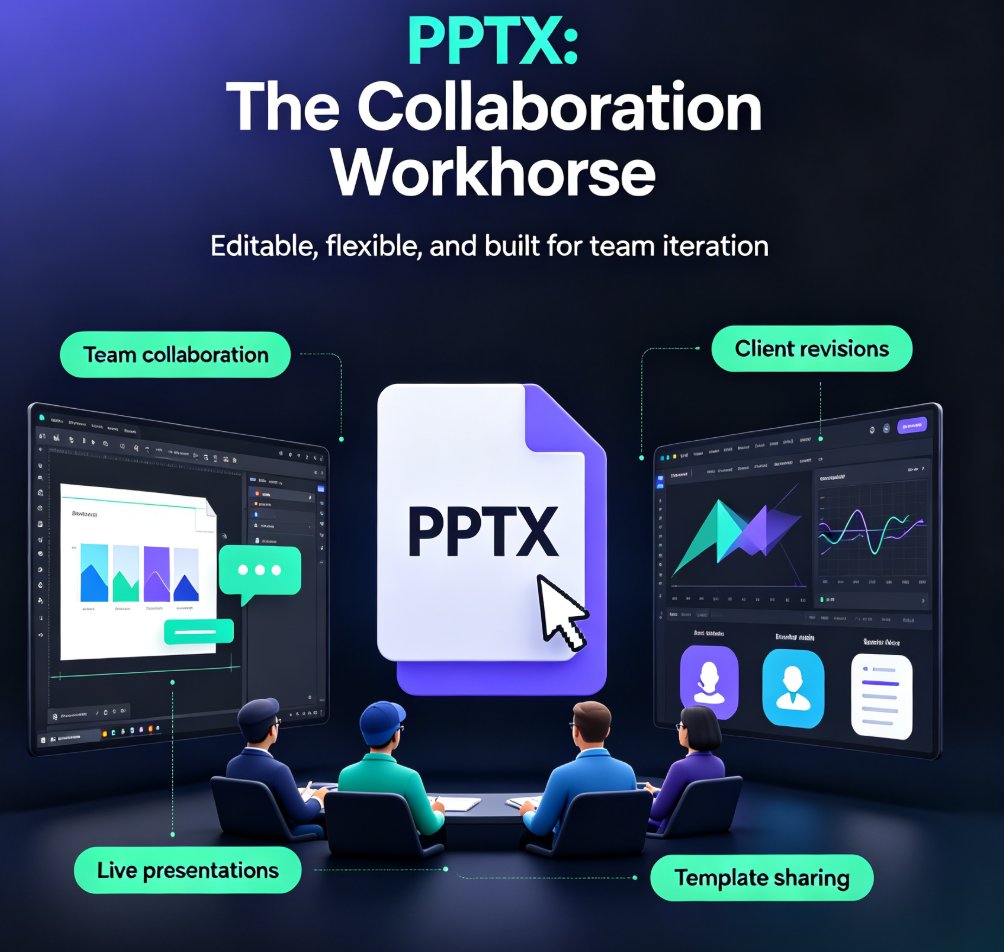
Stop guessing which export format to use. This guide matches PPTX, PDF, and MP4 to specific training scenarios. For editable collaboration, choose PPTX; for review and distribution, PDF; for self-paced micro-courses, MP4. Zendeck makes all three exports effortless, so you can deliver training content that actually lands. Learn the trade-offs and pick the right format every time.

Presentation Analytics 2026: Measuring Engagement Beyond Views

Knowledge Video 2026-08-18 1111

Presentation analytics in 2026 go far beyond view counts. Learn how AI-driven audience engagement metrics — drop-off rates, time-on-slide, interaction patterns — reveal which sections of your deck truly resonate and where viewers lose interest. This guide breaks down the data, the framework, and a practical workflow for measuring and improving presentation effectiveness. Zendeck is exploring AI analytics that surface real engagement patterns across slides and narrated videos, helping teams close the loop between creation and impact. If you're still judging your presentations by views alone, this article will change how you measure success.

Preview Before You Commit: Picking the Perfect Template with Zendeck

Courseware Design 2026-08-18 1646

Picking the wrong template is the #1 time-waster in AI deck creation. This guide shows you how to preview and filter Zendeck's template library by style, color, and industry before you generate — so you commit to the right look the first time. Learn what to look for when previewing templates, how to narrow hundreds of options to a shortlist in under a minute, and the three template-picking mistakes that cost trainers and educators hours of redesign time. With Zendeck's preview and filtering tools, you can go from 'hundreds of templates' to 'this one works' in minutes — and spend your time on content, not cleanup. Includes a practical decision framework for when to commit and when to keep browsing.

Stop Email Ping-Pong: Zendeck's Collaboration Ends PPT Version Chaos

Office Efficiency 2026-08-18 1808

Tired of emailing PPT files back and forth? Zendeck's real-time collaboration kills version chaos, keeps everyone on the same slide, and saves hours. Learn how to stop the ping-pong and streamline your team's deck workflow with Zendeck's co-editing, comments, and version history. Discover practical steps, a comparison table, and best practices to boost team productivity today.

5 Ways Teams Collaborate on AI Decks with Zendeck Shared Projects

Office Efficiency 2026-08-18 3821

Most AI presentation tools are single-player, but real decks are built by teams. Zendeck shared projects let subject-matter experts, reviewers, and presenters build, review, and approve one deck together in real time. This guide covers five practical ways to collaborate on AI decks — from inline comments and version approval to role-based permissions for external clients — so the version you present is the version everyone approved. Stop emailing PPT files and start shipping decks your whole team actually owns.

Turn Boring Slides into Narrated Videos with Zendeck AI Voiceover

PPT to Video 2026-08-18 3075

Turn static slides into narrated videos with Zendeck AI voiceover — no video editing skills, studio equipment, or voice actors required. Zendeck's PPT-to-Video feature converts your existing decks into professional narrated micro-courses in about an hour. This guide breaks down the traditional cost of video production, compares it with Zendeck's automated workflow, and walks through the four-step process: import your deck, polish the slides, add AI narration, and render. You'll also see who benefits most — educators, corporate trainers, HR teams, and content operators — and when traditional video production still makes sense. If you've been sending static decks that nobody watches, this is the fix. Learn how AI voiceover, smart layout, and one-click rendering make narrated video creation affordable for any team.

▲