Curated workplace insights to help you work smarter

Zendeck curates workplace efficiency, industry insights, and software tutorials to help you find useful information faster。

506 articles 8 Categories
Latest Articles

Keep Training Decks On-Brand with Zendeck's One-Click Reskin

Office Efficiency 2026-08-18 3521

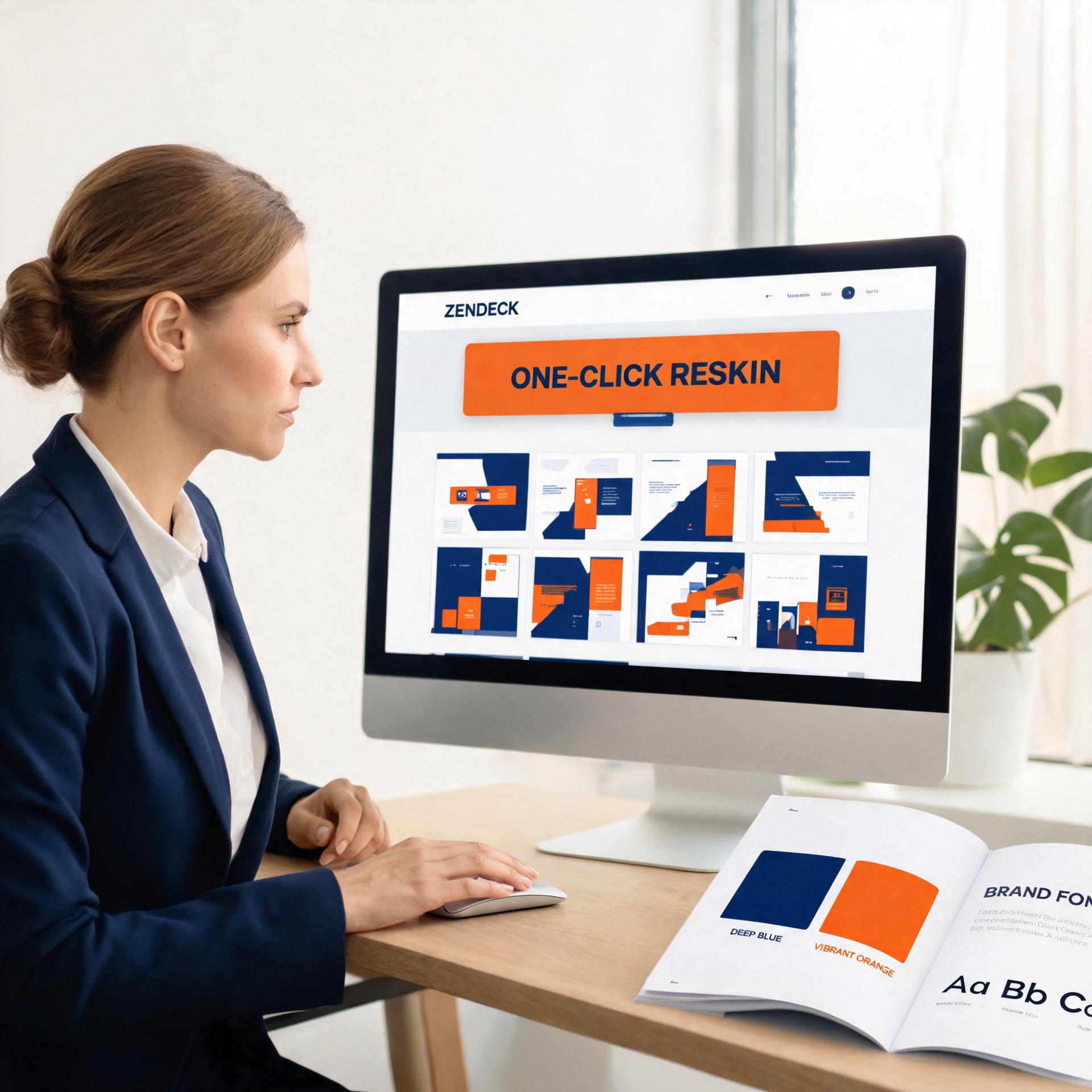
Keep training decks on-brand with Zendeck's one-click reskin. Corporate trainers and HR teams struggle with inconsistent fonts, colors, and layouts across AI-generated presentations — and most AI tools make it worse by generating random visual styles. Zendeck's smart reskin applies your saved brand kit, including logos, colors, and fonts, across every slide in a single action, with zero design skills required. This practical guide covers setting up brand kits, the step-by-step reskin workflow, keeping an entire team compliant, and measuring brand consistency over time. You'll also get a comparison of manual versus automated reskinning, plus a brand audit framework you can use monthly. Stop fixing slides one by one and start applying a system. Learn how to turn messy, off-brand training decks into a unified, professional library in minutes.

Keep Training Decks On-Brand: Zendeck's One-Click Reskin for Teams

Office Efficiency 2026-08-18 2712

Training decks go off-brand because templates rely on human discipline — and that discipline fails every time. Zendeck's one-click reskin fixes this by automatically applying your brand kit's fonts, colors, and layout rules across any deck in about two minutes. This practical guide shows training and HR teams how to enforce brand consistency without design skills, compares reskin against manual redesign and template re-application with real time data, and lays out a three-step workflow that turns brand governance from a training problem into a technology solution. If your L&D team is tired of brand review cycles eating into content production time, this is the workflow you've been looking for. No design degree required, no brand team bottleneck, and every deck ships on-brand.

Markdown to PPT in Minutes: Zendeck's Text-to-Deck Workflow

AI Courseware 2026-08-18 2616

Turn Markdown or plain text into a polished presentation in minutes with Zendeck's text-to-deck workflow. Paste your outline, let the AI parse the hierarchy, and get a structured, on-brand deck without touching a design tool. This guide walks through the fastest path from notes to slides, with real Markdown examples, formatting best practices, and a side-by-side comparison of the old copy-paste-reformat grind versus Zendeck's one-step import. Whether you're a developer dumping a README, a consultant turning a case study into a client deck, or an educator converting a lecture outline into courseware, Zendeck's Markdown-to-PPT pipeline removes the formatting bottleneck. Learn what to paste, how the parser handles headings and bullets, and when this workflow saves you the most time.

One-Click Reskin: How to Unify Fonts, Colors, and Layout with Zendeck

PPT Tutorial 2026-08-18 2610

Struggling to keep your presentations on-brand? Zendeck's one-click reskin instantly unifies fonts, colors, and layout across every slide, saving hours of manual formatting. In this tutorial, you'll learn how to use Zendeck's smart layout and reskin features to achieve consistent, professional decks in seconds. We'll cover step-by-step instructions, design tips from industry experts, and best practices for maintaining brand consistency across teams. Whether you're a corporate trainer, educator, or marketer, this guide will help you create polished presentations without design skills. Discover how Zendeck empowers anyone to produce brand-consistent slides effortlessly.

From PDF to Polished Deck: Zendeck OCR Document Import Workflow

PPT Tutorial 2026-08-18 809

Turn a PDF into a polished presentation in minutes with Zendeck's OCR document import workflow. Learn how Zendeck extracts text, preserves structure, and generates AI-designed slides from any document. Save hours of manual copy-paste and formatting. This guide covers the step-by-step process, behind-the-scenes OCR features, and tips for best results. Whether you're converting reports, whitepapers, or meeting notes, Zendeck transforms raw PDFs into presentation-ready decks with minimal effort. Discover why OCR is the missing link in modern presentation creation and how Zendeck makes it effortless.

PPT to Video 2026: Narration and Auto-Subtitles Become Table Stakes

PPT to Video 2026-08-18 2741

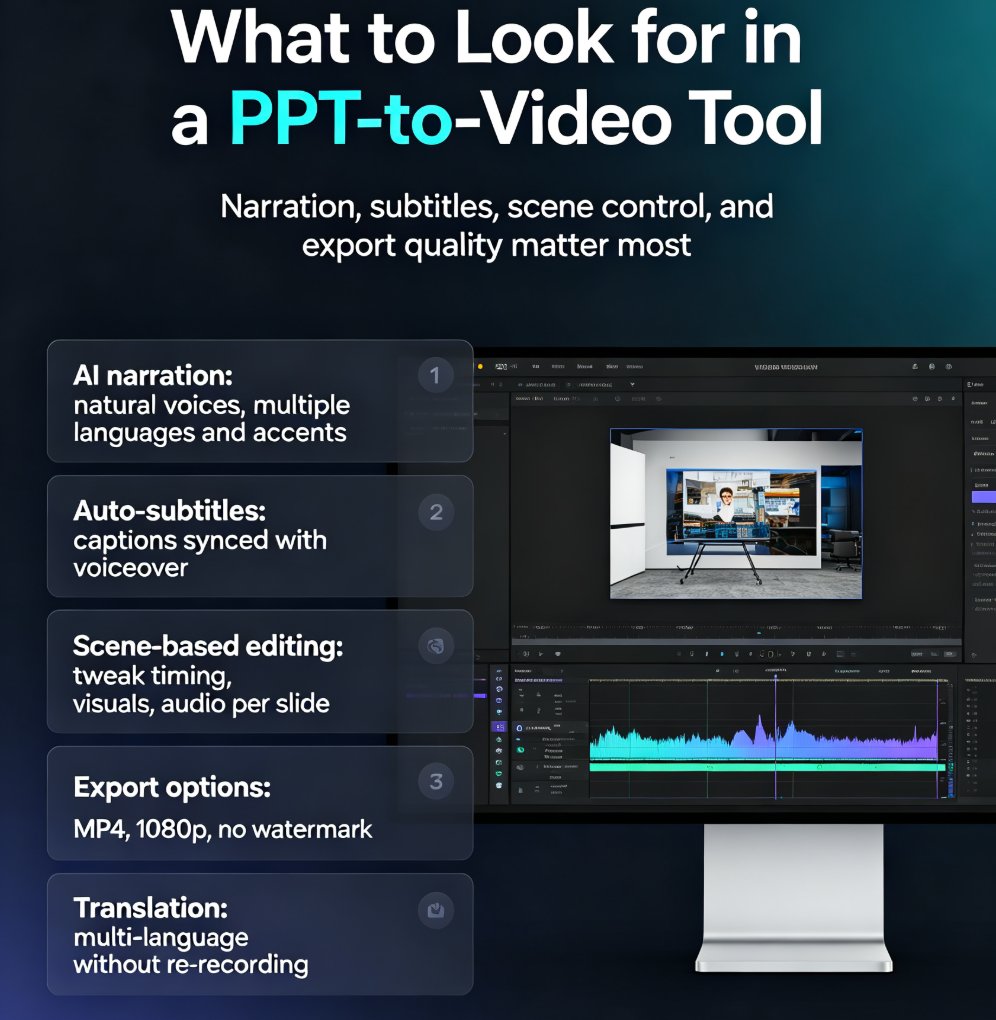
In 2026, converting PPT to video with narration and auto-subtitles is no longer optional—it's table stakes. Learn how Zendeck's AI-powered PPT-to-video feature turns static slides into engaging narrated videos with automatic subtitles, saving up to 60% production time. Discover the key features to look for, step-by-step workflow, and common mistakes to avoid. Whether you're a trainer, educator, or marketer, this guide will help you create professional videos that captivate your audience and boost accessibility. Start converting your PowerPoint decks into dynamic video content today with Zendeck.

▲