AI Courseware

Generate PPT, courseware, and outlines with AI in one click — smart layout and content creation.

93 articles

10 Best Zendeck Templates for Corporate Training Decks in 2026

AI Courseware 2026-09-18 980

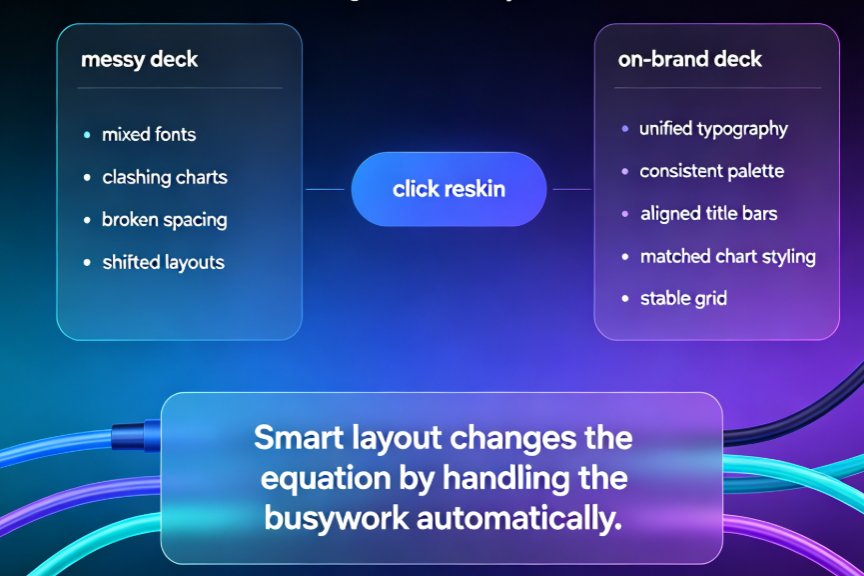
Stop hunting generic templates that clash with your brand. In 2026, Zendeck’s template library offers 10 purpose-built corporate training designs—from onboarding to compliance—that keep your brand consistent and learners engaged. This guide pairs each template with a real training scenario and customization tips, so you can pick the right deck in minutes, not hours. Whether you’re an HR manager onboarding new hires, a sales enablement lead running workshops, or a compliance officer tracking audit trails, these templates cut design time and elevate your content. Each one reskins to your brand’s fonts, colors, and logos in one click, integrates your outline via Word or Markdown, and even converts to narrated micro-courses. If you’re tired of rebuilding the same deck, these Zendeck templates are the shortcut you’ve been looking for.
Zendeck vs Gamma: Which AI Presentation Tool Wins for Business Decks?

AI Courseware 2026-09-18 3962

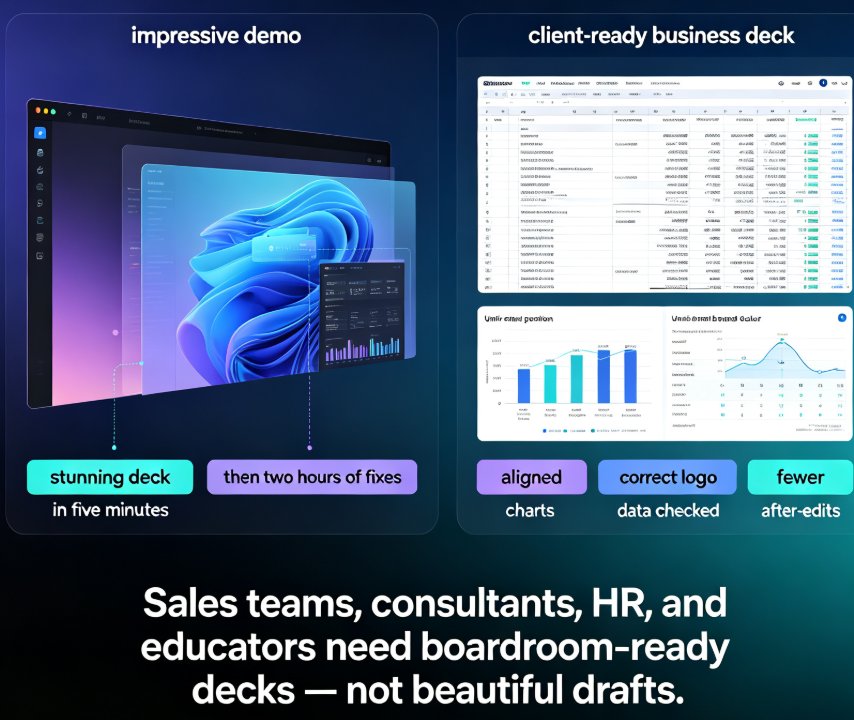
For business decks, Zendeck beats Gamma. While Gamma delivers flashy visual storytelling that looks great on your laptop, Zendeck combines AI generation from Word outlines with smart layout automation, a premium asset library, and brand governance—eliminating the post-generation cleanup that eats hours of your week. Zendeck is an AI-powered presentation platform that auto-unifies fonts, colors, and layouts, turns static slides into narrated videos, and enforces corporate consistency without any design skills. This head-to-head compares feature matrices, time-to-final-deck benchmarks, and real business workflows to show why teams producing sales decks, consulting deliverables, and training courseware consistently choose Zendeck over Gamma. If you're evaluating Gamma alternatives or wondering which AI presentation maker truly fits client-facing work, this is the honest answer backed by workflow data.

Why Is My PPT to Video Export Blurry? Fix Quality in 5 Steps

AI Courseware 2026-09-16 2753

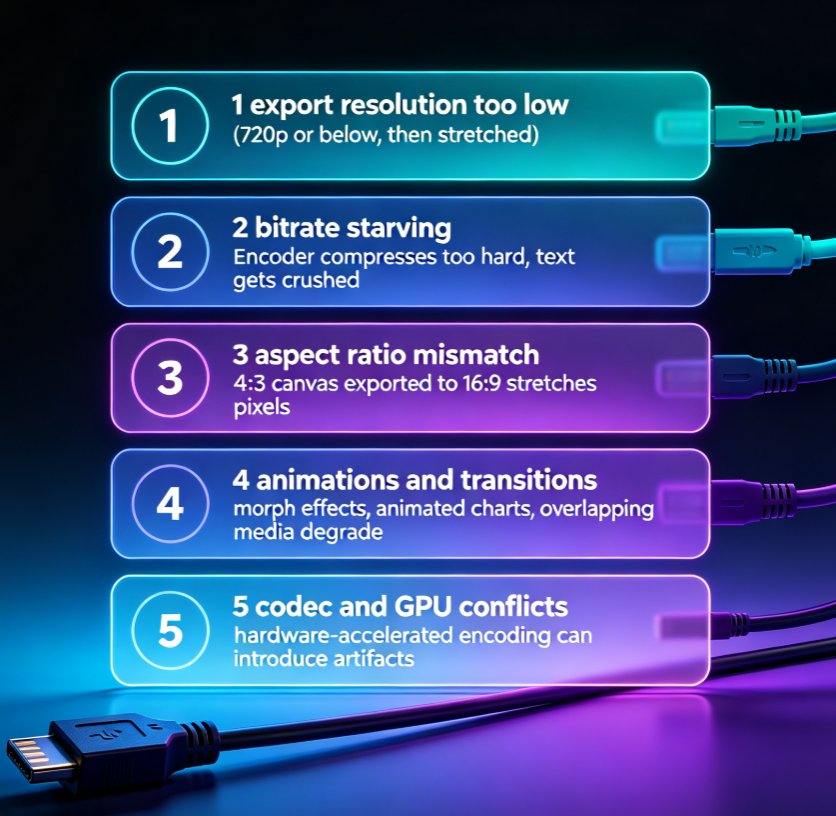
Blurry PPT-to-video exports are the #1 post-production complaint among educators and trainers. This guide breaks down the five real causes of pixelated MP4 output — export resolution, bitrate, aspect ratio, animations, and codec settings — and walks you through a step-by-step fix. You'll learn the exact numbers that matter for sharp 1080p output, how to config Zendeck's export presets for crisp professional video, and a prevention checklist that saves hours of rework. If your micro-courses look soft, this troubleshooting guide gives you a repeatable fix in five steps. No guesswork, just settings that work.

Too Many Slides, Too Little Time? Summarize Into 5 Core Slides

AI Courseware 2026-09-16 1469

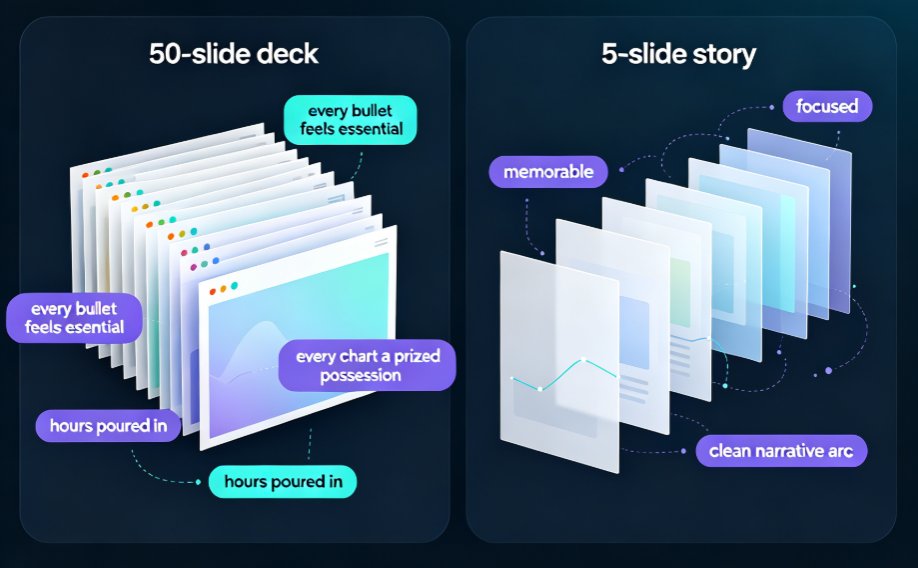
A 50-slide deck is a liability, not an asset. Learn how to summarize bloated PowerPoint decks into 5 core slides using Zendeck's AI outline generator and smart layout tools — in under 10 minutes. This guide covers the curation mindset, a step-by-step AI workflow, and real data on why shorter decks hold attention longer. If you're a trainer, educator, or team lead buried under bulky slideware, you'll walk away with a repeatable system: import your outline, let Zendeck extract the narrative arc, restructure with smart layouts, and ship a focused deck that actually gets watched. No design skills required. Stop forcing your audience through 50 screens and start communicating with five.

From Word Outline to Polished Slides: Zendeck AI Does It in Minutes

AI Courseware 2026-09-15 2605

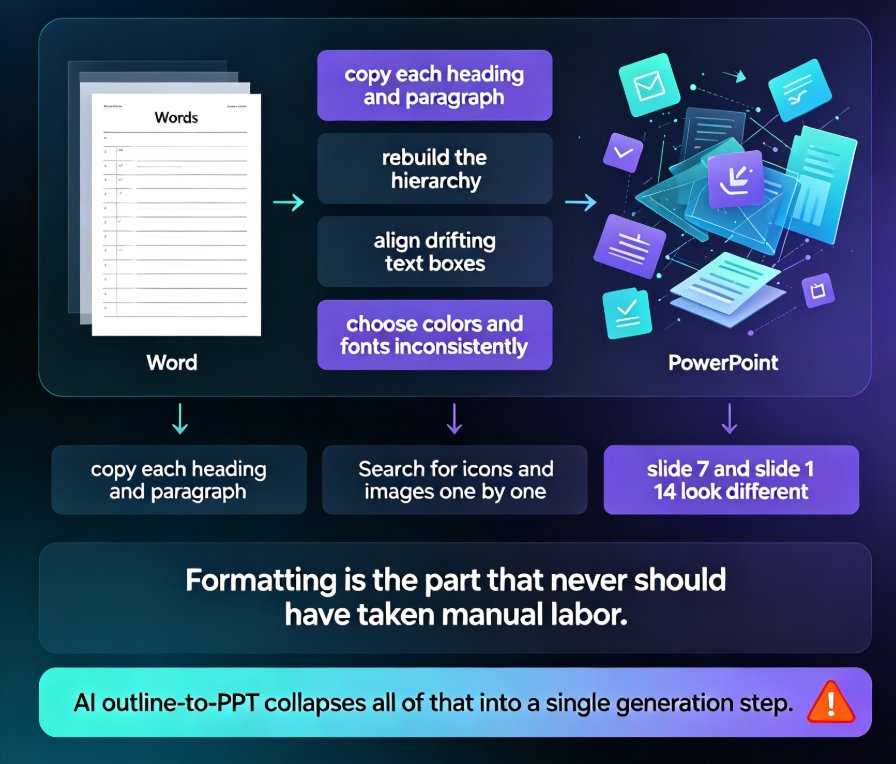
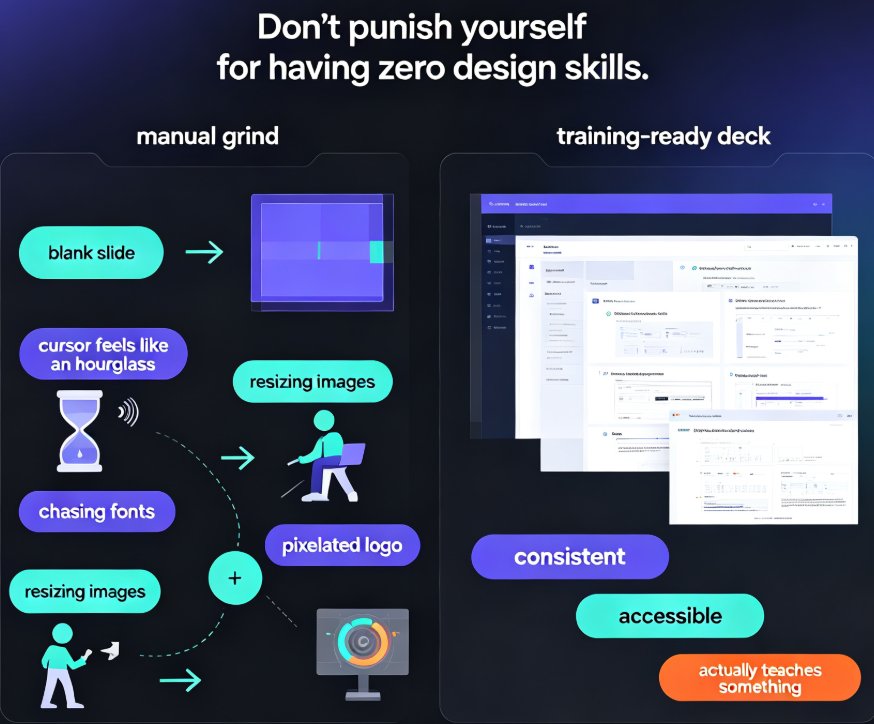
Zendeck AI turns your Word outline into a polished, structured presentation in minutes, eliminating manual formatting and design guesswork. Upload a .docx file, and Zendeck generates a cohesive deck with smart layouts, consistent branding, and editable slides. Ideal for educators, trainers, and teams who need professional presentations without design skills. This guide walks you through the exact workflow, compares time savings, and shows how Zendeck handles complex documents. Discover how to go from outline to slides in under 10 minutes, then extend your deck into a narrated micro-course with PPT-to-video. Perfect for course creation and corporate training.

Turn a Word Outline into a Professional Presentation with Zendeck AI

AI Courseware 2026-09-14 2181

Turn a Word outline into a professional presentation in minutes with Zendeck AI. If you already have a written document, a meeting note, or a training manual, you are 80% done — Zendeck handles the design. Upload a .docx, paste Markdown or plain text, and the AI generates structured, visually consistent slides with smart layouts, consistent typography, and on-brand visuals, no design skills required. This practical guide walks through the complete workflow: preparing your outline, importing it into Zendeck, setting slide count, language, and tone, reviewing and refining the generated deck, applying one-click reskins or a custom brand kit, and exporting or converting slides into narrated micro-course video. You also get outline structure best practices, a time-saving comparison, and answers to the most common outline-to-PPT questions.