Tags:Zendeck

91 articles

How to Use Zendeck's PPT-to-Video to Create a Product Demo Video

PPT to Video 2026-08-12 808

Learn how to use Zendeck's PPT-to-Video to create a professional product demo video in minutes. This step-by-step guide covers the entire workflow, from preparing your script to adding overlays, CTAs, and chapters. Discover how Zendeck's AI-powered tool turns your slides into engaging video demos that convert viewers into customers. Save hours of editing time and produce polished demos without any video editing skills. Perfect for marketers, product managers, and SaaS teams looking to showcase features effectively.

How to Use Zendeck's Smart Layout to Fix Misaligned Slides

PPT Tutorial 2026-08-12 3095

Misaligned slides make you look sloppy and waste hours of manual tweaking. Zendeck's Smart Layout automatically aligns every element on your slide—shapes, text, images—so you get a clean, professional deck in one click. Learn how this AI-powered feature works, when to use it, and why it beats PowerPoint's manual alignment tools. Perfect for busy professionals, educators, and teams who need polished presentations fast. Discover practical tips, real-world scenarios, and a side-by-side comparison to see the difference.

How to Auto-Generate Speaker Notes for AI Decks in Zendeck

PPT Tutorial 2026-08-11 2407

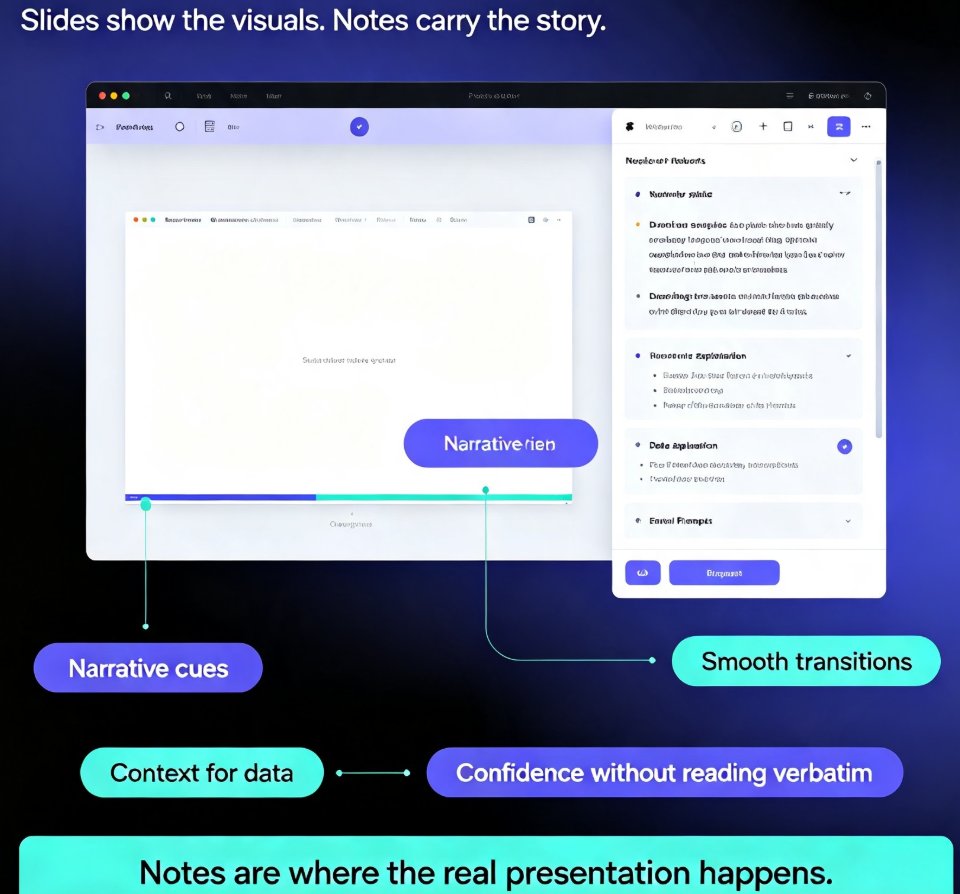
Learn how to auto-generate speaker notes for AI decks in Zendeck and cut your presentation prep time by more than 85%. This step-by-step guide shows you how to turn any slide deck into a complete presentation package — with speaker notes, talking points, and printable handouts generated automatically by AI. Stop writing notes by hand and start delivering with confidence. We cover the full workflow: building your deck, generating notes, refining them to sound like you, and exporting with notes intact. You'll also learn when auto-generated notes save the most time, how to make AI notes sound natural, and why speaker notes are the most underrated part of any deck. Perfect for educators, trainers, HR teams, and content professionals who build presentations regularly. Includes a time comparison chart, practical refinement tips, and answers to common questions about AI-generated speaker notes.

How a Distributed Team Delivered a Pitch Deck in 48 Hours with Zendeck

Office Efficiency 2026-08-11 3847

Discover how a distributed consulting team used Zendeck's real-time collaboration and sharing to deliver a client pitch deck in 48 hours. This case study shows how Zendeck's co-editing, comments, and version control eliminated design bottlenecks and email chaos. Learn the exact workflow—from outline import to AI-generated slides, brand kit enforcement, and client sharing—that let five people across three time zones produce a polished, on-brand deck in two days. If you're tired of version conflicts and last-minute design fixes, this is the playbook you need. Zendeck turns remote teamwork from a headache into a superpower. See how you can replicate this success in your own team.

Interactive AI Presentations: The New Standard for Audience Engagement

Presentation Skills 2026-08-11 1985

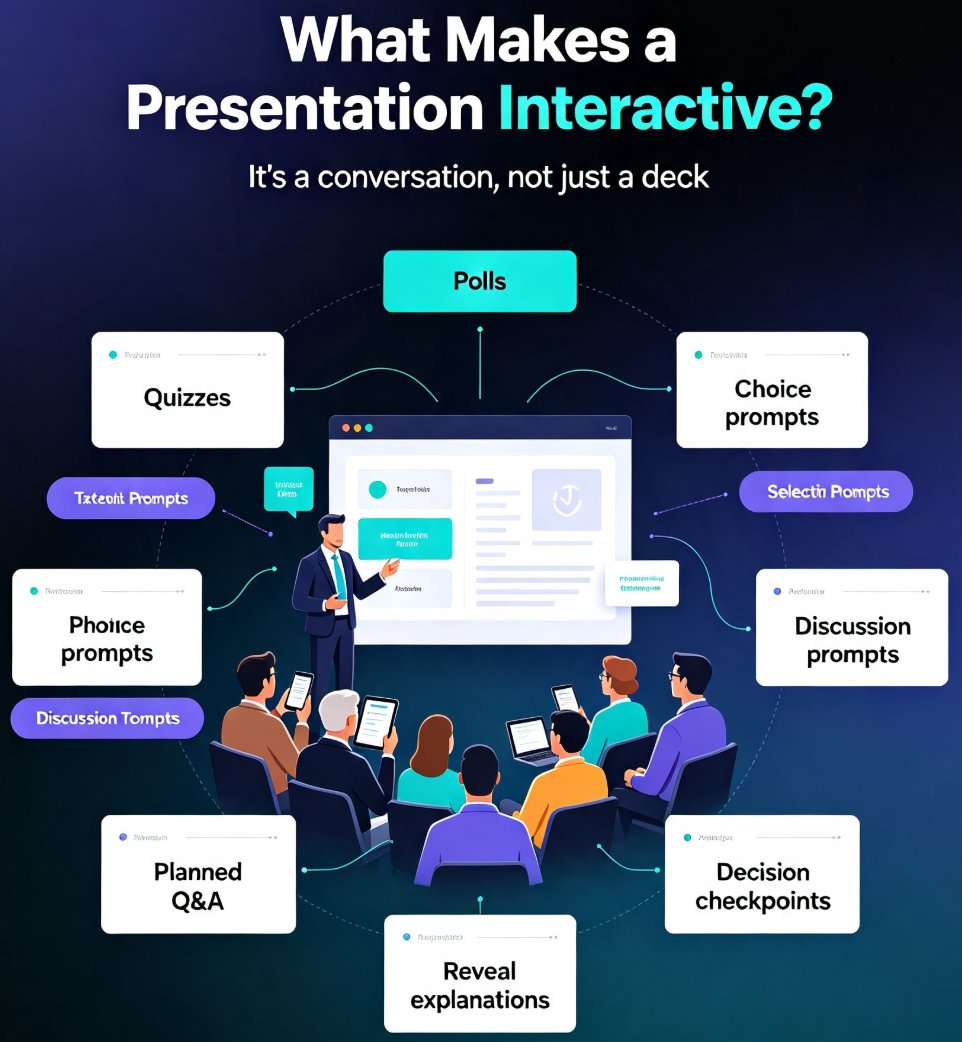
Interactive AI presentations are the new standard for keeping audiences engaged. Learn how to add polls, quizzes, and live Q&A to your decks, and how Zendeck's real-time collaboration and sharing features turn static slides into two-way conversations. Discover practical techniques and tools to boost participation and retention. Whether you're a trainer, marketer, or team lead, this guide shows you how to transform your next presentation into an interactive experience that audiences actually remember. We'll cover the core elements of interactive decks, how AI simplifies the process, and how Zendeck's collaboration features let you run live sessions with real-time feedback. Stop talking at your audience—start talking with them.

Markdown to Slides: Create Developer-Ready Decks with Zendeck AI

AI Courseware 2026-08-11 2672

Learn how to turn Markdown into polished, developer-ready slides with Zendeck AI. This guide covers the markdown-to-slides workflow, best practices, and how Zendeck's AI-powered import turns your .md files into structured, on-brand presentations in minutes. Perfect for developers, technical writers, and teams who live in plain text. We'll compare Zendeck with other tools, show you how to automate recurring decks, and share tips for keeping your slides consistent with your brand. By the end, you'll have a repeatable process for generating decks from Markdown that look like a designer made them—without leaving your terminal.

▲