Tags:AI presentation tools

39 articles

2026 Data Security Trends in AI Presentation Tools: What You Must Know

AI Courseware 2026-08-18 2681

In 2026, data security in AI presentation tools is shifting from blanket bans to adaptive policies and AI governance. This article explores the top trends—including the rise of AI SOC and agentic security—and what they mean for your workflow. Learn how to choose a secure tool like Zendeck, which offers brand kits, permission controls, and compliance features. Discover best practices to protect sensitive decks, from encryption to audit logs. Stay ahead of the curve with actionable insights and a security checklist. Whether you're an educator, trainer, or content operator, this guide helps you balance productivity and safety. Read on to secure your presentations in the new era of AI.

Word to PPT Import Breaking Layout? Zendeck Fixes It in One Click

AI Courseware 2026-08-18 3155

Tired of Word to PPT imports that wreck your layout and eat your afternoon? Zendeck's AI-driven Word import reads your document's structure — headings, tables, key data — and rebuilds it into clean, professionally designed slides in one click. No more hours of manual reformatting, no more text spilling off slides, no more fighting with Word's built-in export. This guide breaks down why traditional Word-to-PowerPoint conversion fails, how Zendeck's structure-first approach fixes it, and the exact workflow to convert a 30-page report into a polished deck in under ten minutes. You'll also see a side-by-side comparison of Zendeck vs. Word export vs. free converters, plus practical tips for keeping your brand consistent across every slide.

Can I Manually Edit AI-Generated Slides in Zendeck? Yes, Here's How

PPT Tutorial 2026-08-12 1218

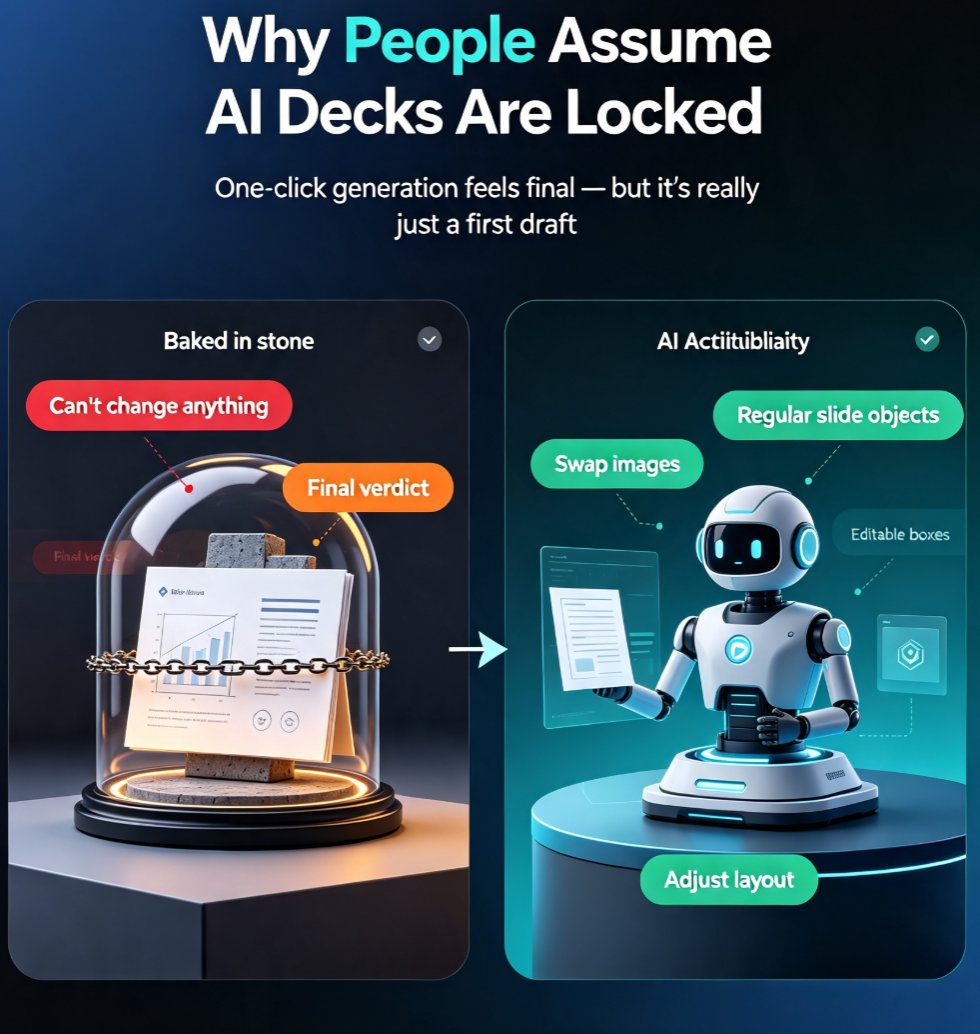
Yes, you can manually edit every slide after Zendeck's AI generates your deck. This guide covers what's editable — text, images, layout, colors, and speaker notes — plus when to edit manually versus regenerating with AI. Learn the step-by-step workflow, common mistakes to avoid, and how to keep your deck consistent while making surgical changes. If you've been holding back from using AI presentation tools because you're afraid of losing control, this article shows exactly why that fear is unfounded. Zendeck's editor keeps you in the driver's seat: the AI drafts, you refine. Every element on every slide remains fully editable, so you get the speed of AI generation without sacrificing your creative control or brand standards.

Collaborative AI Decks: Why Real-Time Co-Editing Is Now a Baseline

Presentation Skills 2026-08-12 3614

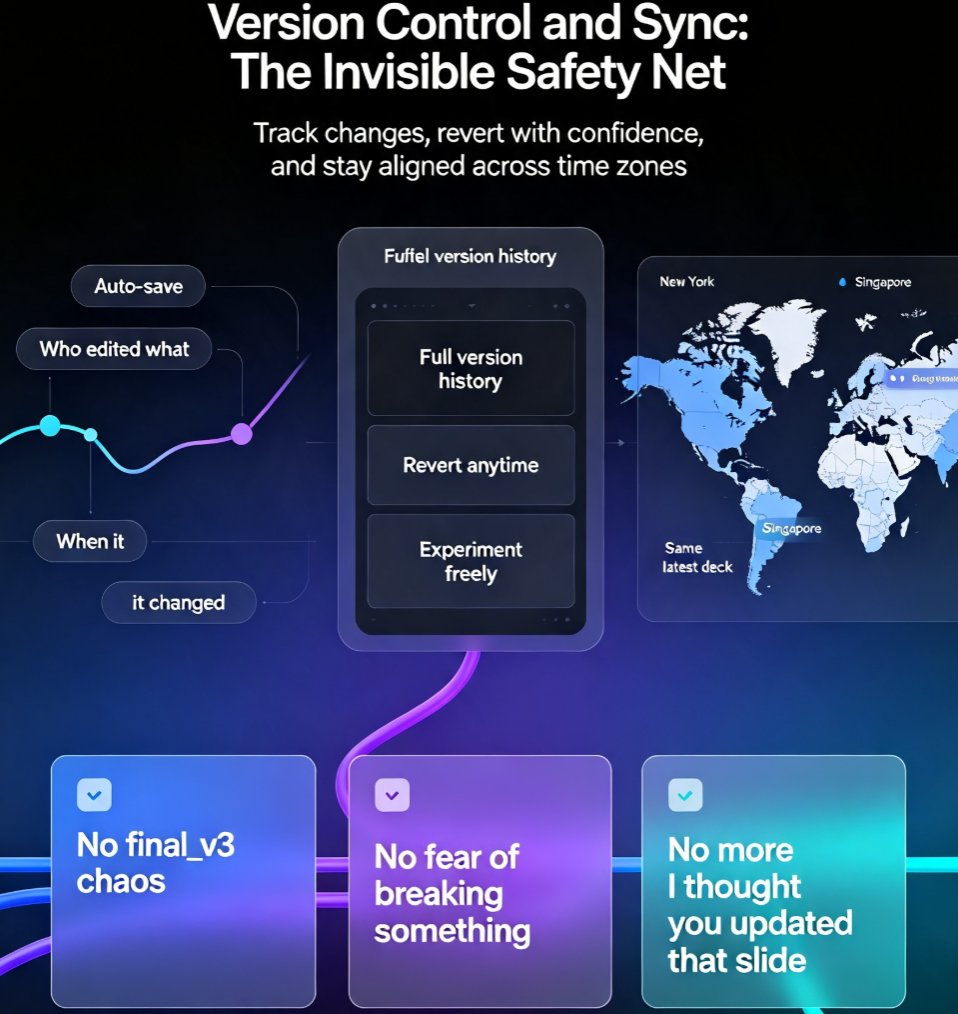
Real-time co-editing has become a baseline expectation in AI presentation tools, and Zendeck delivers it seamlessly. This article explores why collaboration is no longer optional for distributed teams, how version control and sharing keep everyone in sync, and how Zendeck's co-editing features turn deck creation into a team sport. Learn practical tips for collaborative AI decks and see how Zendeck stands out from static tools.

How to Create a Quarterly Business Review Deck with Zendeck

Presentation Skills 2026-08-12 3801

Learn how to create a quarterly business review deck with Zendeck. This guide covers the 11-slide structure that wins stakeholder trust, step-by-step AI-powered workflow, and design tips. Zendeck helps you turn raw data into a polished QBR deck in minutes, not days. Perfect for consultants, managers, and teams who need to present results clearly.

How to Create a Standout Job Interview Presentation with Zendeck

Presentation Skills 2026-08-12 3507

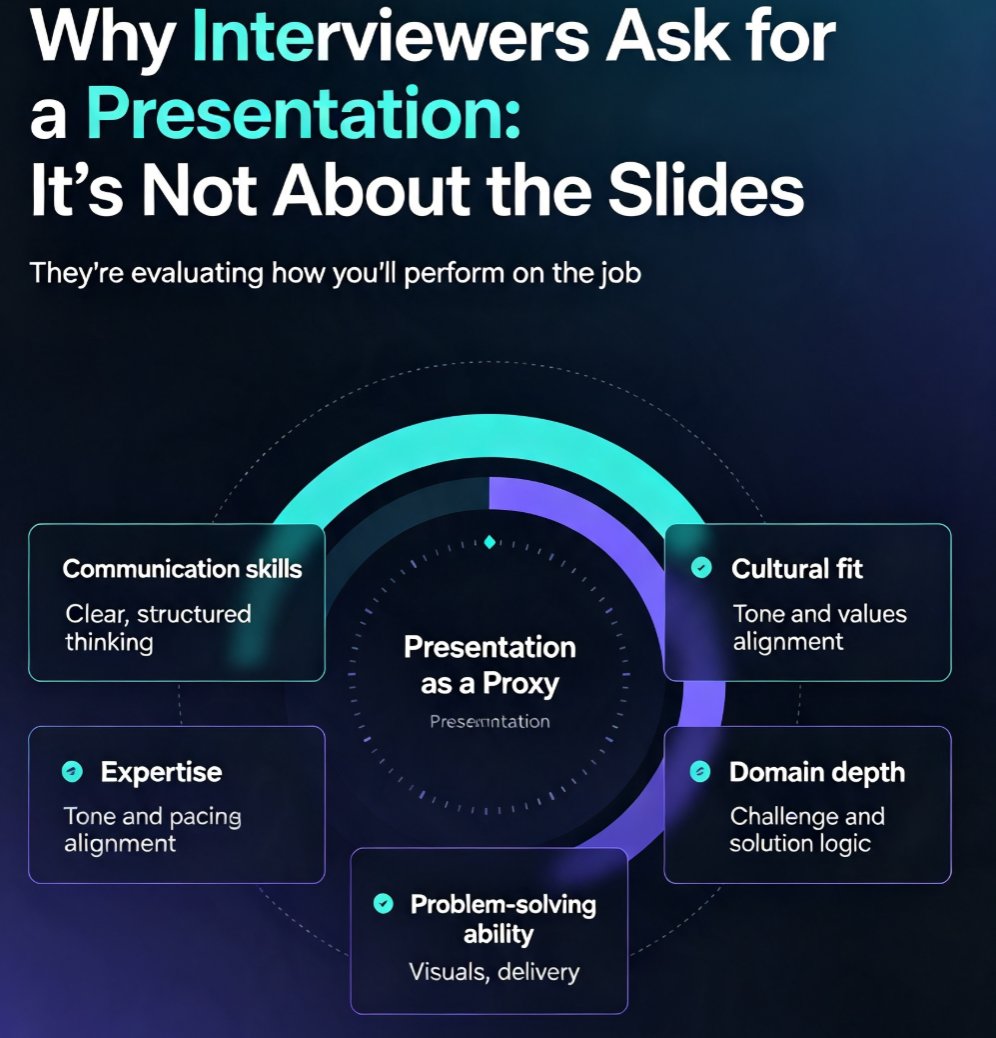
Learn how to create a standout job interview presentation with Zendeck's AI-powered tools. This guide covers the 10-slide structure that works, the five things interviewers actually evaluate, design rules that make you look professional, and delivery tips that boost your confidence. Whether you're preparing for a sales, marketing, technology, or management role, you'll discover how to turn a rough outline into a polished, on-brand deck in minutes. Zendeck's AI handles the layout, fonts, and visuals so you can focus on your message. Includes a ready-to-use slide-by-slide framework, common mistakes to avoid, and practical advice on timing, body language, and audience engagement. If you want to walk into your next interview with a presentation that stands out, this is your playbook.