Tags:AI presentation tools

48 articles

Collaborative AI Presentations: Real-Time Co-Editing & Version Control

Office Efficiency 2026-08-20 1305

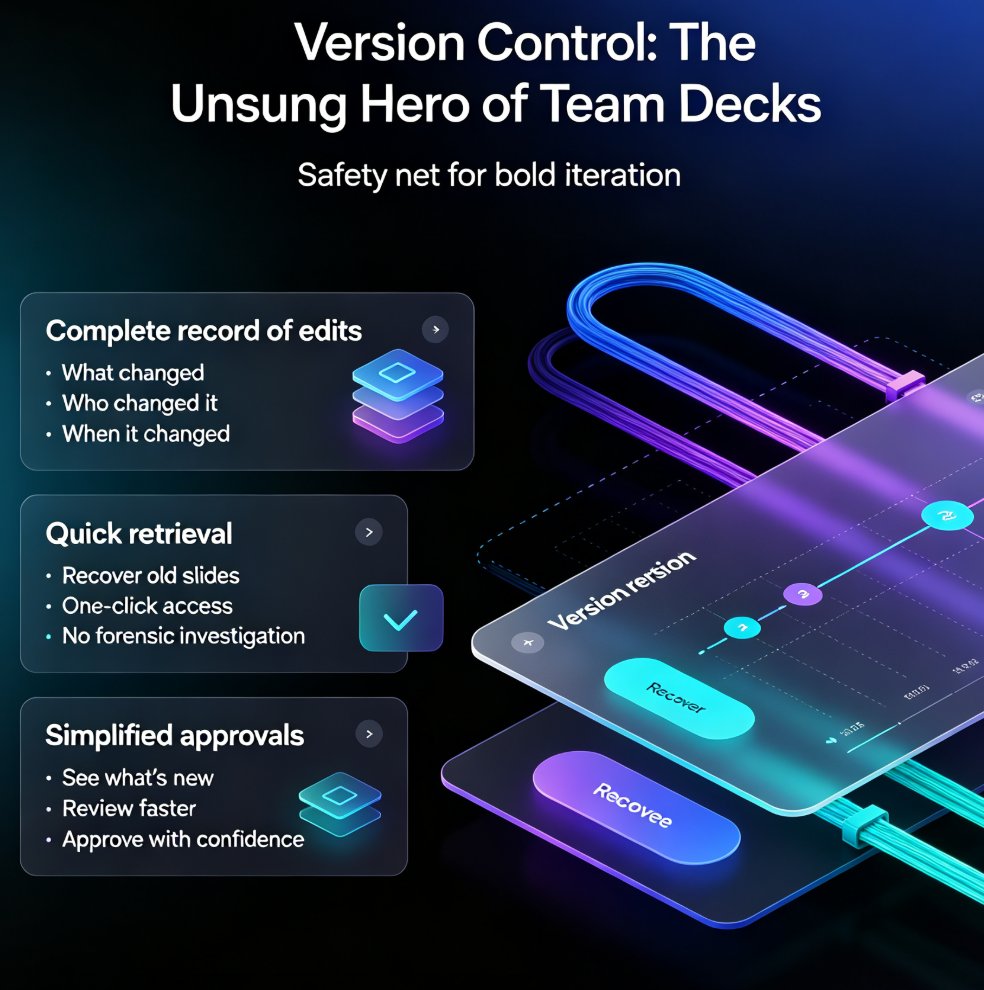
Collaborative AI presentations are transforming how teams build decks. Real-time co-editing and version control eliminate the chaos of emailing files back and forth, and Zendeck brings these capabilities together in one platform. Teams co-create, comment, and refine presentations simultaneously, with full version history, granular permissions, and AI-powered design that keeps decks on-brand. This guide covers what to look for in a collaborative AI presentation tool, why security matters — 74% of organizations cite data privacy as a top concern when choosing an AI platform — and practical best practices for stress-free team workflows. If your team still relies on 'final_v3_FINAL.pptx' and email threads, this article will show you a better way to ship decks faster, with less friction and more confidence.

Data Transparency in AI Presentation Tools: 2026 Security Trends

AI Courseware 2026-08-20 1679

Data transparency has become the #1 buying criterion for AI presentation tools in 2026, ahead of design quality and price. This guide breaks down the three security tiers — consumer, business, and enterprise — and explains what SOC 2 Type II, GDPR, HIPAA, and the EU AI Act actually mean for your team. You'll get an eight-item checklist for evaluating any AI presentation tool, learn how to avoid the common mistake of treating consumer tools as enterprise-safe, and see how Zendeck's privacy-first architecture builds trust for educators and enterprises handling sensitive content. If you create training decks, courseware, or internal presentations, this is the security framework you need before you paste another confidential outline into an AI tool. Read on to protect your data and your reputation.

Instant Deck Generation: AI Ends the Waiting Economy in Education

Office Efficiency 2026-08-20 997

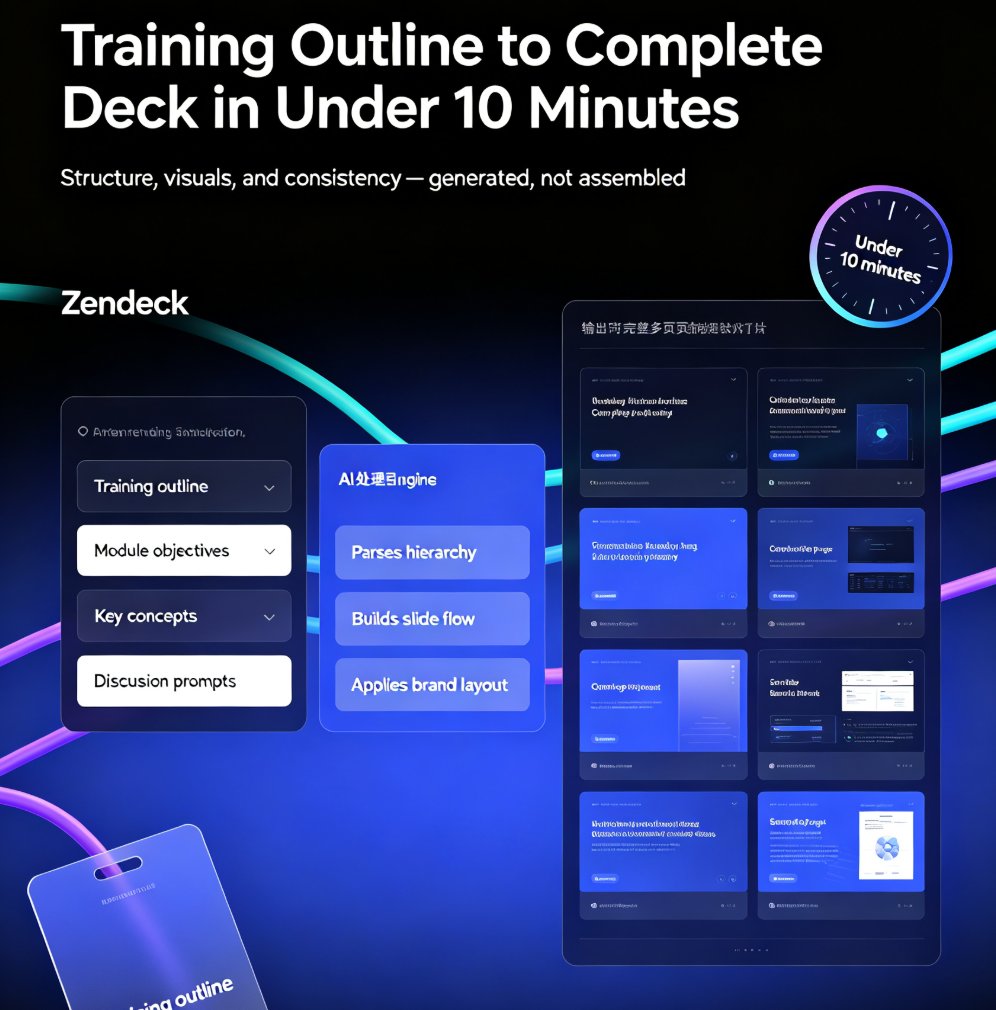
The waiting economy is over. Instant deck generation with AI now delivers complete, presentation-ready decks in minutes, transforming how teachers, trainers, and L&D teams work. Zendeck turns a Word outline or Markdown into a polished, visually consistent deck in minutes — no design skills required. This guide breaks down the new workflow, the real time savings (from days to minutes), the role shift from formatting to strategy, and how to run a smart QA pass. If you've ever blocked out a Sunday to build slides, this is the workflow that gives you your weekend back. Includes a time comparison table, practical steps, and answers to the most common questions about AI deck generation.

2026 Data Security Trends in AI Presentation Tools: What You Must Know

AI Courseware 2026-08-18 2681

In 2026, data security in AI presentation tools is shifting from blanket bans to adaptive policies and AI governance. This article explores the top trends—including the rise of AI SOC and agentic security—and what they mean for your workflow. Learn how to choose a secure tool like Zendeck, which offers brand kits, permission controls, and compliance features. Discover best practices to protect sensitive decks, from encryption to audit logs. Stay ahead of the curve with actionable insights and a security checklist. Whether you're an educator, trainer, or content operator, this guide helps you balance productivity and safety. Read on to secure your presentations in the new era of AI.

Word to PPT Import Breaking Layout? Zendeck Fixes It in One Click

AI Courseware 2026-08-18 3155

Tired of Word to PPT imports that wreck your layout and eat your afternoon? Zendeck's AI-driven Word import reads your document's structure — headings, tables, key data — and rebuilds it into clean, professionally designed slides in one click. No more hours of manual reformatting, no more text spilling off slides, no more fighting with Word's built-in export. This guide breaks down why traditional Word-to-PowerPoint conversion fails, how Zendeck's structure-first approach fixes it, and the exact workflow to convert a 30-page report into a polished deck in under ten minutes. You'll also see a side-by-side comparison of Zendeck vs. Word export vs. free converters, plus practical tips for keeping your brand consistent across every slide.

Can I Manually Edit AI-Generated Slides in Zendeck? Yes, Here's How

PPT Tutorial 2026-08-12 1218

Yes, you can manually edit every slide after Zendeck's AI generates your deck. This guide covers what's editable — text, images, layout, colors, and speaker notes — plus when to edit manually versus regenerating with AI. Learn the step-by-step workflow, common mistakes to avoid, and how to keep your deck consistent while making surgical changes. If you've been holding back from using AI presentation tools because you're afraid of losing control, this article shows exactly why that fear is unfounded. Zendeck's editor keeps you in the driver's seat: the AI drafts, you refine. Every element on every slide remains fully editable, so you get the speed of AI generation without sacrificing your creative control or brand standards.

▲