Popular Articles

A curated collection of the most-read and editor-picked articles — see what everyone's reading.

402 articles

How to Co-Edit a Presentation in Real Time with Your Remote Team

Office Efficiency 2026-08-26 844

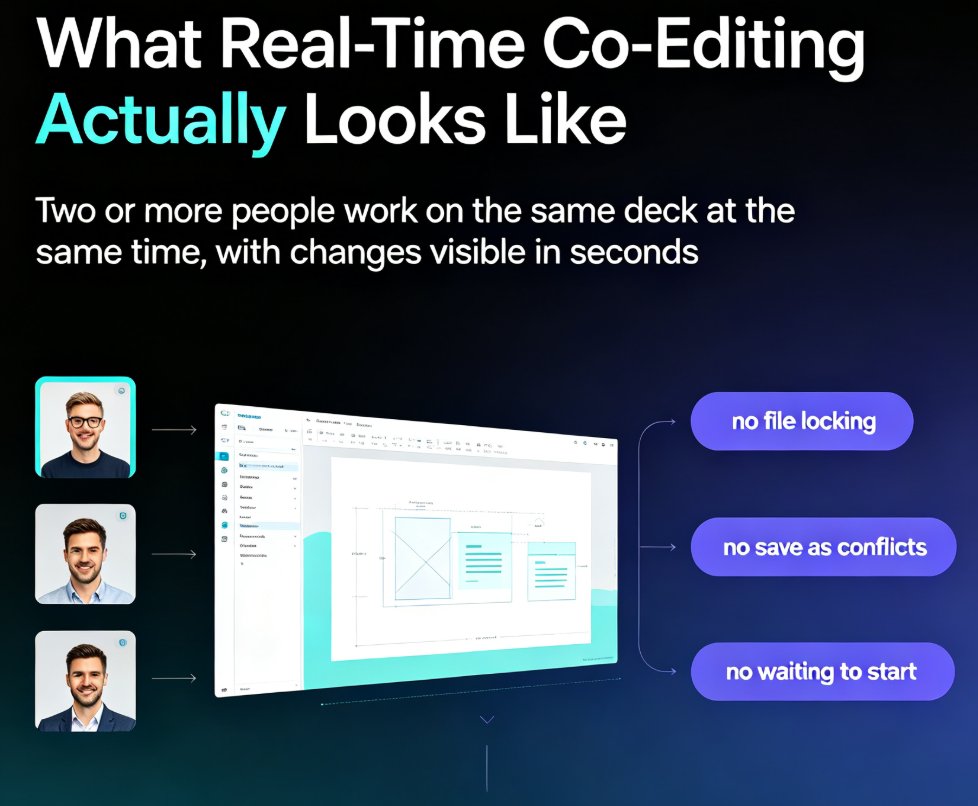
Co-editing a presentation with a remote team shouldn't mean emailing PPT files back and forth. This guide shows how Zendeck's real-time collaboration, link sharing, and version management keep distributed teams aligned from first draft to final deck. Learn the exact workflow — live cursors, shared links, automatic version history — that eliminates the chaos of 'final_v7.pptx' and cuts review cycles from days to hours. Whether you're a trainer, HR lead, or content operator, you'll get practical steps for co-editing slides online, a comparison of traditional file-based workflows versus true real-time editing, and a repeatable review process your team can adopt this week. Stop losing edits, stop chasing the latest version, and start shipping decks your whole team actually owns.

PPTX, PDF, or Google Slides? Zendeck Multi-Format Export Guide

PPT Tutorial 2026-08-18 840

Choosing the right export format for your presentation doesn't have to be guesswork. Zendeck's multi-format export — PPTX, PDF, and Google Slides — means your deck drops seamlessly into whatever platform your team, clients, or students already use. No lock-in, no 'which tool do I open this in' friction. This guide breaks down when to use each format, how Zendeck's export workflow keeps your design intact, and practical tips for handing off decks to different audiences. Whether you need an editable PPTX for internal collaboration, a locked PDF for final approval, or a cloud-native Google Slides deck for real-time co-editing, Zendeck covers all three. Learn how to match format to audience, avoid common export pitfalls, and keep your branding consistent across every output. A practical, scenario-driven guide for educators, trainers, HR teams, and content operators who need their decks to work everywhere.

Turn Scanned PDFs and Image Documents into Editable AI Slides with Zendeck

PPT Tutorial 2026-08-10 830

Learn how to convert scanned PDFs and image documents into editable AI slides with Zendeck's document import. Stop retyping legacy reports — OCR-style processing turns them into polished, on-brand decks in minutes. This guide covers the full workflow from upload to export, compares manual retyping, standalone OCR tools, and Zendeck's all-in-one approach, and shares practical tips for handling messy scans. Whether you're a trainer reviving old courseware, an HR manager digitizing onboarding manuals, or a consultant turning a client's scanned report into a pitch deck, you'll walk away with a repeatable process that saves hours per document. Includes a time comparison chart, a step-by-step tutorial, and answers to the most common questions about document import and OCR accuracy.

PPT to Video: The 2026 Trend of Turning Slides into Micro-Courses

PPT to Video 2026-08-20 821

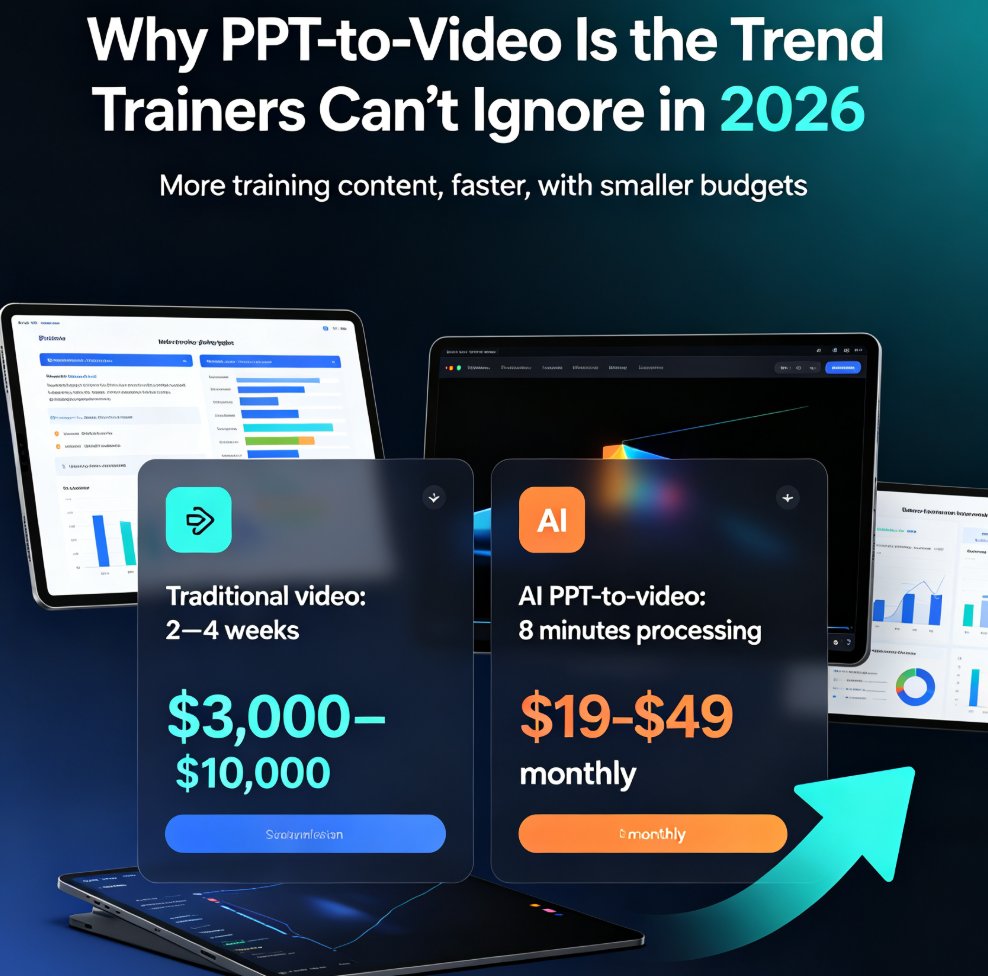
PPT to video is the defining e-learning trend of 2026: educators and corporate trainers are turning static slides into narrated micro-courses in minutes, not weeks. This guide breaks down how AI-powered conversion works, what it costs versus traditional video production, and how Zendeck's PPT-to-video feature automates narration, subtitles, and animated visuals — so anyone without design or editing skills can ship a polished training video before lunch. Includes a step-by-step workflow, a cost comparison chart, and practical tips for text-heavy decks, compliance manuals, and onboarding material. If you've been sitting on a deck that should be a video, this is your playbook.

How to Rebrand Legacy PowerPoints with Zendeck's One-Click Reskin

PPT Tutorial 2026-08-12 818

Rebrand legacy PowerPoints with Zendeck's one-click reskin and cut hours of manual reformatting. Learn how to unify fonts, colors, and layout across old PPTX files in minutes. This tutorial walks through uploading legacy decks, applying brand kits, reviewing the reflow, and exporting on-brand presentations. Includes a manual vs. AI reskin comparison, a post-reskin polish checklist, and honest advice on when reskin isn't enough. Zendeck's smart layout engine treats your deck as a system, not a collection of slides, so consistency is guaranteed across every slide. Perfect for marketing teams, trainers, and consultants with a folder of outdated decks. Stop dreading the refresh — reskin it in minutes.

Why Memory-Rich AI Is the Next Big Thing in Course Deck Creation

AI Courseware 2026-09-01 813

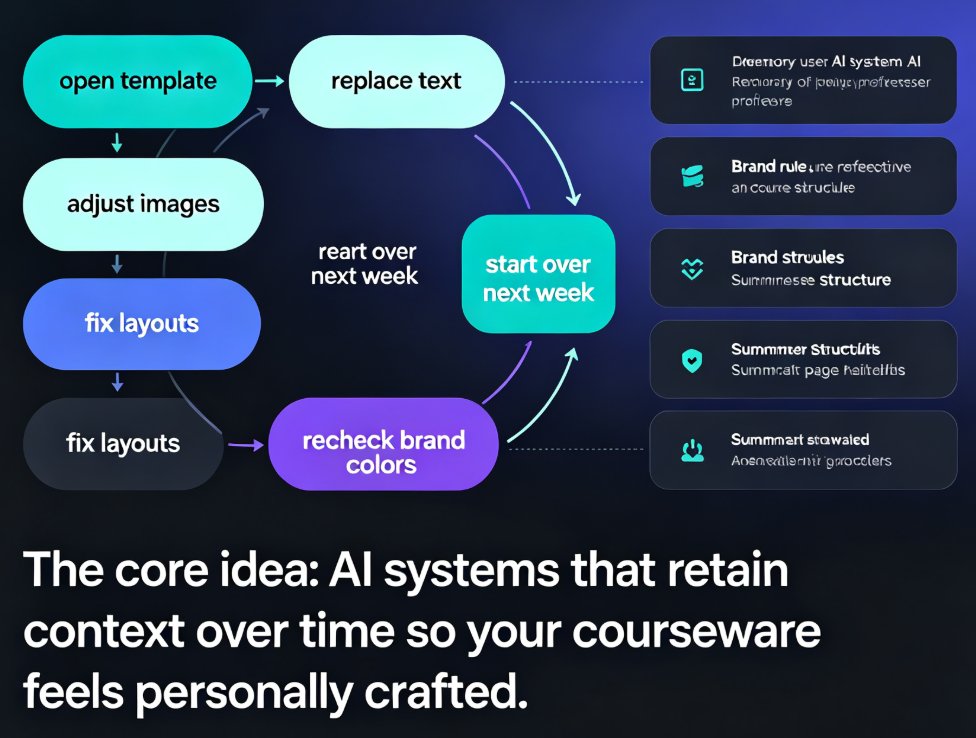
Memory-rich AI is set to transform course deck creation by remembering your style preferences, branding rules, and content history. This guide explains why contextual personalization is becoming table stakes for AI presentation tools—and how Zendeck's adaptive layout engine applies your past choices automatically, so every new deck feels personally crafted. Learn how to leverage memory-rich AI for faster, more consistent courseware, with practical tips for educators and trainers.