
Micro-Course Production

Micro-course scripting, recording, editing, digital-human use, and instructional design.

15 articles

Accessible Micro-Courses: How Zendeck Auto-Generates Subtitles from PPT

Micro-Course Production 2026-08-27 1442

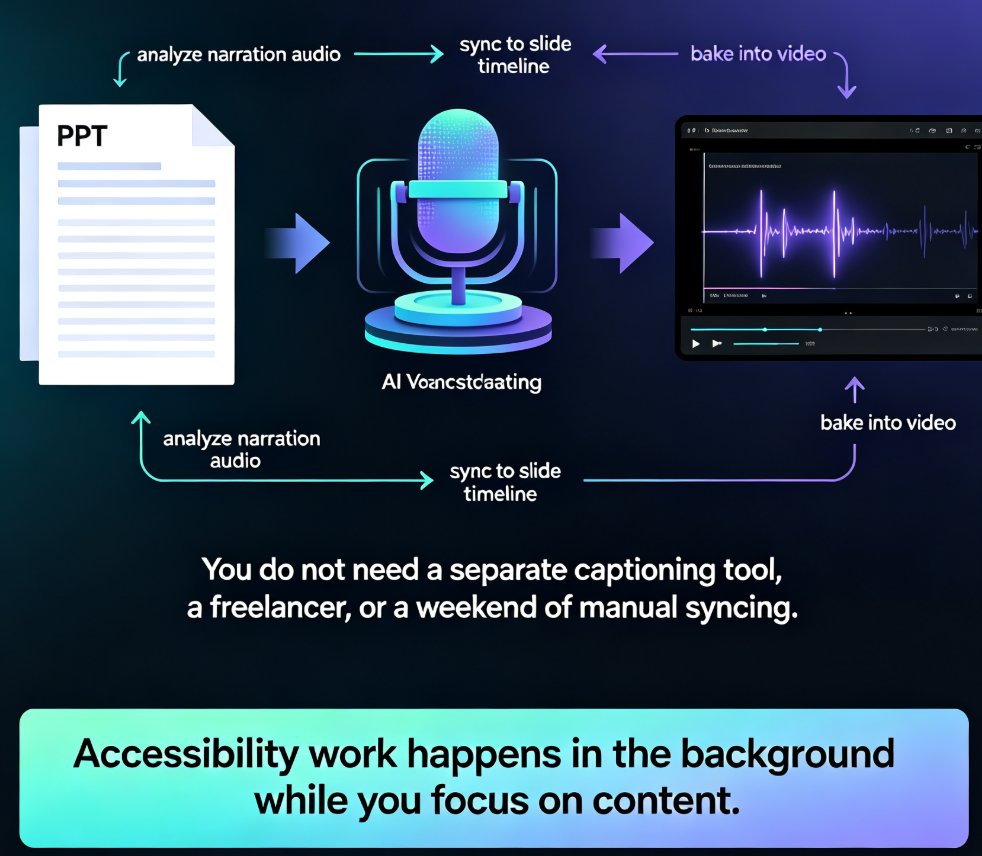
Zendeck auto-generates accurate subtitles when converting PPT to video, making micro-courses accessible to more learners with zero manual effort. Subtitles are no longer a nice-to-have — they're an accessibility requirement for diverse learners, non-native speakers, and WCAG compliance. This guide walks through how Zendeck's PPT-to-video pipeline creates synced, editable subtitles in the same pass as the conversion, and why that changes your course production workflow. You'll learn the full accessibility stack — alt text, contrast, transcripts — and get practical tips for reviewing and refining auto-generated captions before publishing. We also compare manual subtitling against Zendeck's automated approach, break down the time and cost difference, and show you a step-by-step workflow from PPT to published micro-course. If you're an educator, trainer, or L&D manager building accessible micro-courses, this is the fastest route to video content that reaches every learner.
From Static Slides to Interactive Micro-Courses: The 2026 Shift

Micro-Course Production 2026-08-26 1848

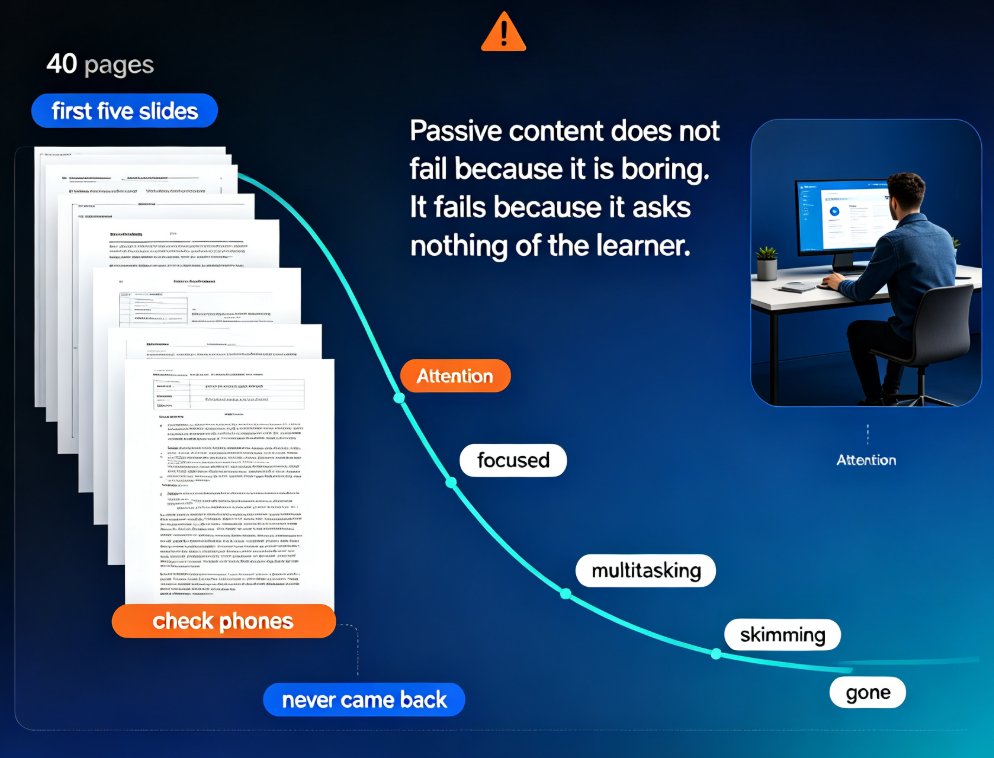
Interactive micro-courses are the 2026 standard for training content, and static slide decks no longer hold learner attention. This guide explains why engagement-first design — quizzes, polls, and branching — is becoming table stakes, and how Zendeck's AI workflow embeds these elements directly into PPT-to-video conversion. You'll learn the four core interaction mechanics, a practical comparison of static versus interactive formats, and why AI tools make interactivity affordable for any trainer. If you build onboarding, compliance, or product training, this shift changes what you can ship in a single afternoon. Zendeck lets you go from outline to published interactive micro-course without juggling separate authoring tools, and gives you answer-level data to keep improving every course.

Make Your Micro-Courses SCORM-Ready: Zendeck's LMS Integration Guide

Micro-Course Production 2026-08-21 3859

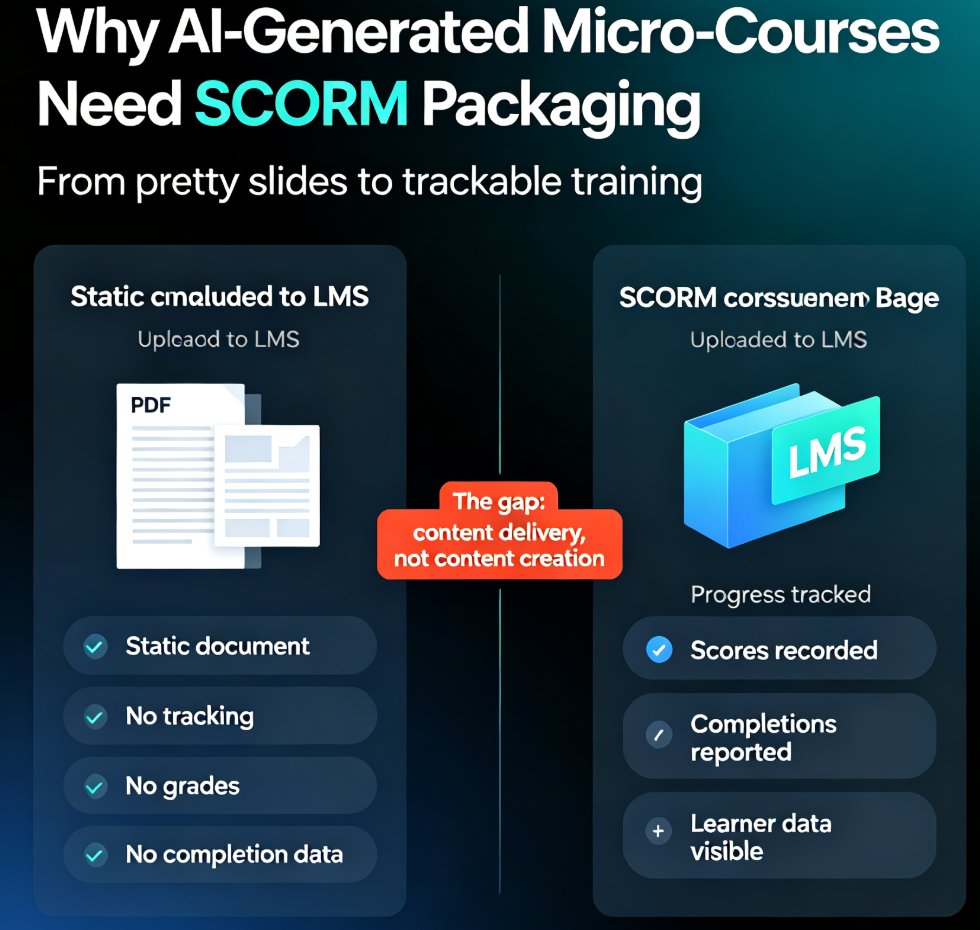
SCORM is the bridge that turns your Zendeck micro-courses into trackable, gradeable training. This guide explains what SCORM compliance means, how to package AI-generated courseware for any SCORM-compliant LMS, and how to avoid the version pitfalls that break course launches. You'll learn the difference between SCORM 1.2 and 2004, what imsmanifest.xml does, and a five-step workflow for packaging Zendeck decks with narration and quizzes. If your LMS won't track progress, scores, or completion, this is the fix. Build once, deploy everywhere — without rebuilding content per platform. Zendeck handles the creation; SCORM handles the delivery. Whether you're a trainer, HR lead, or content operator, this guide gives you the exact steps to make AI-generated micro-courses measurable and compliant.

Keep Training Consistent Across 10 Locations with Zendeck Templates

Micro-Course Production 2026-08-14 3784

Standardizing training across 10 locations doesn't require a central design team. Zendeck's locked templates and brand kits keep every onboarding, compliance, and sales deck identical across stores, offices, and franchise sites. In this guide, you'll learn how L&D and operations teams build a repeatable workflow: set a master template, lock brand assets, assign training ownership, and scale with confidence. We'll cover real scenarios, practical steps, and the exact settings that prevent off-brand, off-message slides. If you've ever opened a regional trainer's deck and seen the wrong logo, outdated process, or a different font, this article is for you. By the end, you'll know how to turn a messy multi-site training program into a consistent, measurable system — without hiring designers or chasing down files. Zendeck makes consistency the default, not the exception.

Branching Scenarios in AI Presentations for Interactive Training

Micro-Course Production 2026-08-11 2730

Learn how to build non-linear, decision-based training modules with Zendeck. Branching scenarios turn static AI decks into interactive micro-courses that boost engagement, retention, and compliance outcomes. This guide covers hyperlinks, slide organization, and PPT-to-video. You'll learn how to plan branch structures, wire decision points, add video narration, and avoid common pitfalls. Perfect for L&D professionals, HR trainers, and compliance officers who need scenario-based learning that actually sticks. Zendeck makes it possible without design skills or coding. We'll walk through a real compliance training example, show you the exact slide architecture, and give you a checklist you can reuse tomorrow morning. By the end, you'll have a repeatable workflow for turning any policy or procedure into an interactive training experience.

Turn a Training Manual into a Micro-Course with Zendeck's PPT-to-Video

Micro-Course Production 2026-08-10 3447

Zendeck's PPT-to-Video turns static training manuals into narrated micro-courses in minutes. Learn the 5-step workflow, see time savings, and boost learner engagement. Convert your text-heavy slides into interactive video lessons with AI narration, animations, and brand consistency. Perfect for HR, L&D, and educators who need faster onboarding and better completion rates.