Tags:one-click reskin

24 articles

Rebrand All Your PPTs in Minutes with One-Click Reskin

Courseware Design 2026-09-01 1987

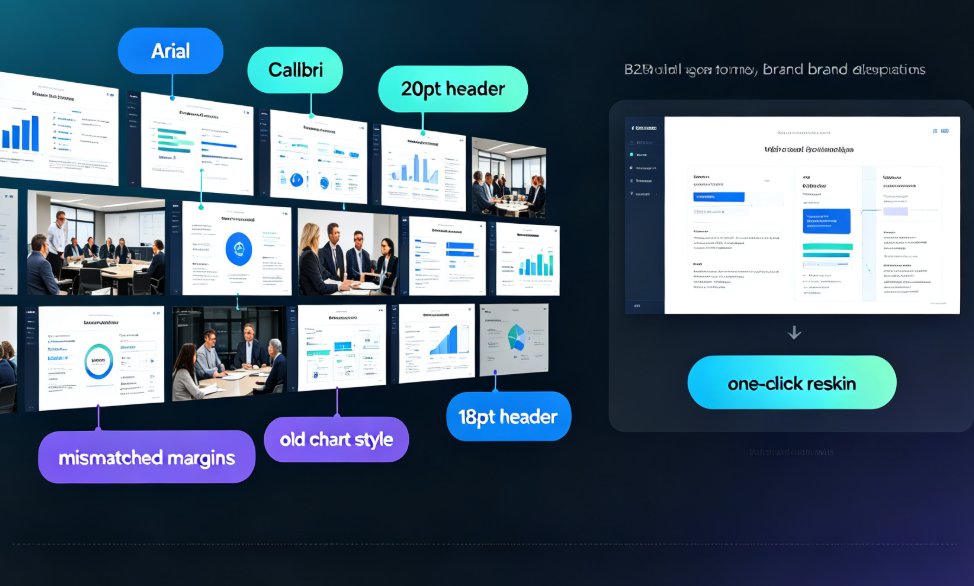
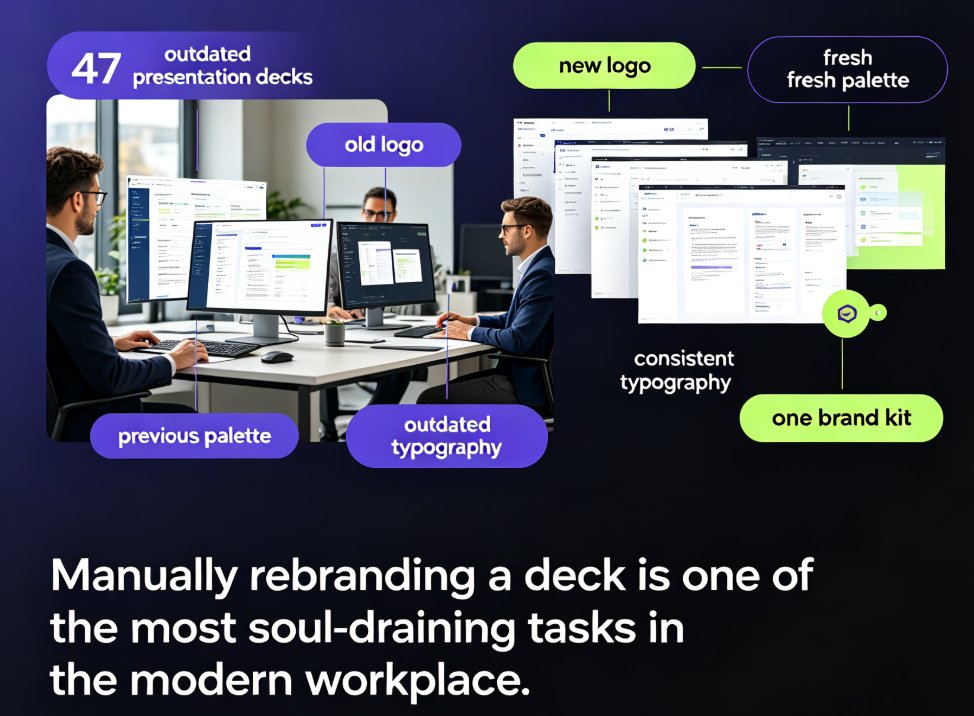
One-click reskin in Zendeck lets you rebrand all your PPTs in minutes by unifying fonts, colors, and layouts across every slide. Instead of manually editing slide masters, you apply a saved Brand Kit to transform your entire deck instantly. This guide shows the exact workflow, plus a real-world time comparison that proves why teams are switching to automated rebranding.

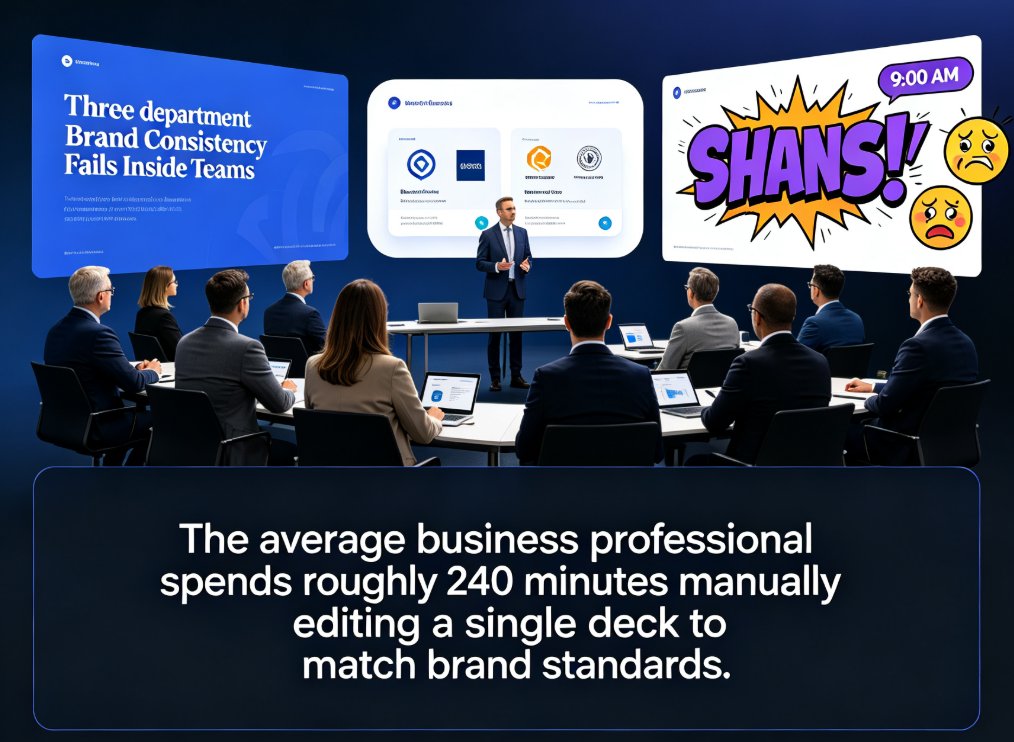
One-Click Reskin Fixes Inconsistent PPT Styles Across Your Team

Office Efficiency 2026-08-28 1226

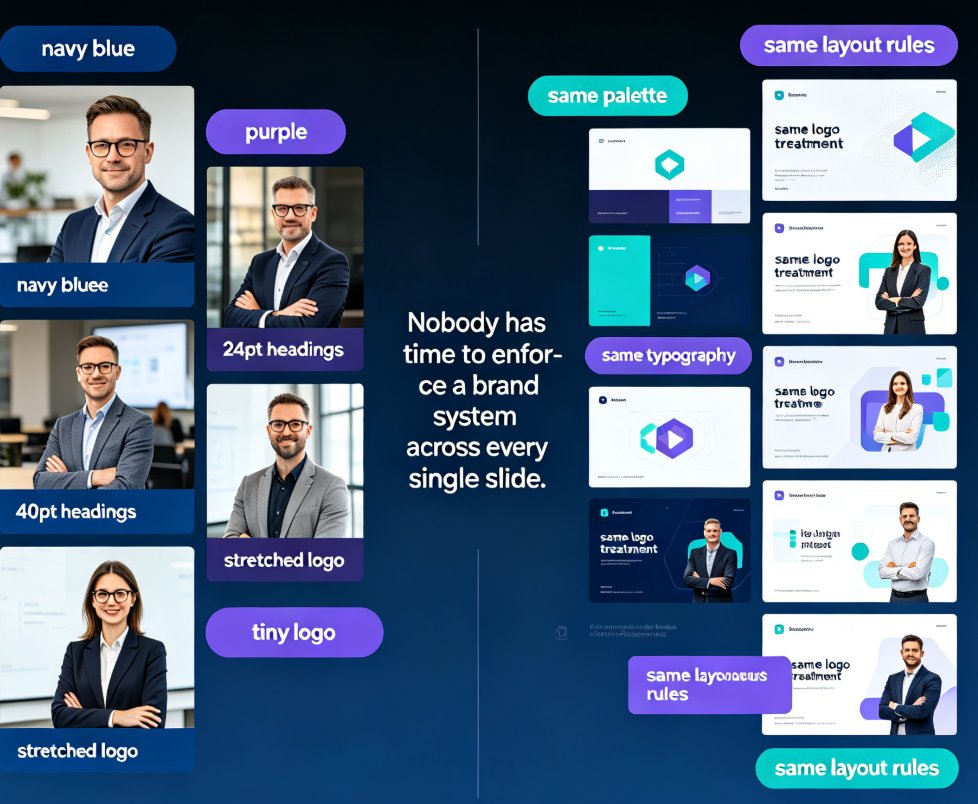
Inconsistent PPT styles wreck your brand and burn hours. Zendeck's one-click reskin unifies fonts, colors, and layouts across any deck in your team — including old PowerPoints with mixed formatting. This article breaks down why style drift happens even with templates, the real cost of manual cleanup, and a practical workflow to bring any deck back on brand in minutes. We compare manual formatting vs automated reskin with real numbers, show how smart layout rules replace eyeballing, and share governance tips so teams stop producing mismatched slides. If you're tired of spending evenings fixing alignment, spacing, and hex codes, this guide shows a faster path to consistent, professional presentations.

How to Use Zendeck's AI to Automatically Rebrand Your Entire Deck

AI Courseware 2026-08-28 696

Zendeck's one-click reskin lets you automatically rebrand an entire presentation — applying brand colors, fonts, and layouts across every slide in seconds. This guide explains what reskinning actually does, why manual rebranding is a productivity trap, and a step-by-step workflow to convert a legacy deck into an on-brand, professional presentation in under five minutes. We break down who benefits most (corporate teams, educators, agencies, startups), include real time-saving data showing an 80% reduction in manual work, and highlight common mistakes to avoid. You'll also learn how to combine reskin with a custom brand kit for long-term brand governance. If you're refreshing outdated decks or aligning with new brand guidelines after a company rebrand, Zendeck's one-click reskin is the fastest path from outdated to on-brand.

Zendeck Smart Layout: One-Click Uniform Fonts, Colors, and Alignment [2026 Guide]

PPT Tutorial 2026-08-28 3047

Zendeck's smart layout unifies fonts, colors, and alignment in one click — no design skills needed. This tutorial walks you through the reskin process, shows what the engine actually adjusts, and reveals when to trust the one-click button versus doing it manually. You'll learn to rescue messy, inconsistent decks in minutes and turn them into polished, on-brand presentations your team can share instantly. Includes a manual-versus-smart comparison table, pro tips for non-designers, and answers to the most common smart layout questions. If you want consistent corporate or academic slides without touching individual elements, this is your playbook.

One-Click Reskin: Keeping Team Decks On-Brand with Zendeck

Courseware Design 2026-08-27 3164

Keep every team deck on-brand with Zendeck's one-click reskin. This guide shows how smart layout reskin unifies fonts, colors, and layouts across all your training presentations — without design skills. Learn the step-by-step workflow, compare reskin vs. manual redesign, and avoid common mistakes. Perfect for trainers, L&D teams, and educators who want consistent courseware that builds learner trust. Zendeck's reskin applies your brand rules automatically, turning a 3-hour consistency audit into a 3-minute operation. Set up a brand kit once, reskin every deck in seconds, and stop being the design police. Includes a practical comparison table and FAQ covering brand kits, content preservation, and team adoption.

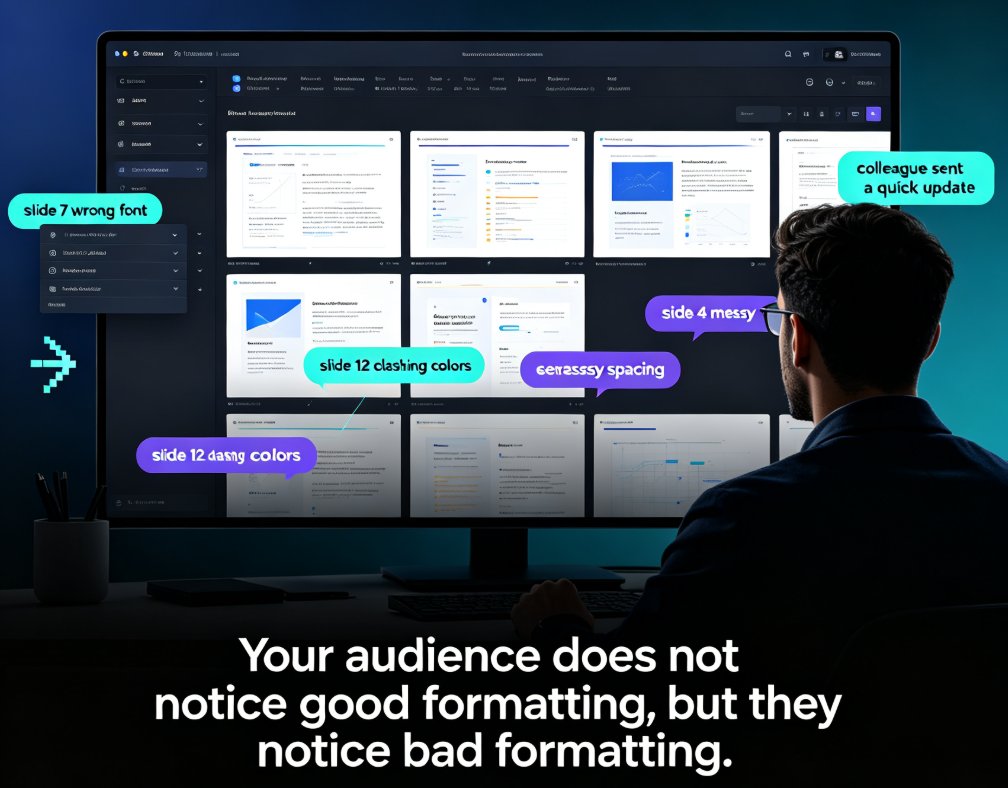
Stop Manual Formatting: Zendeck Smart Layout One-Click Reskin

Courseware Design 2026-08-27 940

Stop wasting hours on manual formatting. Zendeck's smart layout one-click reskin automatically unifies fonts, colors, and spacing across your entire deck in seconds. Built for teachers, trainers, HR teams, and content operators, this AI-powered feature turns messy, inconsistent slides into professional courseware without any design skills. In this guide, we break down how smart layout works, compare it to manual formatting with real time-cost numbers, and share five habits that make your decks look consistently polished. If you've ever spent a night fixing font sizes and alignment, this is the workflow change you've been waiting for. Whether you're building weekly course updates, merging multi-author decks, or enforcing brand compliance, Zendeck makes professional-looking presentations the default — not the exception. Stop formatting. Start teaching.