Popular Articles

A curated collection of the most-read and editor-picked articles — see what everyone's reading.

506 articles

How to Rebrand Legacy PowerPoints with Zendeck's One-Click Reskin

PPT Tutorial 2026-08-12 818

Rebrand legacy PowerPoints with Zendeck's one-click reskin and cut hours of manual reformatting. Learn how to unify fonts, colors, and layout across old PPTX files in minutes. This tutorial walks through uploading legacy decks, applying brand kits, reviewing the reflow, and exporting on-brand presentations. Includes a manual vs. AI reskin comparison, a post-reskin polish checklist, and honest advice on when reskin isn't enough. Zendeck's smart layout engine treats your deck as a system, not a collection of slides, so consistency is guaranteed across every slide. Perfect for marketing teams, trainers, and consultants with a folder of outdated decks. Stop dreading the refresh — reskin it in minutes.
How AI Presentation Tools Track Engagement and Learning in 2026

Knowledge Video 2026-10-20 816

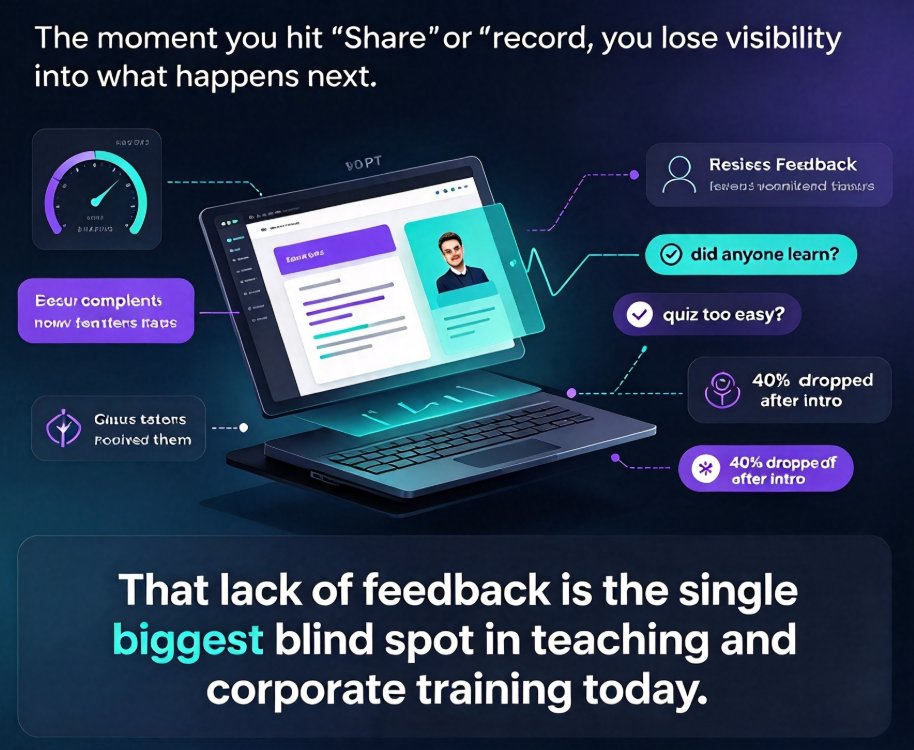
AI presentation tools are finally able to track engagement and learning outcomes — not just produce beautiful slides. By 2026, viewer attention metrics, quiz interaction data, and content effectiveness scores are transforming how educators measure impact and iterate on course materials. Zendeck sits at the front of this shift, offering a future-ready platform where educators can upload outlines, generate polished decks, convert slides to narrated micro-courses, and then measure how learners actually engage with each section. This guide breaks down the emerging analytics layer in AI presentation platforms: what those metrics mean, how to read them, and practical ways to use the data to refine your teaching materials. If you've ever wondered whether your audience truly absorbed your content, this is the roadmap you need.

Why Memory-Rich AI Is the Next Big Thing in Course Deck Creation

AI Courseware 2026-09-01 813

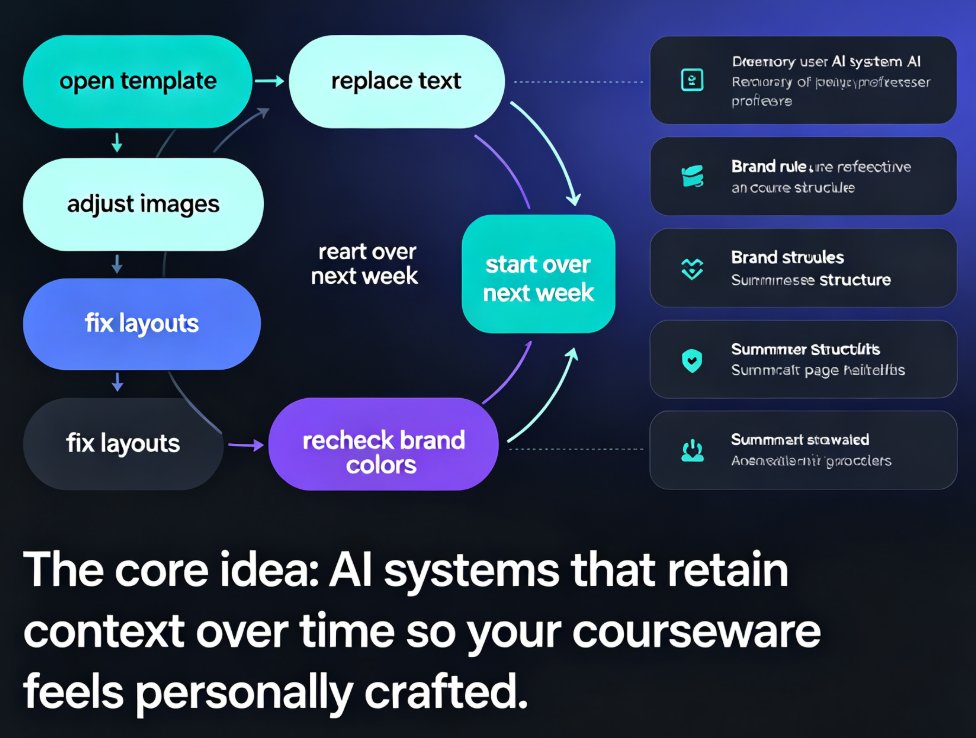
Memory-rich AI is set to transform course deck creation by remembering your style preferences, branding rules, and content history. This guide explains why contextual personalization is becoming table stakes for AI presentation tools—and how Zendeck's adaptive layout engine applies your past choices automatically, so every new deck feels personally crafted. Learn how to leverage memory-rich AI for faster, more consistent courseware, with practical tips for educators and trainers.

How to Add Interactive Charts to Your AI Slides with Zendeck's Asset Library

Courseware Design 2026-08-12 811

Learn how to add interactive charts to your AI slides using Zendeck's asset library. This step-by-step tutorial shows you how to insert pre-built charts, icons, and illustrations, then customize them to match your brand—no design skills required. Turn raw numbers into compelling data-driven presentations in minutes. Zendeck makes data visualization effortless for educators, consultants, and teams.

From PDF to Polished Deck: Zendeck OCR Document Import Workflow

PPT Tutorial 2026-08-18 809

Turn a PDF into a polished presentation in minutes with Zendeck's OCR document import workflow. Learn how Zendeck extracts text, preserves structure, and generates AI-designed slides from any document. Save hours of manual copy-paste and formatting. This guide covers the step-by-step process, behind-the-scenes OCR features, and tips for best results. Whether you're converting reports, whitepapers, or meeting notes, Zendeck transforms raw PDFs into presentation-ready decks with minimal effort. Discover why OCR is the missing link in modern presentation creation and how Zendeck makes it effortless.

Interactive Video Presentations: The 2026 Trend of Polls and Quizzes

Knowledge Video 2026-08-20 808

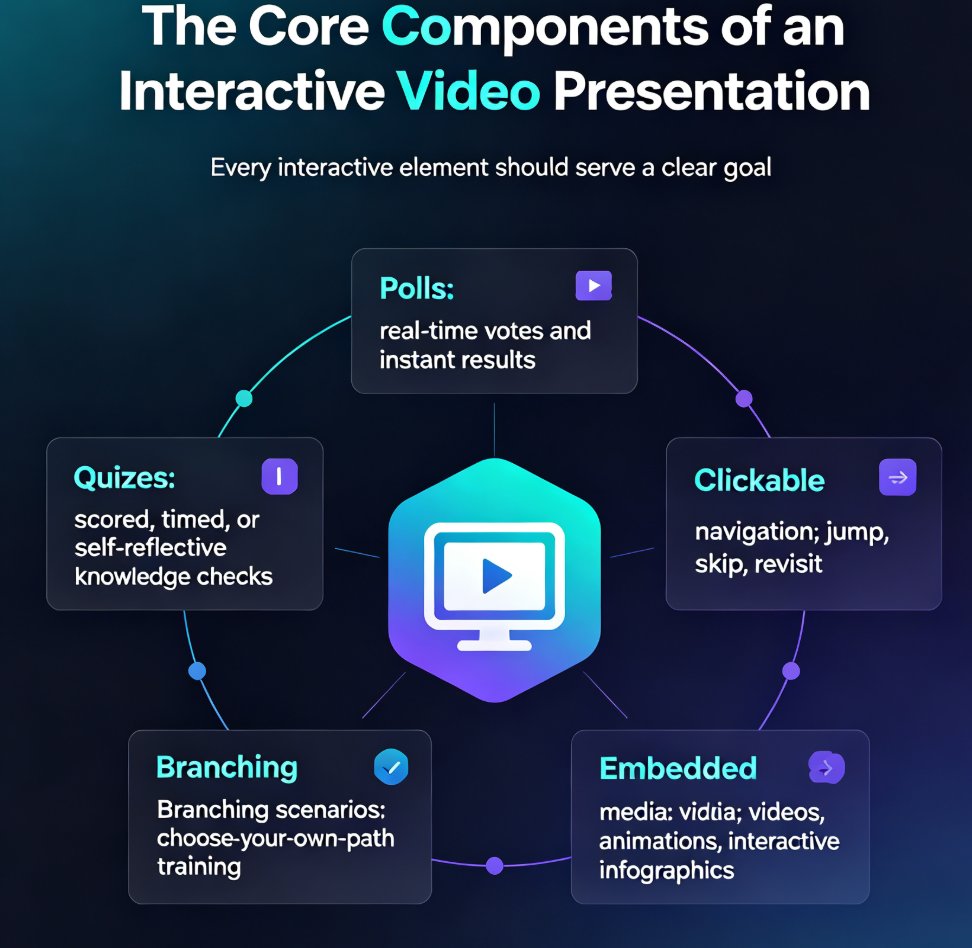
Interactive video presentations are the defining e-learning trend of 2026, turning passive viewers into active participants through embedded polls, quizzes, and branching scenarios. This guide breaks down the core components of interactivity, compares leading tools like Mentimeter, Genially, Canva, and Visme with real pricing data, and shows how Zendeck's PPT-to-video workflow lets you add narration, subtitles, and consistent design without any design skills. You'll learn the data-backed rhythm for spacing engagement elements every three to five slides, and why branching scenarios are the next level of video-based training. If you create courseware, corporate training, or knowledge videos, this is your roadmap to higher retention, better completion rates, and genuine audience participation. Interactive video isn't a gimmick — it's the standard your audience already expects.

▲