
Tags:one-click reskin

31 articles

Brand Consistency at Scale: AI Template Libraries as Design Guardians

Courseware Design 2026-08-24 2967

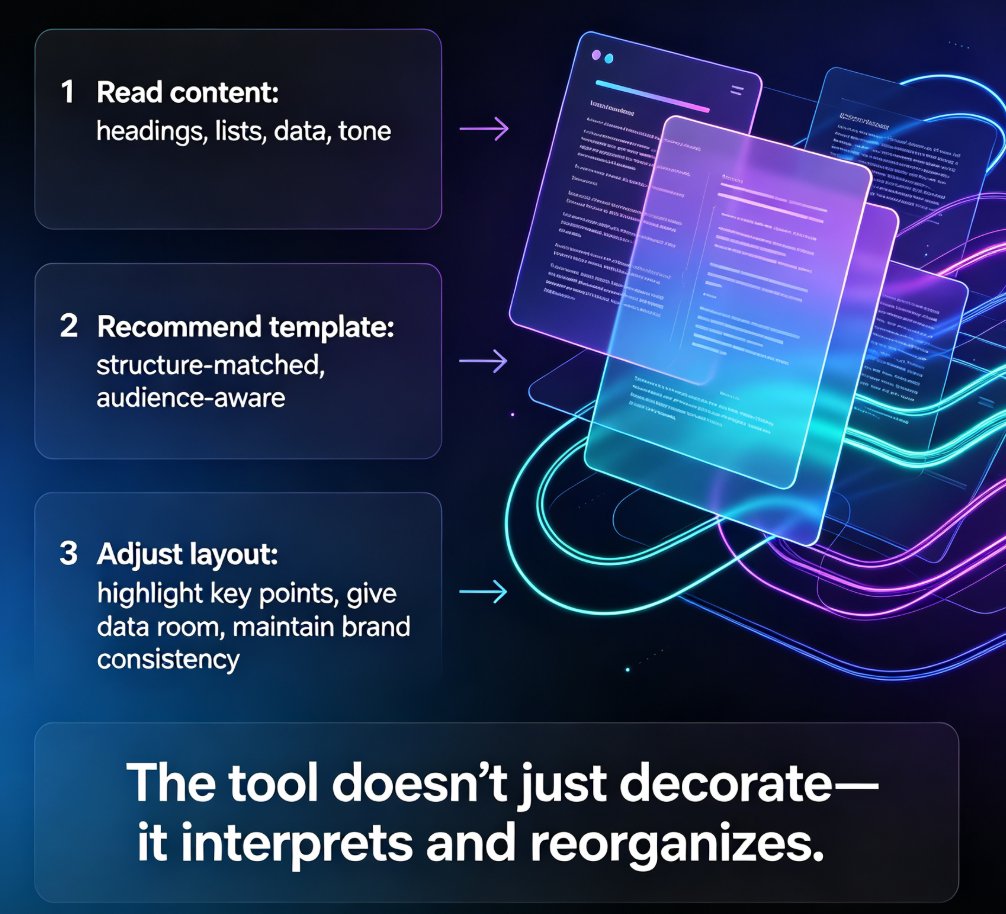
Brand consistency at scale is no longer a design problem — it's a systems problem. AI template libraries act as design guardians, enforcing your brand rules across hundreds of decks without a design team. This article explains how one-click reskin, smart template systems, and Zendeck's brand kit eliminate style drift, rescue legacy decks, and keep every slide on-brand automatically. You'll learn what to look for in an AI template library, how to compare it against static templates and manual design teams, and the exact steps to deploy brand governance in your organization today. If you're tired of policing fonts and colors, this is the workflow that finally scales — and Zendeck makes it possible without hiring a single designer.
Smart Layout: How One-Click Design Systems Kill Manual Formatting

Courseware Design 2026-08-24 1150

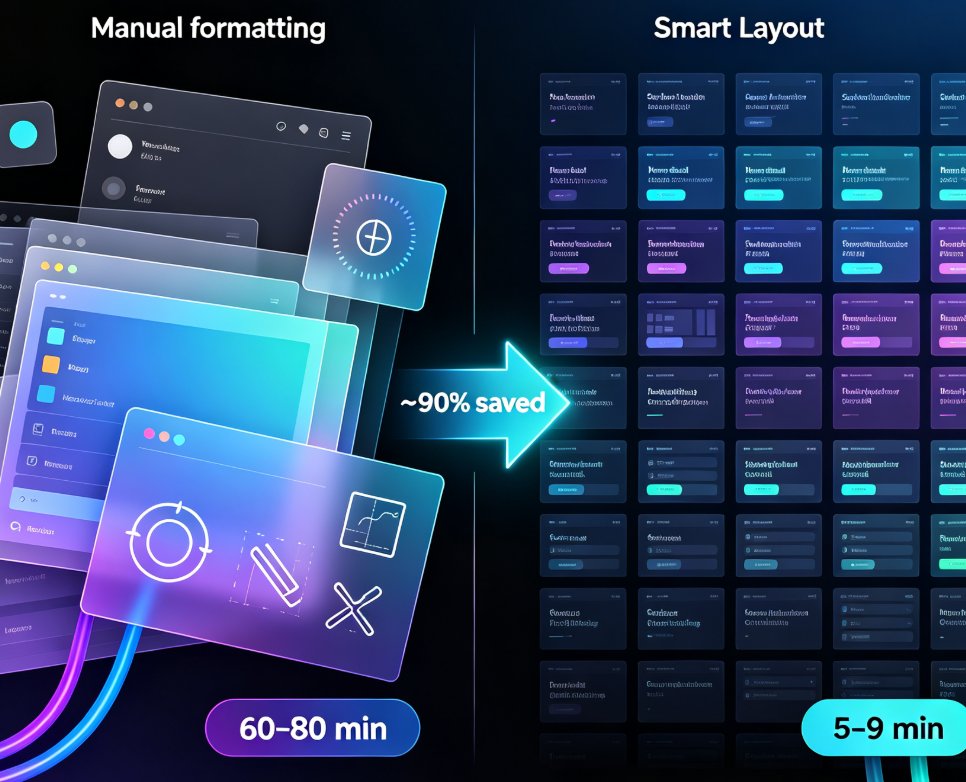
Smart layout is replacing manual formatting as the industry standard for presentations. One-click design systems automatically unify fonts, colors, and spacing, cutting formatting time by roughly 90% and letting non-designers produce polished decks without touching a font menu. Zendeck's one-click reskin is a concrete example of this trend: paste in an outline, and the system generates a structured, visually consistent deck in minutes. This article explains how smart layout works under the hood, why manual formatting is dying, and what it means for educators, trainers, and teams who want brand-consistent courseware without a design department. If you're still formatting slides by hand, you're paying a tax you don't need to pay.

One-Click Reskin: How to Unify Fonts, Colors, and Layout with Zendeck

PPT Tutorial 2026-08-18 2610

Struggling to keep your presentations on-brand? Zendeck's one-click reskin instantly unifies fonts, colors, and layout across every slide, saving hours of manual formatting. In this tutorial, you'll learn how to use Zendeck's smart layout and reskin features to achieve consistent, professional decks in seconds. We'll cover step-by-step instructions, design tips from industry experts, and best practices for maintaining brand consistency across teams. Whether you're a corporate trainer, educator, or marketer, this guide will help you create polished presentations without design skills. Discover how Zendeck empowers anyone to produce brand-consistent slides effortlessly.

Zendeck One-Click Reskin: Fix Inconsistent Branding in Decks

Presentation Skills 2026-08-18 2730

Inconsistent branding across decks erodes trust and wastes hours. Zendeck's one-click reskin automatically unifies fonts, colors, and layout across your entire presentation in seconds. Learn how to fix off-brand slides, apply your brand kit instantly, and keep every deck on-message. This guide covers the reskin workflow, common mistakes, and why AI-driven brand governance is the new baseline for teams. Stop manual fixing and start presenting with confidence.

One-Click Reskin: Rebrand Legacy Decks in Minutes with Zendeck

Presentation Skills 2026-08-11 1733

Rebranding legacy decks is a nightmare—until now. Zendeck's one-click reskin lets you apply a new brand identity to old slides in minutes, not days. This guide shows you how to transform outdated presentations into on-brand, professional decks without manual redesign. Learn the step-by-step process, see real-world scenarios, and compare manual vs. AI-powered rebranding. Whether you're a marketing agency, HR team, or educator, Zendeck's reskin feature saves hours and ensures consistency across every slide. Stop wasting time on tedious formatting—discover how to rebrand legacy decks effortlessly and keep your audience focused on your message, not your outdated design.

▲