Popular Articles

A curated collection of the most-read and editor-picked articles — see what everyone's reading.

506 articles

Repurpose Old PPTs into Interactive Micro-Courses with Zendeck

PPT to Video 2026-10-29 668

Turn outdated PowerPoint slides into engaging, narrated micro-courses with Zendeck's PPT-to-video feature. Learn how AI voiceover, auto-subtitles, and interactive elements breathe new life into legacy decks—without starting from scratch. Save time, boost learner engagement, and repurpose your best content across formats. Step-by-step workflow, real scenarios, and practical tips for educators, trainers, and content teams who want to evolve their presentation assets into polished video courses. Discover why content reuse is the smartest productivity hack for course creators in 2026.
The Asset Library as a Productivity Hub: Icons, Charts on Demand

Office Efficiency 2026-08-24 664

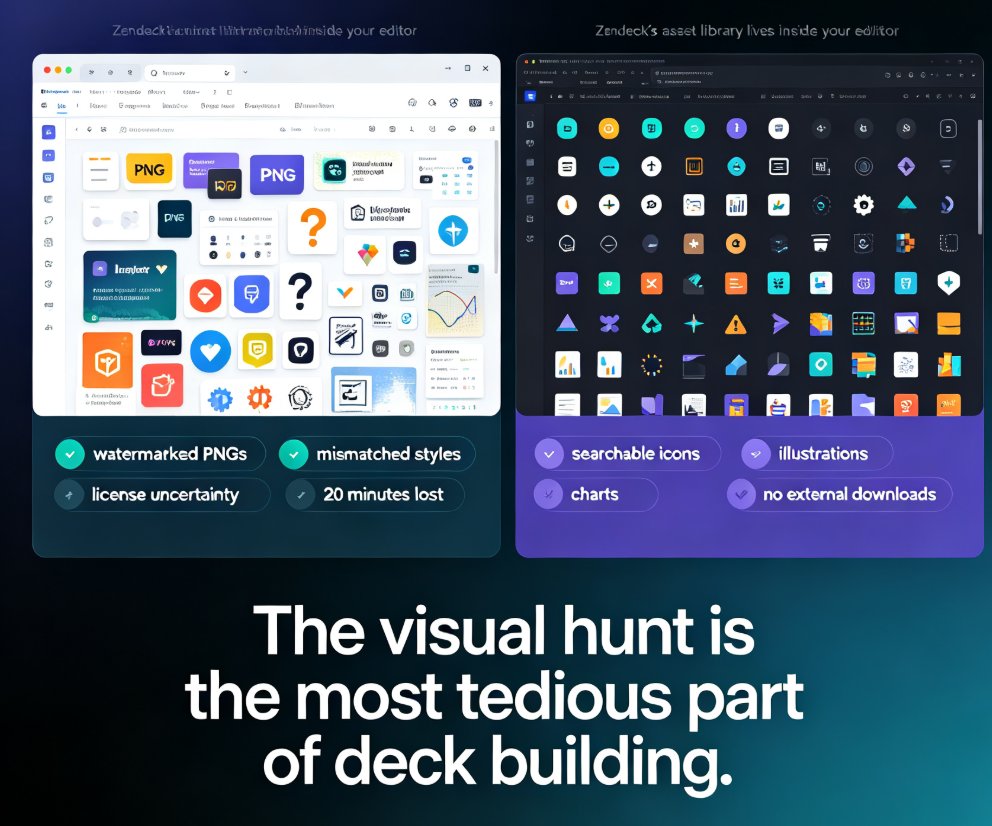
Asset libraries have become the backbone of efficient deck creation. This guide breaks down how an integrated asset library — icons, charts, and illustrations on demand — cuts visual search time from minutes to seconds. Zendeck's built-in searchable collection helps you find the perfect visual in under three seconds, keeping your creative flow intact and your slides on-brand. Learn the hidden costs of manual asset hunting, the three-second rule for library design, and how AI-generated assets are reshaping presentation workflows. Includes a comparison table of traditional search versus integrated libraries, plus practical tips for building decks faster. If you create presentations regularly — for clients, classes, or internal teams — this is the productivity upgrade you didn't know you needed.

Zendeck Asset Library: Find Icons & Illustrations in Seconds

Courseware Design 2026-08-27 648

Zendeck's asset library puts searchable icons, charts, and illustrations right inside your editor, cutting visual-hunting time from 20 minutes to under 3 minutes per task. This guide walks through the search workflow, style filters, and customization options, and explains why a curated in-platform library beats external downloads for consistency. You'll also see the time-saving math, best practices for mixing icons with illustrations, and answers to common questions about licensing and custom uploads. If you're tired of tab-hopping between free icon sites and mismatched visual styles, Zendeck's built-in library is the fix.

How Secure Is My Data in Zendeck? Privacy and Compliance Explained

AI Courseware 2026-08-07 632

Worried about storing confidential business presentations in an AI tool? Zendeck takes data security seriously with AES-256 encryption, role-based access controls, and full GDPR compliance. This article explains exactly how your data is protected, what certifications Zendeck holds, and why thousands of professionals trust it for sensitive content. Learn how Zendeck combines AI convenience with enterprise-grade privacy.

How AI Remembers Your Brand: Personalized Decks in 2026

AI Courseware 2026-10-10 629

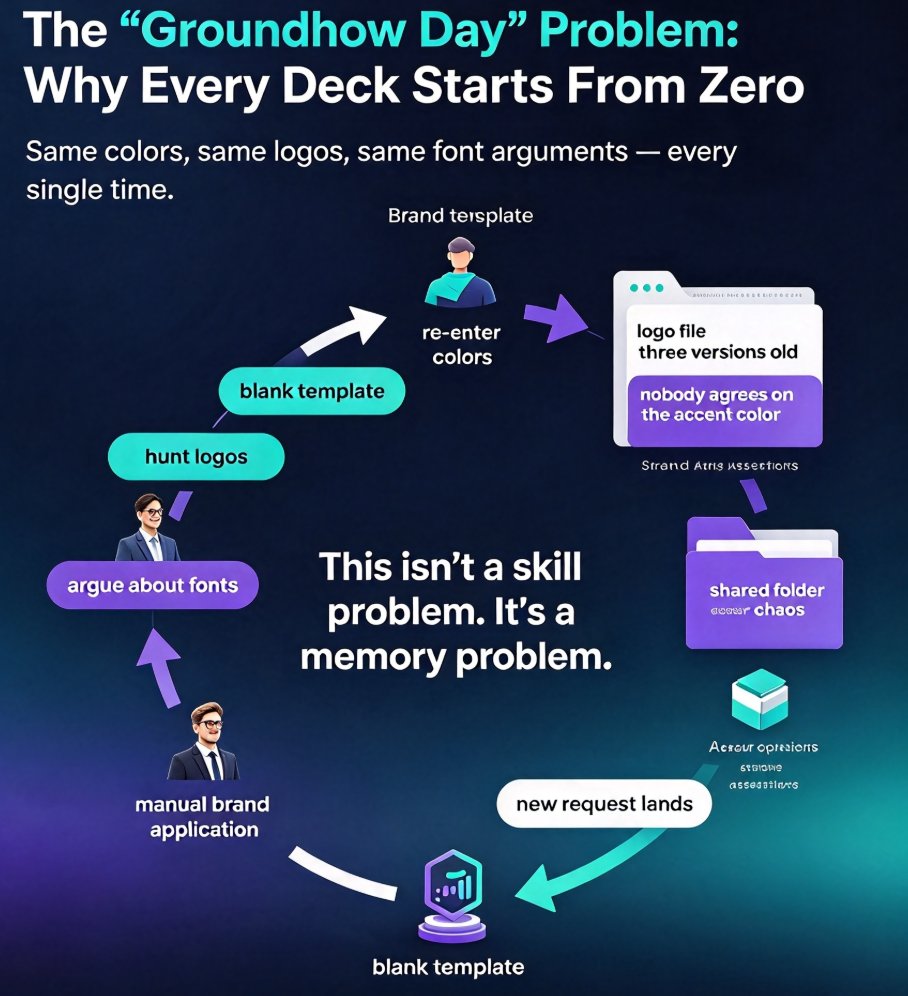
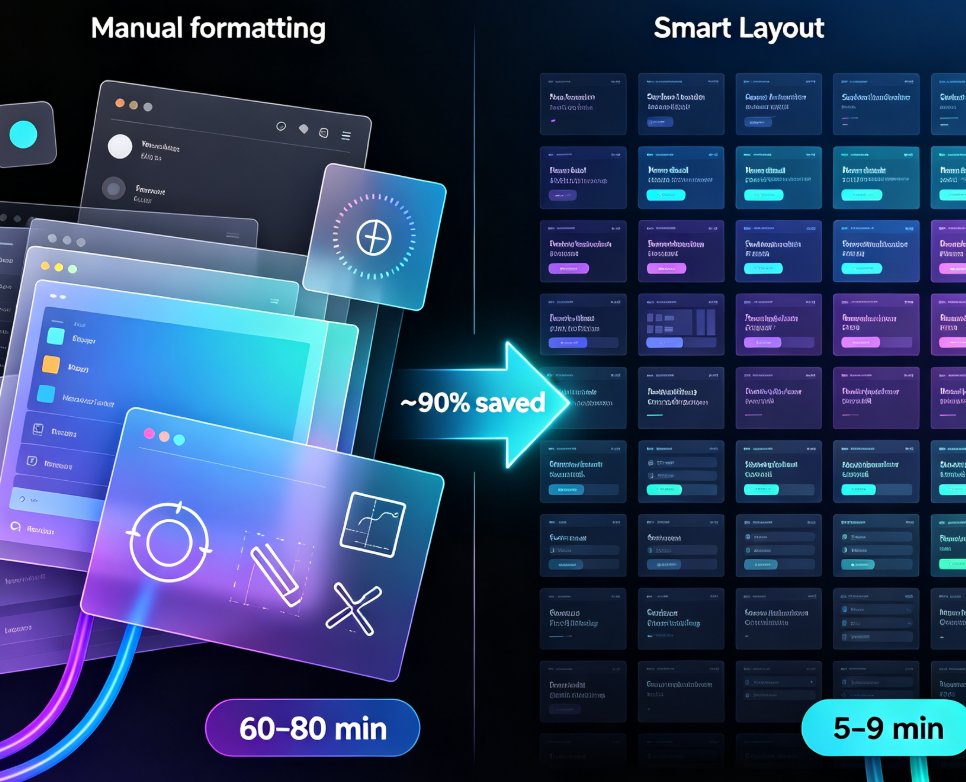
Memory-rich AI personalization is the next big 2026 presentation trend, and Zendeck's smart layout learns your brand style so every deck stays consistent. Instead of starting from scratch each time, Zendeck remembers your logos, colors, and tone, and applies them automatically to every new slide. This article breaks down why AI that remembers your brand beats generic generators, compares traditional PPT, generic AI, and memory-rich tools with real benchmarks, and walks through a practical four-step playbook your team can use this quarter. If you are tired of manually re-styling every deck — hunting for logos, arguing about fonts, fixing off-palette charts — this guide shows how contextual memory and one-click reskin turn hours of design work into about fifteen minutes, without hiring a designer. Human judgment stays yours; the AI just handles the memory.

Zendeck Asset Library: Create Stunning Slides Without Design Skills

Courseware Design 2026-08-19 609

Learn how Zendeck's asset library — icons, charts, and illustrations — combined with smart layout helps you create stunning slides without design skills. This practical guide covers a 10-minute workflow, common mistakes to avoid, and pro tips for educators, trainers, and teams who want professional-looking decks. Discover how to replace bullet lists with icons, turn data into clean charts, and let Zendeck's layout engine handle alignment and spacing automatically. Whether you're preparing a training course, a client pitch, or a conference keynote, this guide shows you how to elevate your slides from plain to polished — no Photoshop required. We'll also cover the three most common mistakes that make decks look amateur and how to fix them, plus answers to frequently asked questions about using assets, charts, and brand kits in Zendeck.

▲