
Tags:brand consistency

75 articles

5 AI Presentation Mistakes to Avoid in 2026 (And How Zendeck Fixes Them)

PPT Tutorial 2026-08-18 1663

AI presentation tools are fast, but speed doesn't guarantee quality. In 2026, the most common AI presentation mistakes — generic layouts, inconsistent branding, cluttered slides, clichéd stock imagery, and animation overload — still plague decks everywhere. The good news: every one is fixable. This guide breaks down the 5 AI presentation mistakes to avoid in 2026 and shows exactly how Zendeck's smart layout engine, brand kits, asset library, and PPT-to-video features prevent each one. Whether you're a marketer, educator, or team lead, you'll learn practical before-and-after fixes that turn AI-generated decks from amateur to professional. Stop settling for generic AI output — learn how to enforce brand consistency, clean layouts, and meaningful visuals in every deck you create.
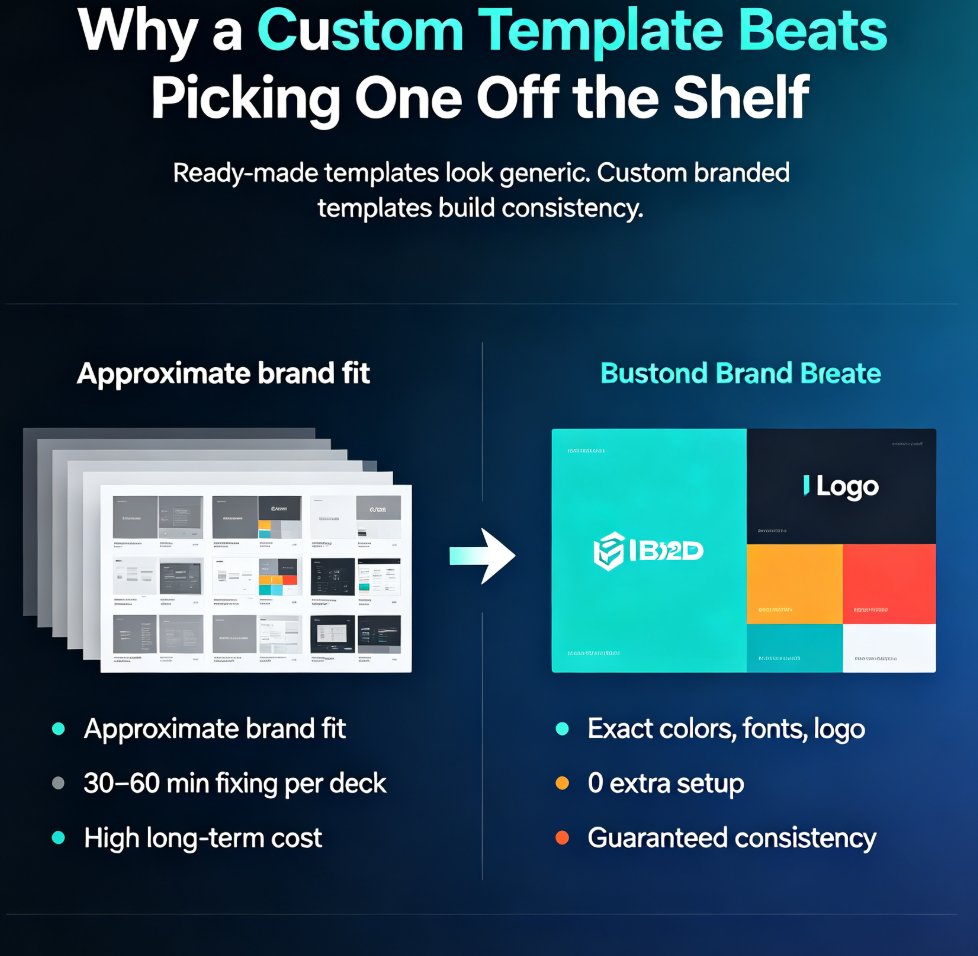
How to Build a Custom Branded Template in 5 Steps with Zendeck

Courseware Design 2026-08-18 929

Building a custom branded template in Zendeck takes five steps and zero design skills. This tutorial shows you how to define your brand foundation, set up master layouts, build reusable components, wire everything into a brand kit, and save a reusable template that keeps every deck on-brand automatically. Stop fixing colors and fonts in every presentation — build a template once and let it do the work forever. Perfect for educators, trainers, HR teams, and content operators who need consistent, professional decks without the formatting grind. Includes a ready-made vs. custom template comparison, the five-step workflow, common mistakes to avoid, and answers to the most frequent questions about branded templates in Zendeck. By the end, you'll have a reusable system that cuts deck creation time dramatically.

Keep Training Decks On-Brand with Zendeck's One-Click Reskin

Office Efficiency 2026-08-18 3521

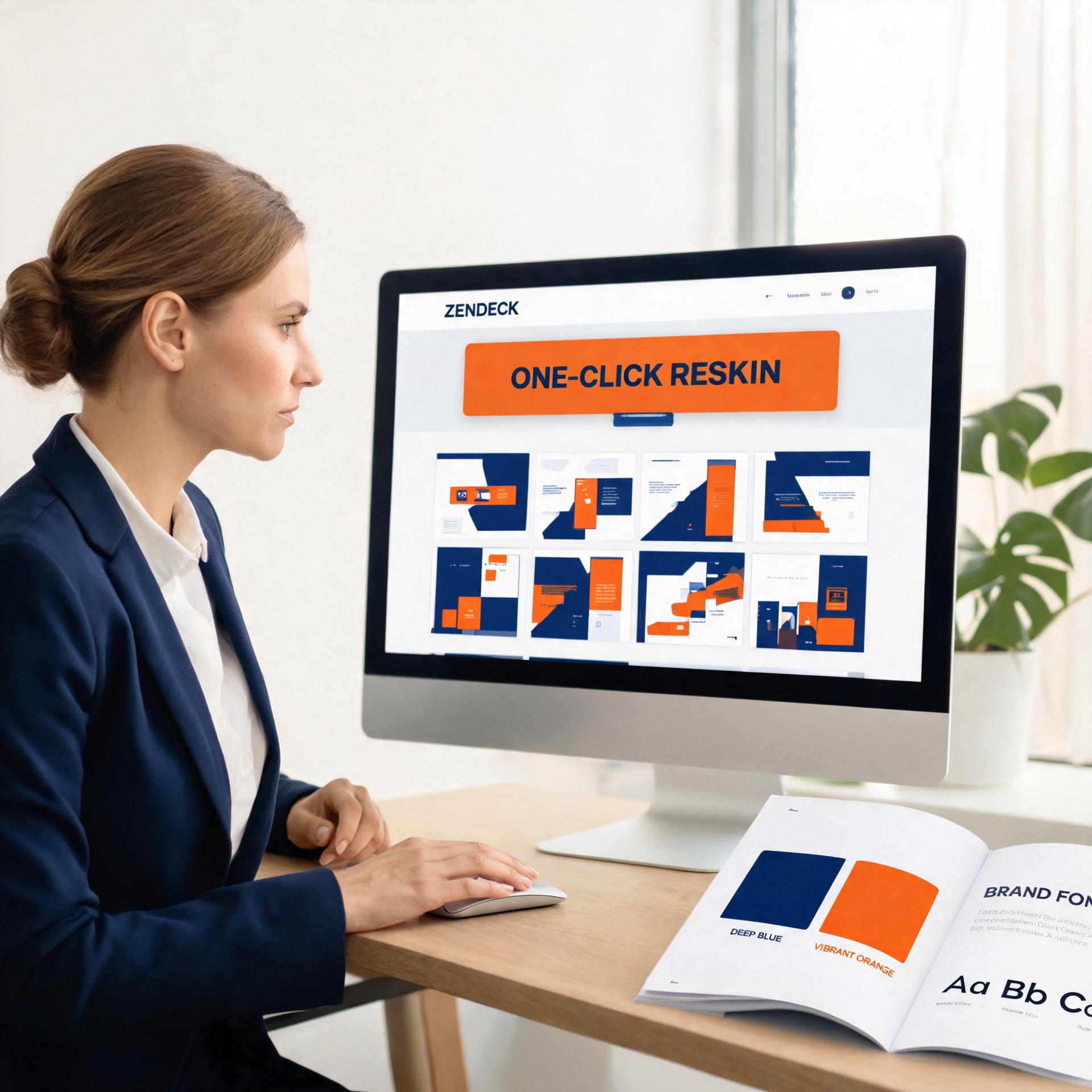
Keep training decks on-brand with Zendeck's one-click reskin. Corporate trainers and HR teams struggle with inconsistent fonts, colors, and layouts across AI-generated presentations — and most AI tools make it worse by generating random visual styles. Zendeck's smart reskin applies your saved brand kit, including logos, colors, and fonts, across every slide in a single action, with zero design skills required. This practical guide covers setting up brand kits, the step-by-step reskin workflow, keeping an entire team compliant, and measuring brand consistency over time. You'll also get a comparison of manual versus automated reskinning, plus a brand audit framework you can use monthly. Stop fixing slides one by one and start applying a system. Learn how to turn messy, off-brand training decks into a unified, professional library in minutes.

Keep Training Decks On-Brand: Zendeck's One-Click Reskin for Teams

Office Efficiency 2026-08-18 2712

Training decks go off-brand because templates rely on human discipline — and that discipline fails every time. Zendeck's one-click reskin fixes this by automatically applying your brand kit's fonts, colors, and layout rules across any deck in about two minutes. This practical guide shows training and HR teams how to enforce brand consistency without design skills, compares reskin against manual redesign and template re-application with real time data, and lays out a three-step workflow that turns brand governance from a training problem into a technology solution. If your L&D team is tired of brand review cycles eating into content production time, this is the workflow you've been looking for. No design degree required, no brand team bottleneck, and every deck ships on-brand.

One-Click Reskin: How to Unify Fonts, Colors, and Layout with Zendeck

PPT Tutorial 2026-08-18 2610

Struggling to keep your presentations on-brand? Zendeck's one-click reskin instantly unifies fonts, colors, and layout across every slide, saving hours of manual formatting. In this tutorial, you'll learn how to use Zendeck's smart layout and reskin features to achieve consistent, professional decks in seconds. We'll cover step-by-step instructions, design tips from industry experts, and best practices for maintaining brand consistency across teams. Whether you're a corporate trainer, educator, or marketer, this guide will help you create polished presentations without design skills. Discover how Zendeck empowers anyone to produce brand-consistent slides effortlessly.

Word to PPT Import Breaking Layout? Zendeck Fixes It in One Click

AI Courseware 2026-08-18 3155

Tired of Word to PPT imports that wreck your layout and eat your afternoon? Zendeck's AI-driven Word import reads your document's structure — headings, tables, key data — and rebuilds it into clean, professionally designed slides in one click. No more hours of manual reformatting, no more text spilling off slides, no more fighting with Word's built-in export. This guide breaks down why traditional Word-to-PowerPoint conversion fails, how Zendeck's structure-first approach fixes it, and the exact workflow to convert a 30-page report into a polished deck in under ten minutes. You'll also see a side-by-side comparison of Zendeck vs. Word export vs. free converters, plus practical tips for keeping your brand consistent across every slide.

▲