Popular Articles

A curated collection of the most-read and editor-picked articles — see what everyone's reading.

506 articles

Accessibility Gaps in Courseware? Zendeck Auto-Adds Alt Text for You

Courseware Design 2026-08-25 967

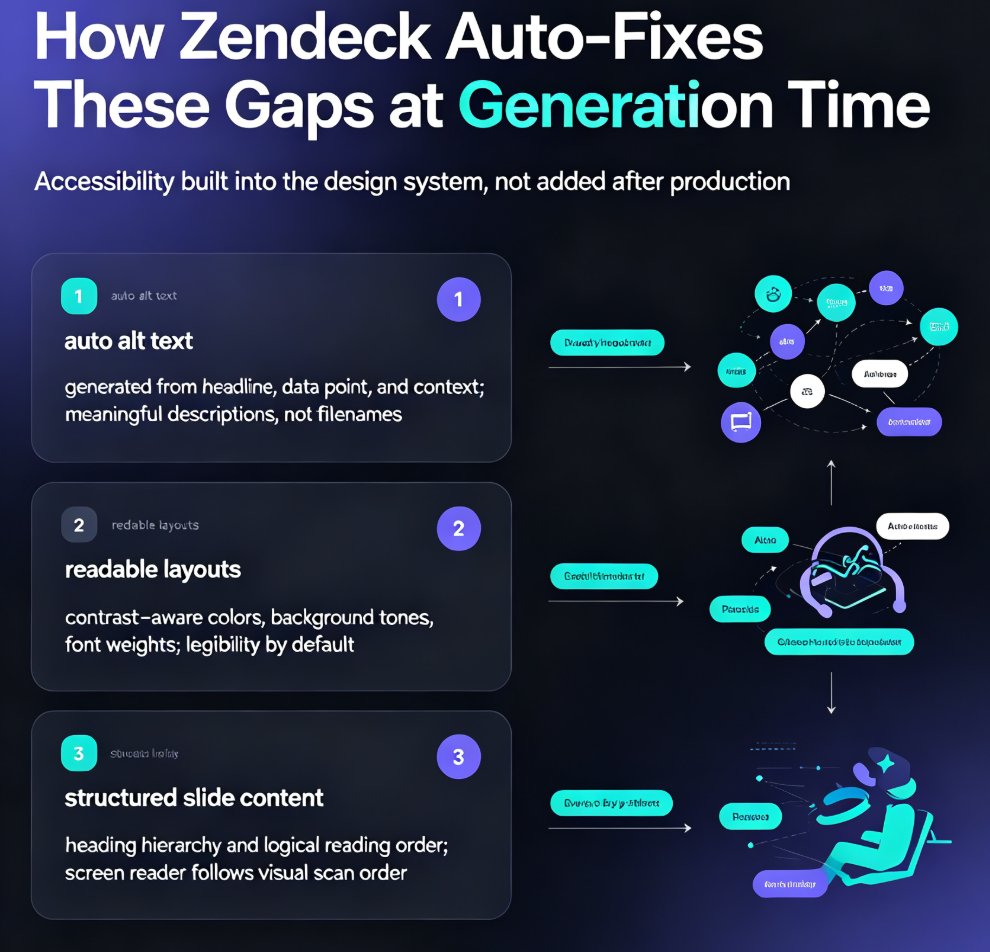
Accessible courseware doesn't have to mean weekend cleanup sessions. Zendeck auto-generates alt text, enforces readable contrast, and structures slide content so screen readers follow the logic — helping educators meet WCAG and ADA requirements without extra effort. This guide breaks down the three biggest accessibility gaps in AI-generated courseware, shows how Zendeck fixes them at generation time, and walks through a practical workflow for building accessible decks in minutes. You'll also see why accessible design improves learning outcomes for every student, not just those using assistive tech, and how to turn an accessible deck into a narrated micro-course with captions. If you're tired of fixing slides after the audit email, this is the workflow you've been missing.
HR Onboarding Decks: Real-Time Collaboration Case Study with Zendeck

Office Efficiency 2026-10-27 950

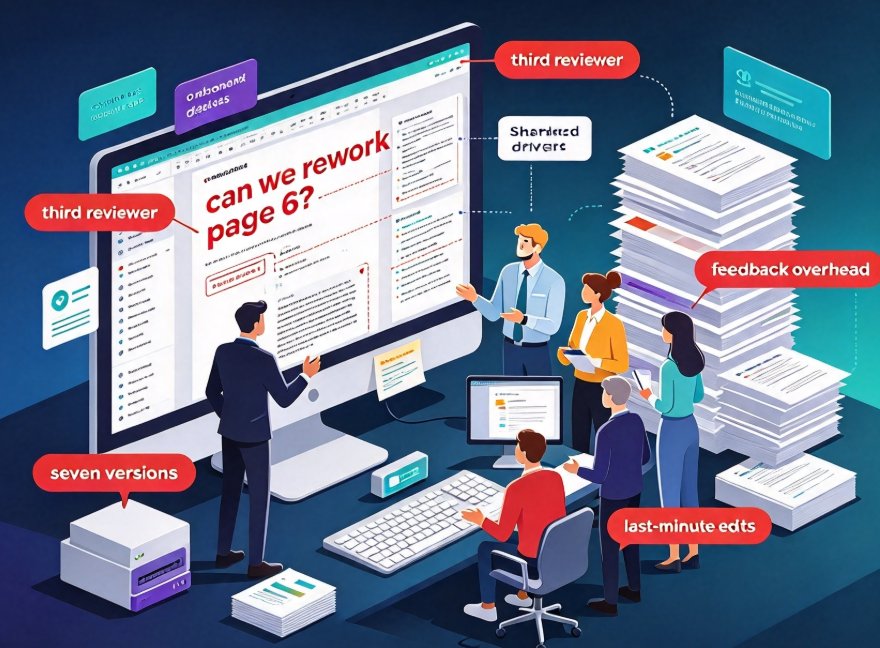
When a five-person HR team used Zendeck's real-time sharing, inline comments, and version control to rebuild their onboarding deck, they cut production time from three weeks to about one and a half and eliminated version chaos entirely. This case study walks through the exact multi-editor workflow: link sharing with edit and view-only access, one-click rollback to earlier versions, and turning the final deck into a narrated video for remote hires. If your onboarding process still relies on email chains, shared drives, and files named “final v7(2),” this breakdown shows the practical path to a single source of truth — and a much smoother new-hire training session. Along the way, we cover the review overhead that usually kills team decks and the one habit that kept everything on track.

How AI Personalizes Presentation Templates: 2026 Library Trends

AI Courseware 2026-08-20 950

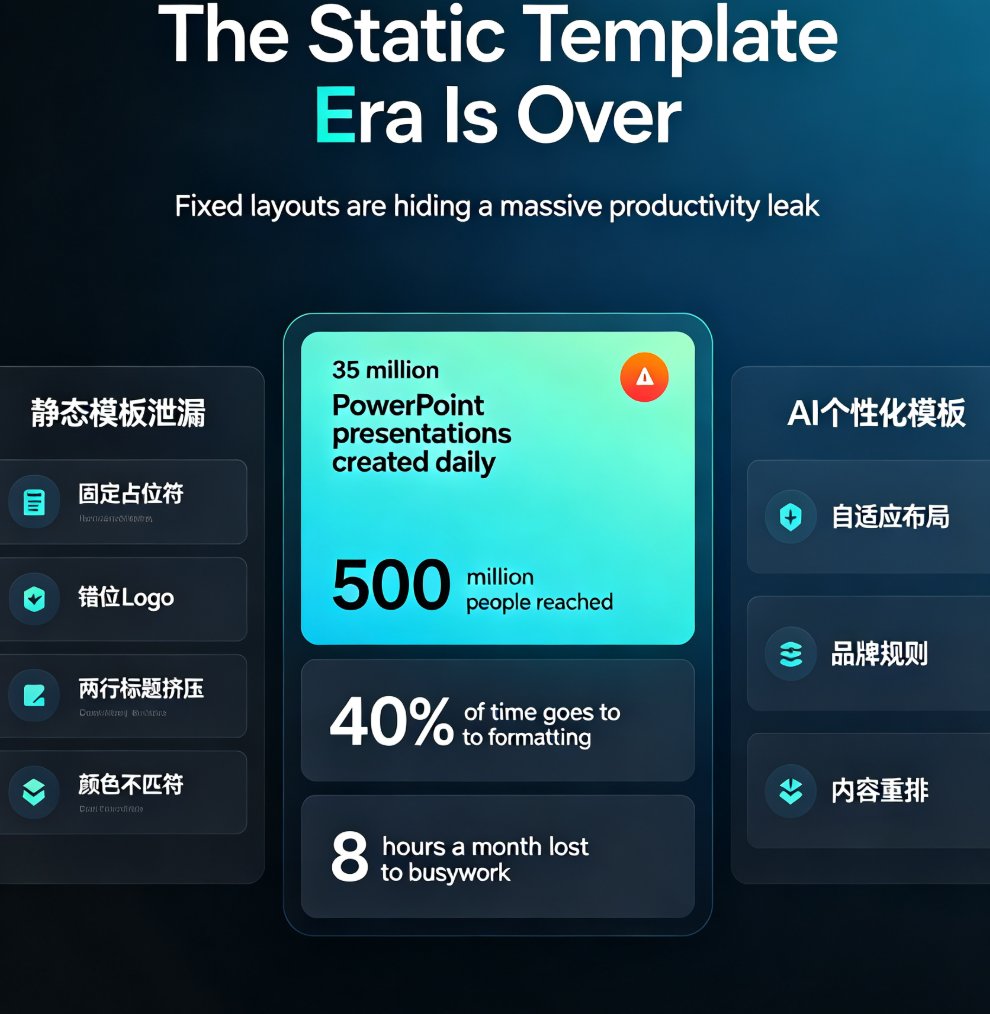
AI template library trends in 2026 show a major shift: static designs are giving way to AI-personalized presentation templates that adapt to your content, brand kit, and audience. Zendeck's smart template library recommends and reshapes layouts automatically, cutting the 8 hours monthly that office workers lose to formatting. This guide breaks down how AI personalizes templates, what to look for in a template library, and why brand consistency is now automated rather than manual. If you're tired of off-brand slides and repetitive design fixes, here's how AI template personalization changes the game — and how Zendeck's AI-driven library keeps every deck on-brand, on-message, and visually consistent without a designer on call. We'll cover the data behind the trend, the features that matter, and a practical checklist for choosing the right AI template library for your team.

Stop Manual Formatting: Zendeck Smart Layout One-Click Reskin

Courseware Design 2026-08-27 940

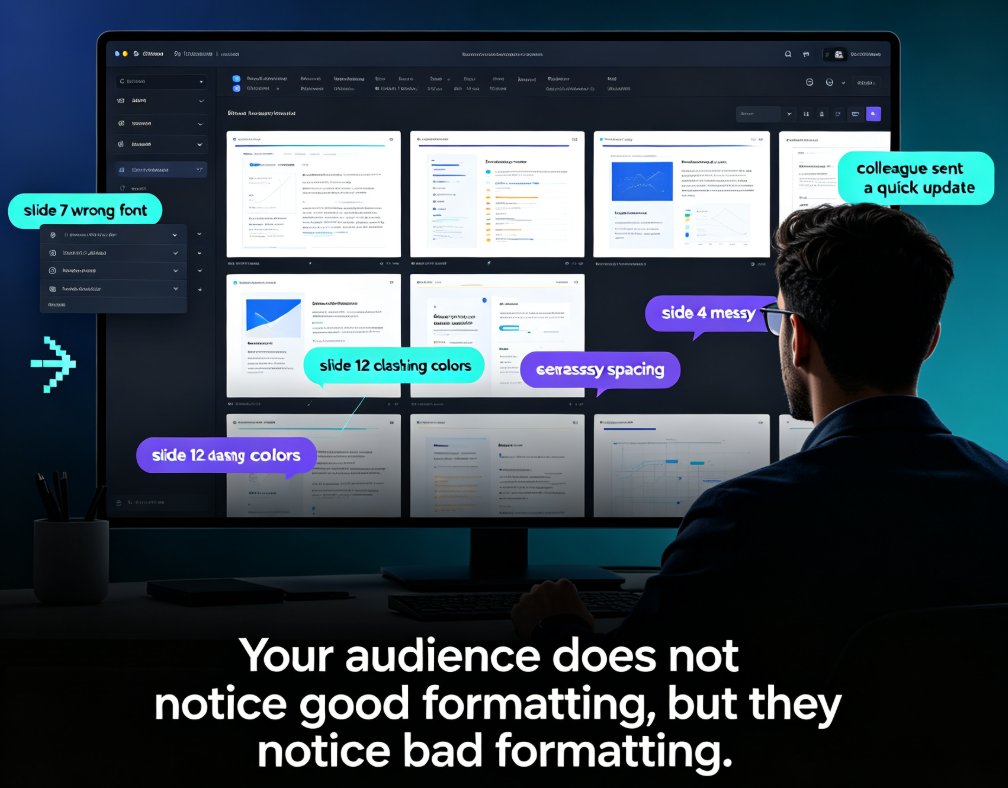
Stop wasting hours on manual formatting. Zendeck's smart layout one-click reskin automatically unifies fonts, colors, and spacing across your entire deck in seconds. Built for teachers, trainers, HR teams, and content operators, this AI-powered feature turns messy, inconsistent slides into professional courseware without any design skills. In this guide, we break down how smart layout works, compare it to manual formatting with real time-cost numbers, and share five habits that make your decks look consistently polished. If you've ever spent a night fixing font sizes and alignment, this is the workflow change you've been waiting for. Whether you're building weekly course updates, merging multi-author decks, or enforcing brand compliance, Zendeck makes professional-looking presentations the default — not the exception. Stop formatting. Start teaching.

Deck Feedback Scattered? Zendeck Centralizes Reviews in One Place

Office Efficiency 2026-08-25 939

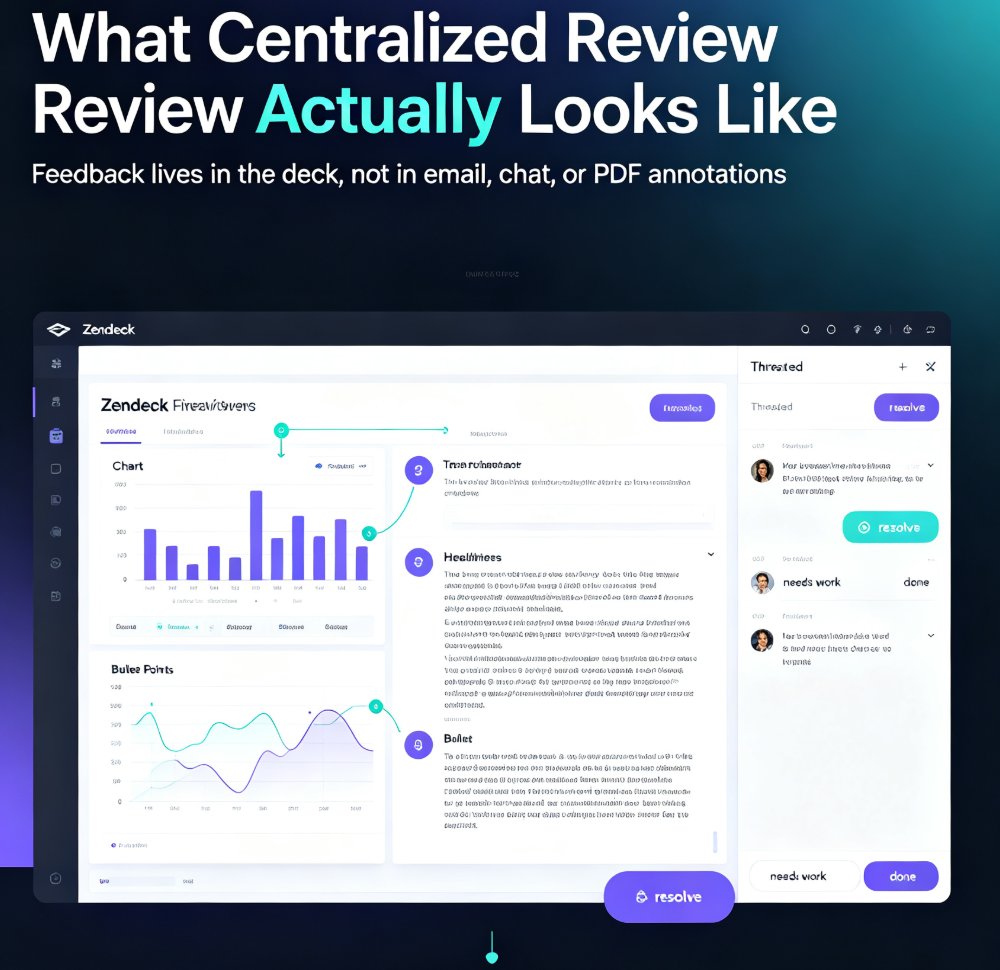
Scattered deck feedback across email and chat wastes hours and kills quality. Zendeck centralizes reviews in one place, anchoring comments to specific slides so your team can resolve feedback faster. This guide breaks down the real cost of scattered reviews, shows a practical five-step workflow, and compares scattered vs. centralized review side by side. If you're tired of hunting for comments across five tools, this is the fix. Learn how to set a review window, keep threads tight, and close the loop on every comment — so your decks get better and your team stops losing feedback. Stop chasing opinions and start acting on them with Zendeck's centralized review workflow. Whether you're a team lead, trainer, or content operator, the same principle applies: feedback belongs in the deck, not in your inbox.

▲