
Tags:AI slide generation

17 articles

5 Steps to Turn a PDF Report into a Presentation with Zendeck's Doc Import

Office Efficiency 2026-08-12 2278

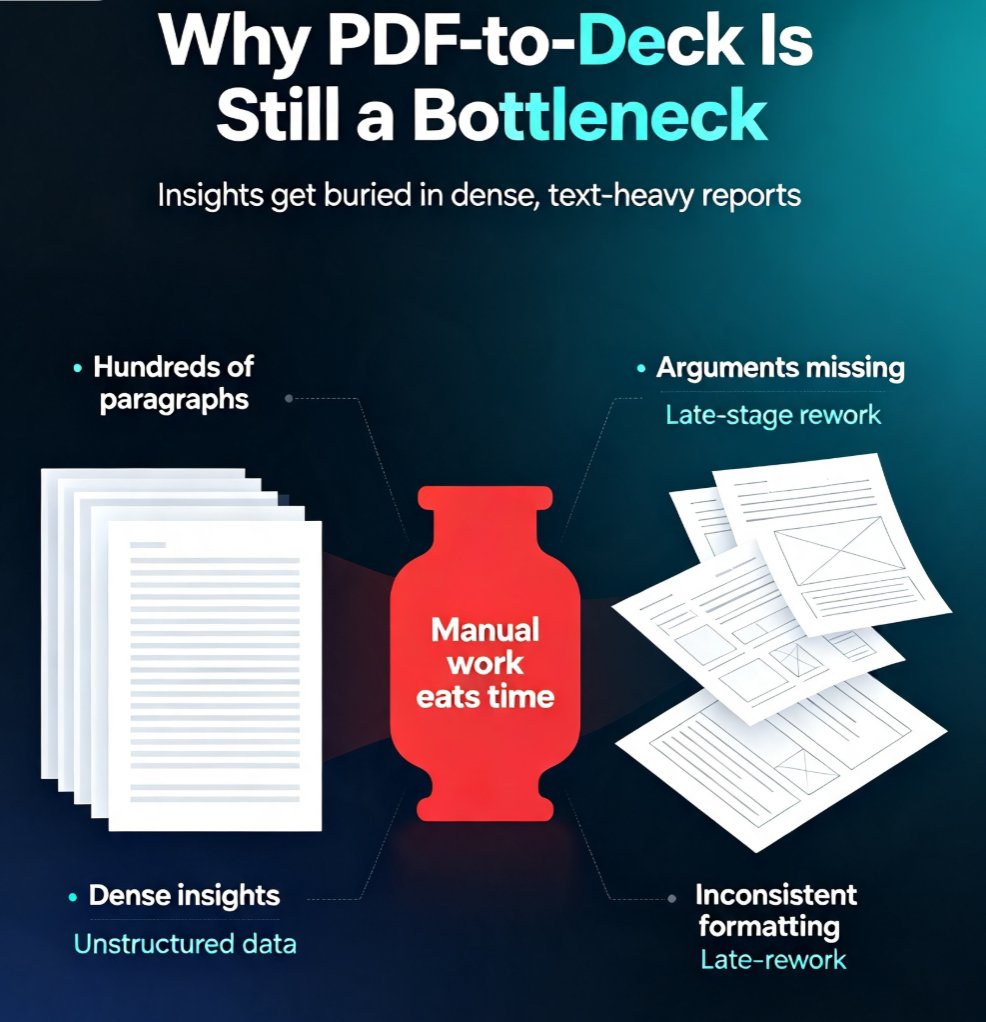
Learn how to turn a PDF report into a polished presentation with Zendeck's doc import. This 5-step guide shows analysts and consultants how to auto-extract key points, structure slides, and apply smart layouts in minutes — not hours. Stop manually summarizing dense reports and start building board-ready decks with Zendeck's AI-powered workflow. We cover the exact workflow: uploading your PDF, letting AI identify the narrative arc, reviewing the auto-generated outline, applying consistent templates, and exporting a deck your stakeholders will actually read. Includes a manual-vs-AI comparison table, pro tips for cleaner conversions, and answers to common questions about file formats, editing flexibility, and brand consistency. Whether you're repackaging a quarterly market report or turning a 40-page research document into a 10-slide executive briefing, this guide gives you a repeatable process.

Turn Scanned Paper Docs into Editable AI Slides with Zendeck's OCR

PPT Tutorial 2026-08-10 1705

Zendeck's OCR feature turns scanned paper documents into editable AI slides in minutes. Stop retyping printed reports, handouts, and lecture notes. Upload a scan, extract the text, and generate a professional presentation with Zendeck's AI. Learn the step-by-step workflow, compare time savings, and see real-world use cases for educators, consultants, and HR teams. This guide shows how OCR plus AI structuring makes legacy content reusable, searchable, and presentation-ready. Whether you're digitizing old training materials or converting client reports, Zendeck's OCR saves hours and keeps your decks on-brand. Get started today and turn that filing cabinet into a slide library.

Step-by-Step: Create a Micro-Course from Scratch Using Zendeck's AI and Template Library

Micro-Course Production 2026-08-06 2624

Stop wasting hours on slide design and video editing. Learn how to build a complete micro-course in minutes using Zendeck's AI-powered slide generation, professional templates, and one-click PPT-to-video conversion. This step-by-step guide walks you from template selection to final video export, with practical tips for educators and trainers.

How to Import and Polish a PDF Report into a Presentation Using Zendeck's Doc to Slides

Office Efficiency 2026-08-06 2962

Stop manually copying text from PDF reports into slides. With Zendeck's Doc to Slides feature, you import a PDF, AI extracts key points, and you polish the deck instantly. This tutorial shows how to turn a dense report into a clean, branded presentation in minutes—no design skills needed. Learn the step-by-step workflow, including the expand and polish tools, to save hours and avoid formatting headaches.

From Word to Slides: Import Outlines into Zendeck for Instant Decks

Office Efficiency 2026-08-03 2107

Stop wasting 3–4 hours manually converting Word outlines into slides. Zendeck's Word Import feature transforms any document into a polished, on-brand deck in seconds. Learn how to paste or upload your outline, let AI handle layouts and formatting, and get consistent, professional presentations without design skills. Perfect for trainers, educators, and busy professionals.