
Tags:Zendeck Word import

9 articles

Word to Slides: AI Outline Import Streamlines Deck Creation

AI Courseware 2026-08-20 2970

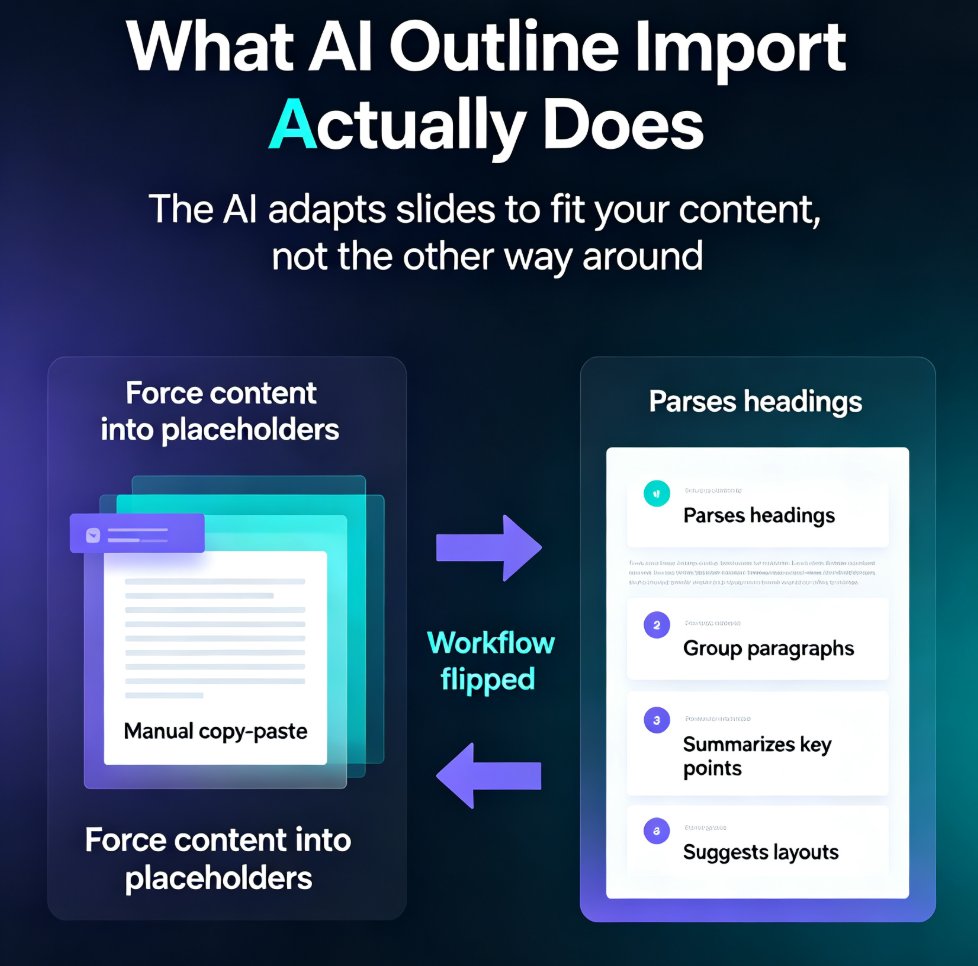
Stop copy-pasting Word documents into PowerPoint. AI outline import turns your existing Word files, outlines, and notes into structured, designed slides in minutes. Zendeck's Word-to-PPT feature analyzes headings, paragraphs, and lists, then generates a polished deck — saving you up to 75% of the time manual conversion takes. Learn how to convert Word to slides, what the AI does automatically, and best practices for preparing your document. Whether you're a trainer, consultant, or HR professional, this guide shows you how to go from document to deck without the grunt work. Includes a step-by-step tutorial, a manual vs. AI comparison, and answers to common questions about Word import, outline structure, and editing AI-generated slides.

Word to PPT Import Breaking Layout? Zendeck Fixes It in One Click

AI Courseware 2026-08-18 3155

Tired of Word to PPT imports that wreck your layout and eat your afternoon? Zendeck's AI-driven Word import reads your document's structure — headings, tables, key data — and rebuilds it into clean, professionally designed slides in one click. No more hours of manual reformatting, no more text spilling off slides, no more fighting with Word's built-in export. This guide breaks down why traditional Word-to-PowerPoint conversion fails, how Zendeck's structure-first approach fixes it, and the exact workflow to convert a 30-page report into a polished deck in under ten minutes. You'll also see a side-by-side comparison of Zendeck vs. Word export vs. free converters, plus practical tips for keeping your brand consistent across every slide.

From Word to Slides: Import Outlines into Zendeck for Instant Decks

Office Efficiency 2026-08-03 2107

Stop wasting 3–4 hours manually converting Word outlines into slides. Zendeck's Word Import feature transforms any document into a polished, on-brand deck in seconds. Learn how to paste or upload your outline, let AI handle layouts and formatting, and get consistent, professional presentations without design skills. Perfect for trainers, educators, and busy professionals.

▲