
Tags:AI deck generation

9 articles

Word to Slides: AI Outline Import Streamlines Deck Creation

AI Courseware 2026-08-20 2970

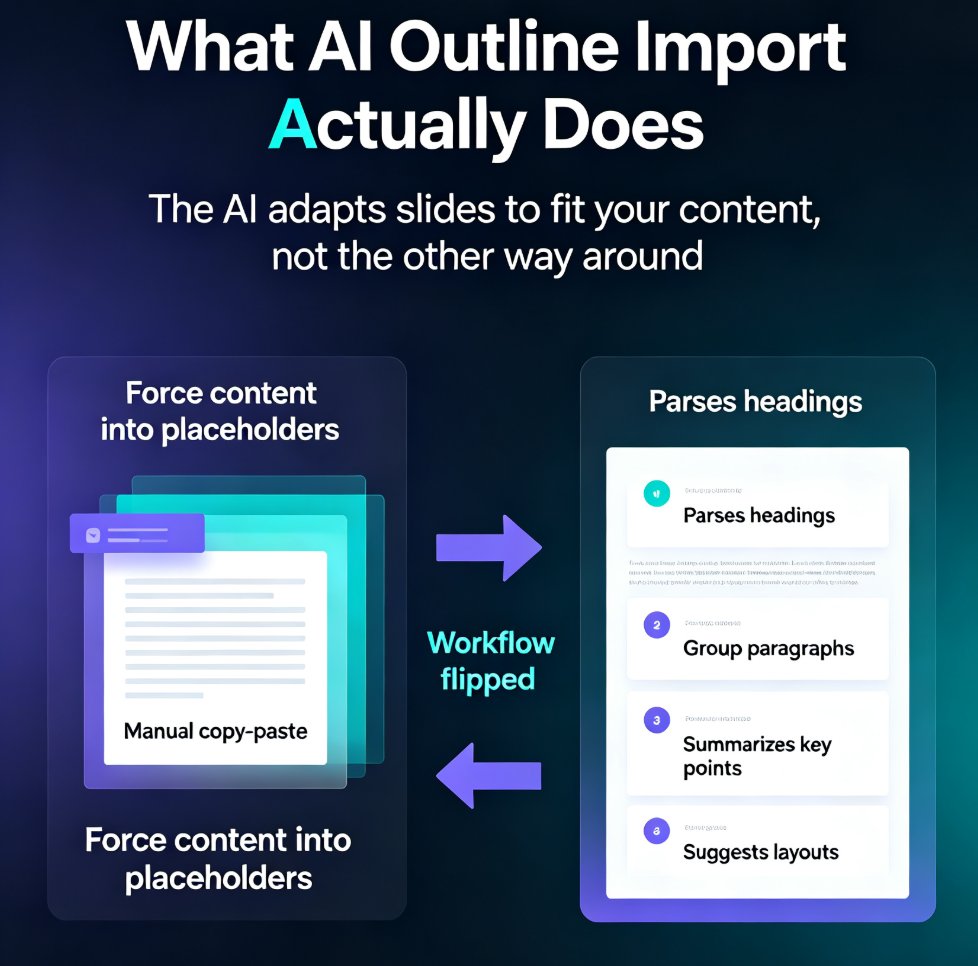
Stop copy-pasting Word documents into PowerPoint. AI outline import turns your existing Word files, outlines, and notes into structured, designed slides in minutes. Zendeck's Word-to-PPT feature analyzes headings, paragraphs, and lists, then generates a polished deck — saving you up to 75% of the time manual conversion takes. Learn how to convert Word to slides, what the AI does automatically, and best practices for preparing your document. Whether you're a trainer, consultant, or HR professional, this guide shows you how to go from document to deck without the grunt work. Includes a step-by-step tutorial, a manual vs. AI comparison, and answers to common questions about Word import, outline structure, and editing AI-generated slides.

Preview Before You Commit: Picking the Perfect Template with Zendeck

Courseware Design 2026-08-18 1646

Picking the wrong template is the #1 time-waster in AI deck creation. This guide shows you how to preview and filter Zendeck's template library by style, color, and industry before you generate — so you commit to the right look the first time. Learn what to look for when previewing templates, how to narrow hundreds of options to a shortlist in under a minute, and the three template-picking mistakes that cost trainers and educators hours of redesign time. With Zendeck's preview and filtering tools, you can go from 'hundreds of templates' to 'this one works' in minutes — and spend your time on content, not cleanup. Includes a practical decision framework for when to commit and when to keep browsing.

How a Consultant Created a Data-Rich Case Study Deck in 10 Minutes with Zendeck

AI Courseware 2026-08-06 2992

A management consultant needed to turn raw data and a Word outline into a polished case study deck in under an hour. Using Zendeck's AI deck generation and asset library, she imported the outline, chose a template, and let AI suggest charts, icons, and layouts — finishing a data-rich, visually consistent presentation in just 10 minutes. This article breaks down the workflow, shows before-and-after time savings, and explains how any consultant can replicate the process.